How do I get started with Aim?

Open Aim and you land on your timeline. Plan something, press the pink play button, go watch or listen, and tick it off. That's the loop. Everything else is in the menu on the side.
This is the short tour. Every part has its own article if you want the details.
Where do I land?
On your Timeline. It's your day from Wake up to Wind down, with what you planned, what you logged, and the free gaps in between. Tap a gap to add something. Tap the circle on a task to tick it off. See How does my timeline work?.
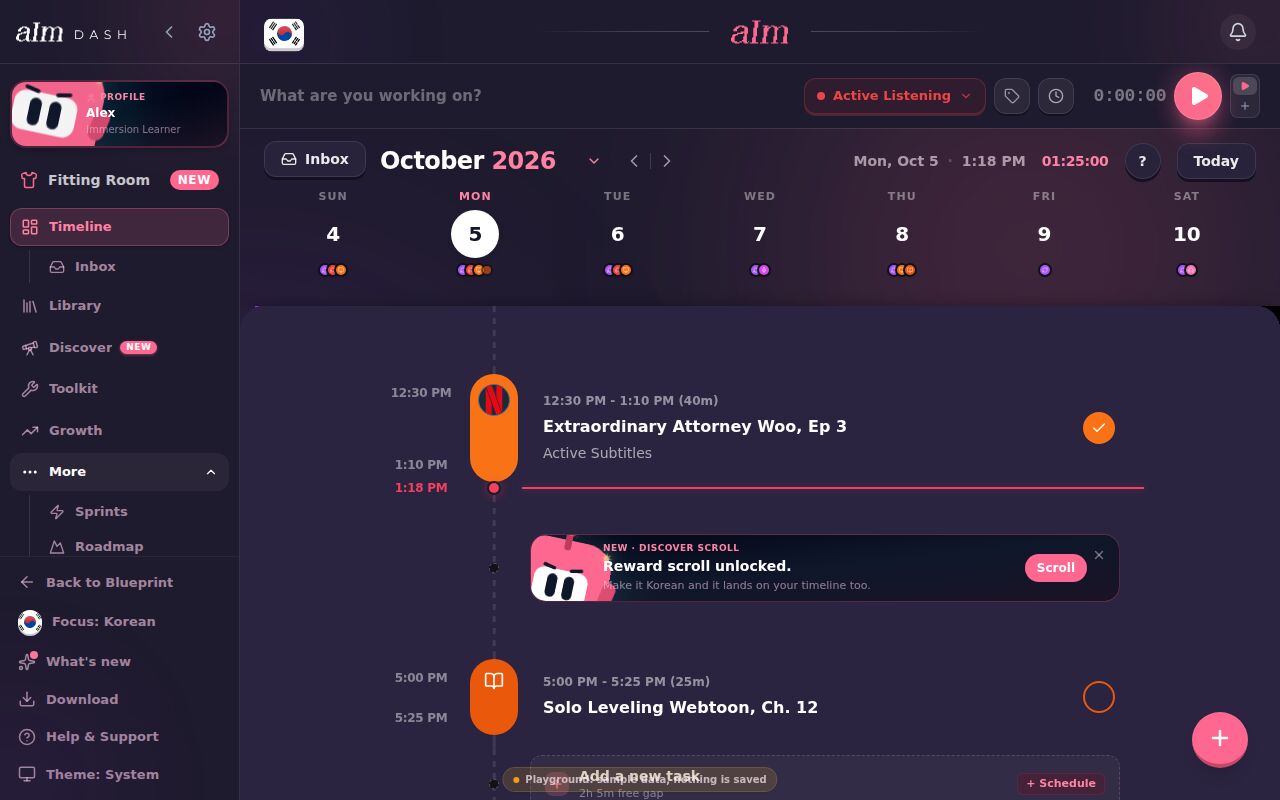
Lost? The ? at the top of the timeline explains every part of it. See How do I use the timeline guide?. On your very first day, I also walk you through it myself. See What is the first-day tour?.
What's in the menu?
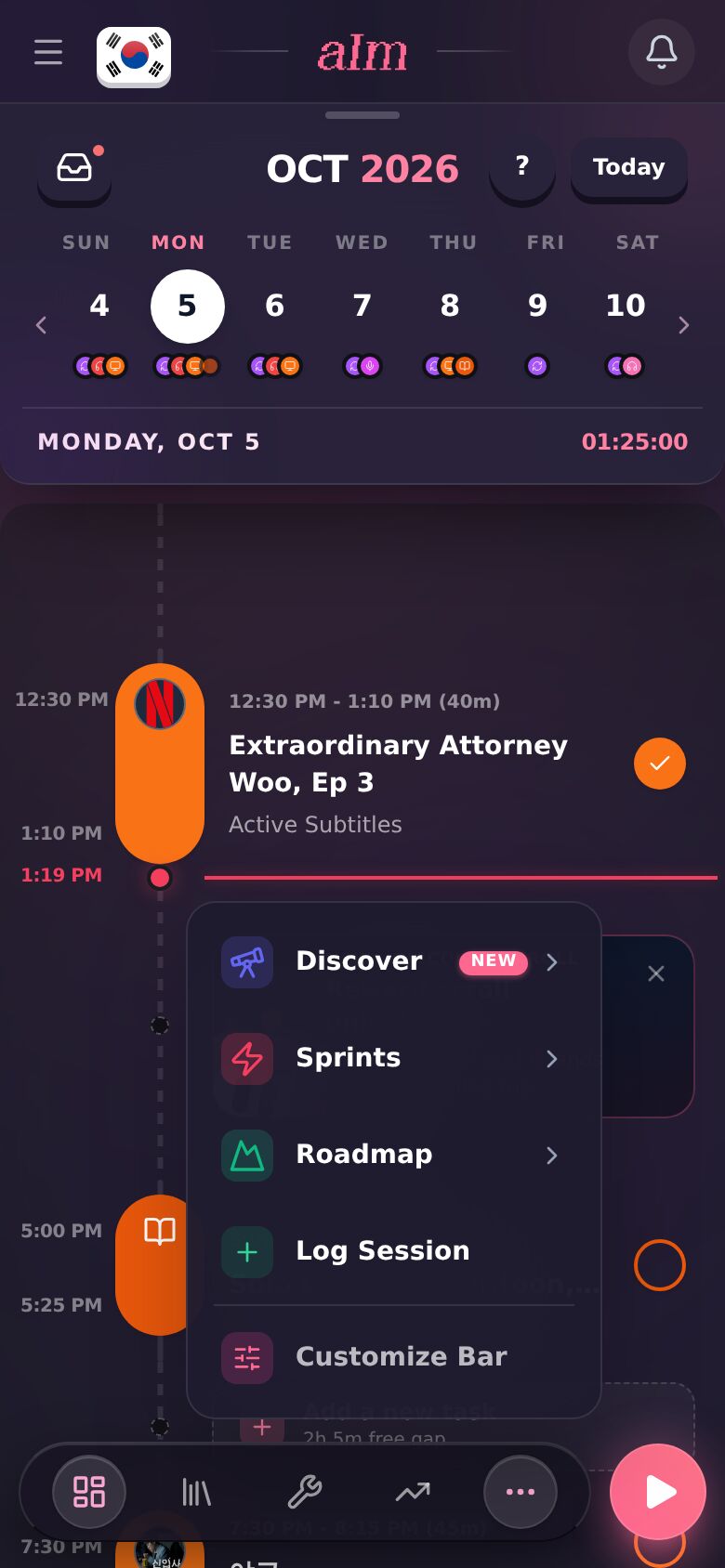
On desktop the menu sits on the left. On a phone, the bar at the bottom has Timeline, Sprints, Library and Growth, and the ⋯ holds the rest. The ☰ button at the top left opens the full menu.
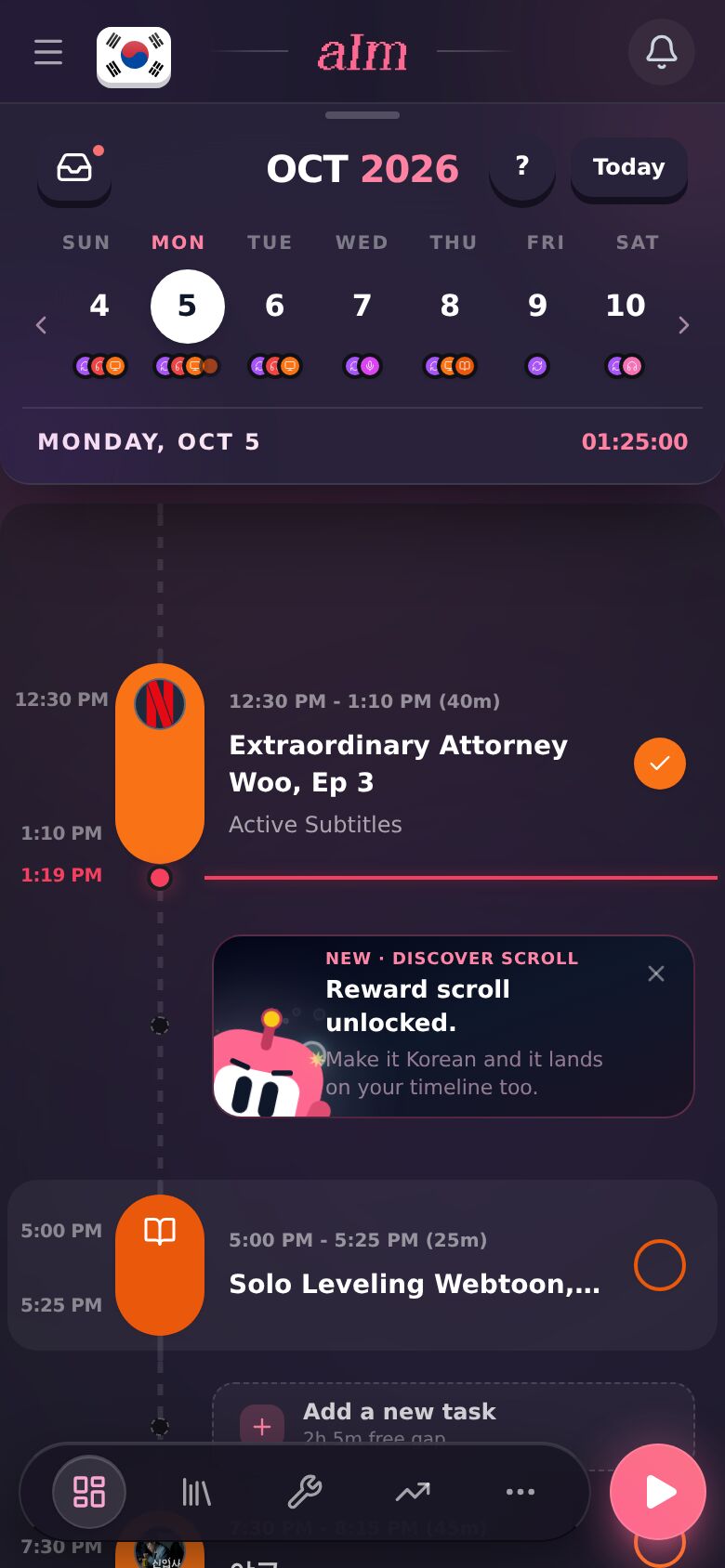
- Timeline. Your day. Plan it, run it, tick it off. See How does my timeline work?.
- Inbox. Things you want to do but haven't given a time yet. See How do I use the inbox?.
- Library. Every platform for your language and my picks, plus your Immersion List. See How do I use the Library? and What is my Immersion List?.
- Discover. An endless feed of videos and creators in your language. Doom-scroll in your target language. See What is Discover?.
- Toolkit. Tools for your language: something to help you watch, flashcards, dictionaries, translators and grammar help. See What's in the Toolkit?.
- Growth. Your hours, your streak, and your week at a glance. See How do I see my progress?.
- Sprints. This month's Immersion Mission and Daily Quests, with the month's medallion to earn. See What are Sprints?.
On a phone, the ⋯ button also has Log Session (for time you forgot to track) and Customize Bar (to pick what sits in the bottom bar).
The rest of the top bar and the menu (your flag, notifications, your profile, Download, Help & Support) is in What's in the top bar and the menu?.
How do I track my time?
Press play. On a phone it's the pink button at the bottom right. On desktop it's in the bar at the top, next to "What are you working on?". The timer starts right away. Go watch, listen or read, then tap Stop and the time lands on your timeline.
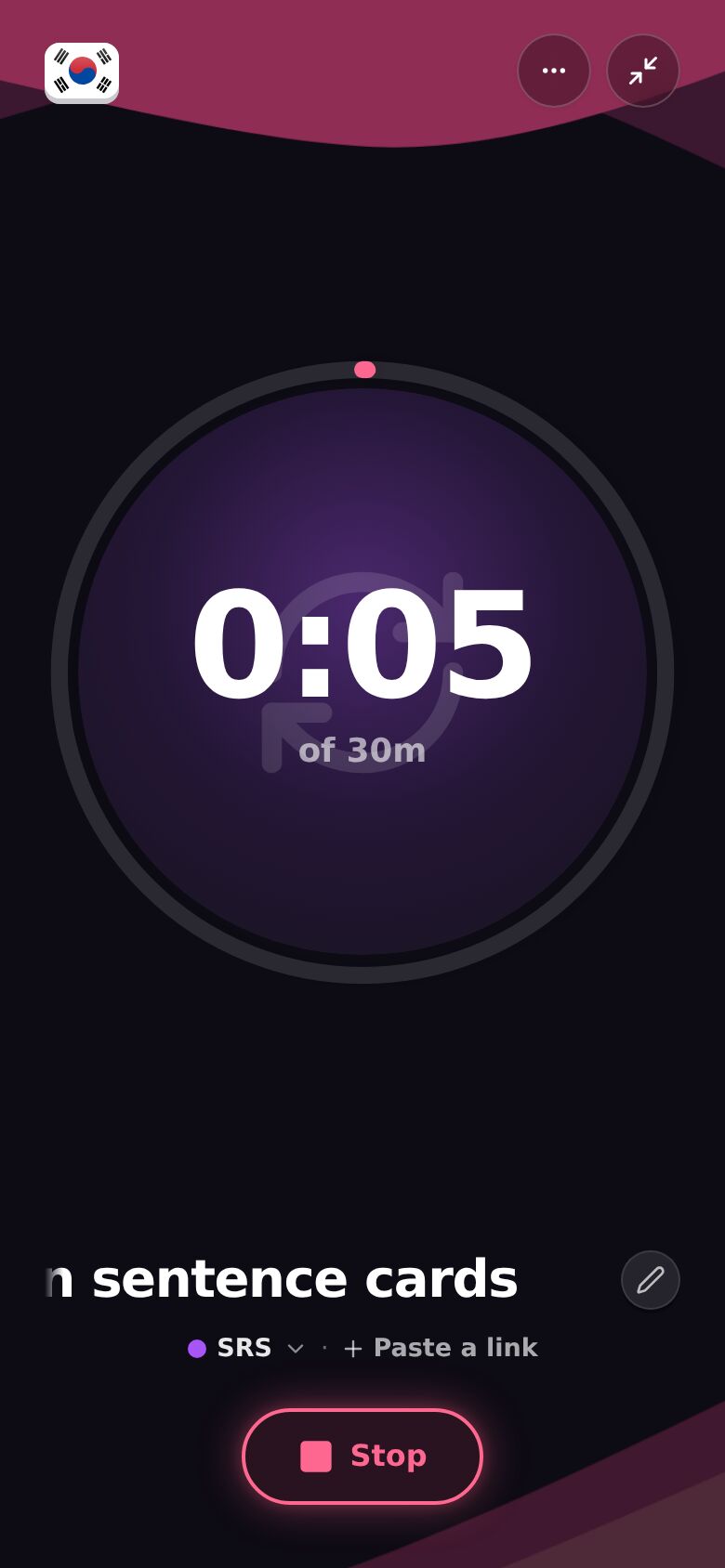
Paste a YouTube link as the name and I fill in the title and play it right there. Forgot to press play? You can log it afterward. See How do I start a session? and I forgot to start the timer.
How do I add my own stuff?
Found a show, a podcast or a channel you love? Add it to your Immersion List so it's one tap away next time. See How do I add my own content?.
How do I see how far I've come?
Open Growth. It tells you how this week is going, how much time you've put in, and your streak. Every old session is in your history too, with your notes, so you can rewatch something a month later and see how much more you get. See How do I see my progress? and How do I look back at old sessions?.
What's free, and what's Pro?
Your blueprint is free. Your plan, your protocol, your tools and my picks of things to watch, listen to and read, for one language. Back to Blueprint in the menu takes you there. See What's on my blueprint?.
The daily part is Pro. The timeline, sessions, the Library page, Discover (you also need to be signed in), Sprints and Growth. Pro is $60 a year, which starts with a 7-day free week, or $9.99 a month. The full list is in What can I do without Pro?.
Good to know
- Try it first. The sample app is the real thing on made-up data. No account needed. See Can I try Aim without an account?.
- Phone and computer. Same account, same timeline. Put Aim on your home screen so it opens like an app. See How do I install Aim on my phone or computer?.
- Keyboard on desktop. Space starts a session, the arrow keys move between days. See What keyboard shortcuts can I use?.
- Aim gets outfits. Put in the hours and Aim unlocks new looks. See How do I change Aim's outfit?.
- Stuck? Poke me on Discord, or email support@adeimmersed.com. A real person answers.