What is Discover?

Discover is where you find stuff in your language. Videos, creators, and a scroll feed. Doom-scroll in your target language, and it counts.
Discover is part of Pro, and you need to be signed in. On a free account, you still get creators in your language on your blueprint. See Your blueprint and The immersion library on your blueprint.
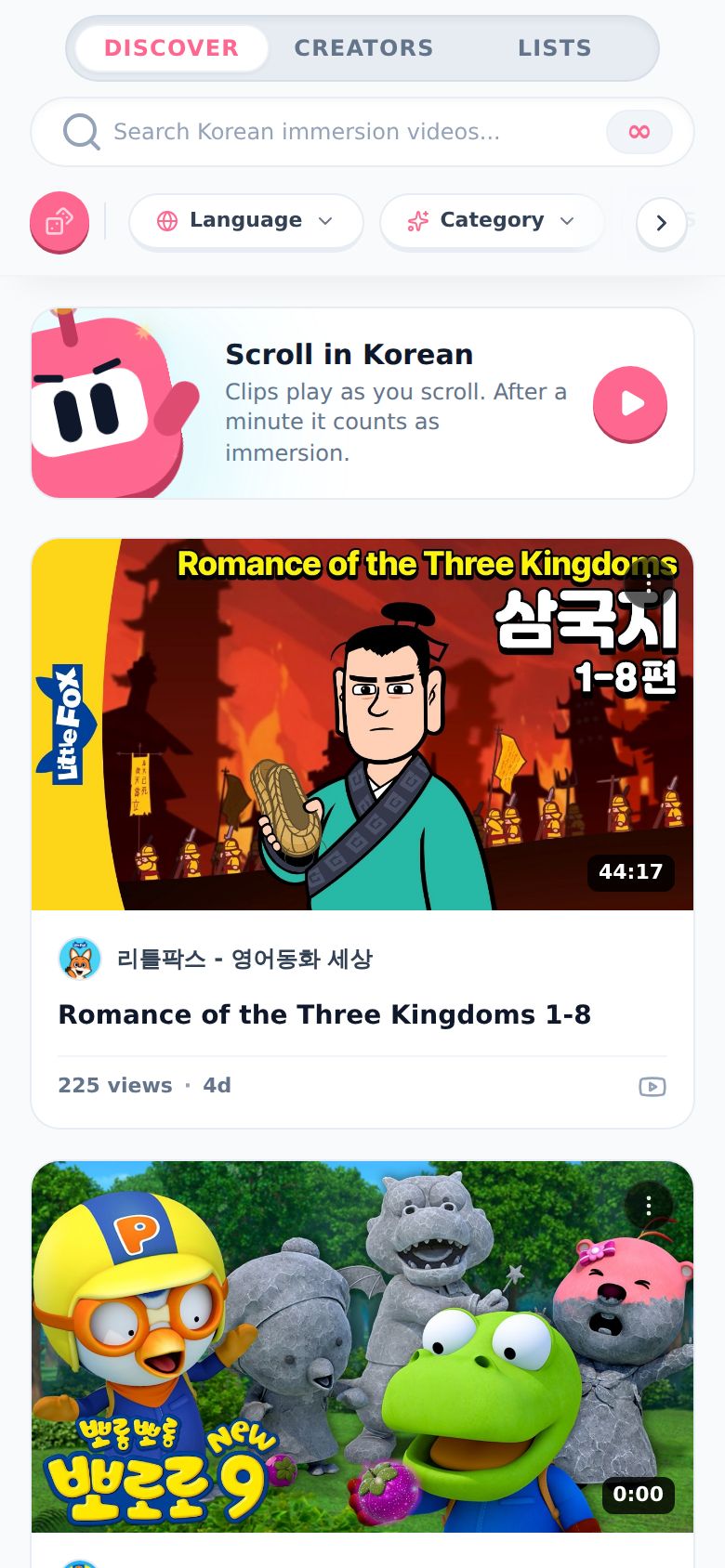
How do I open it?
Tap Discover in the menu. It's the telescope. On a phone it sits in the bottom bar, or under the ••• button. On desktop it's in the menu on the side.
The Discover scroll card on your timeline is a shortcut too. It drops you straight into the scroll feed.
What are the tabs?
There are three, at the top:
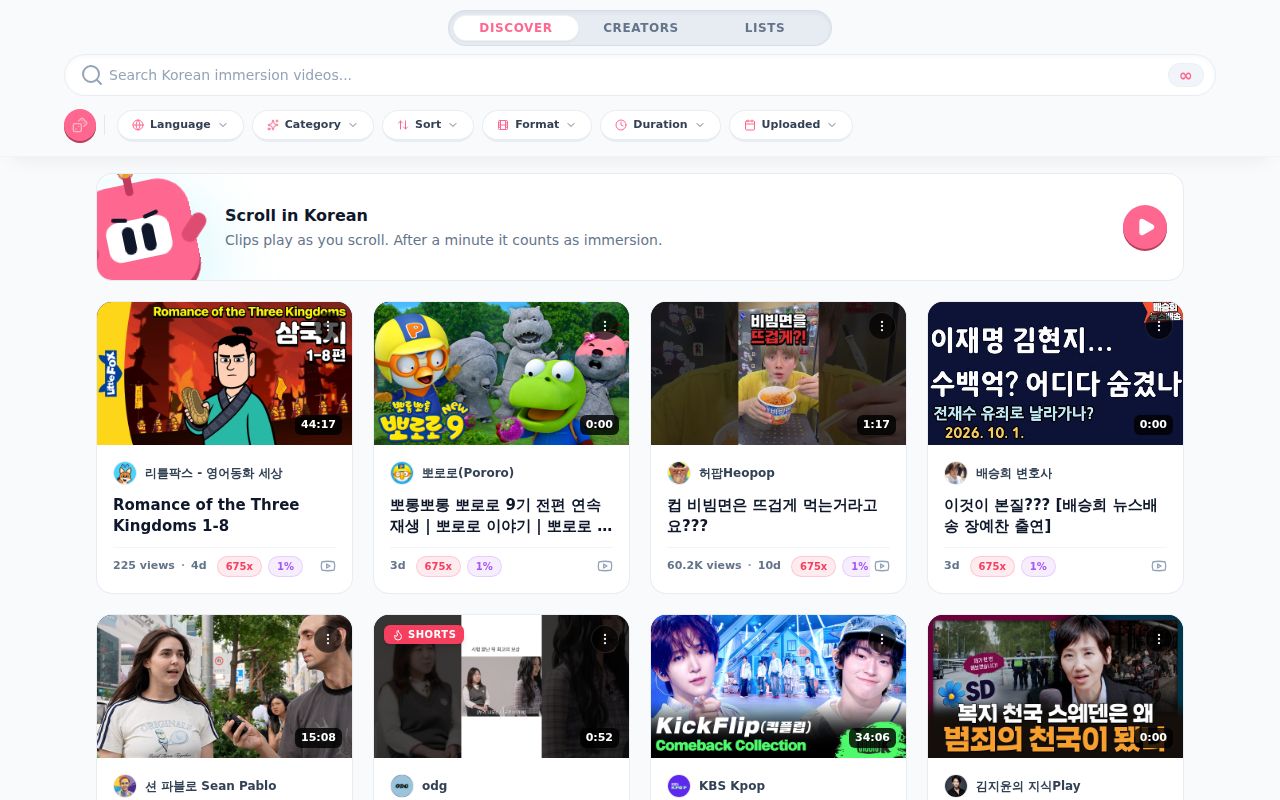
- Discover. Videos in your language, newest and best first. At the top is the Scroll in Korean card (it says your language), which opens the scroll feed. See How does the scroll feed work?.
- Creators. Channels in your language. See How do I find creators in my language?.
- Lists. Everything you've kept, in one place: new videos From your creators (the channels on your Immersion List), the videos you've Liked, and your Immersion List. The pills at the top (Show, Type, Status, Length and Sort) narrow it down. Tap a video to open it in the scroll feed.
On a phone you can also swipe left or right on the page to move between tabs.
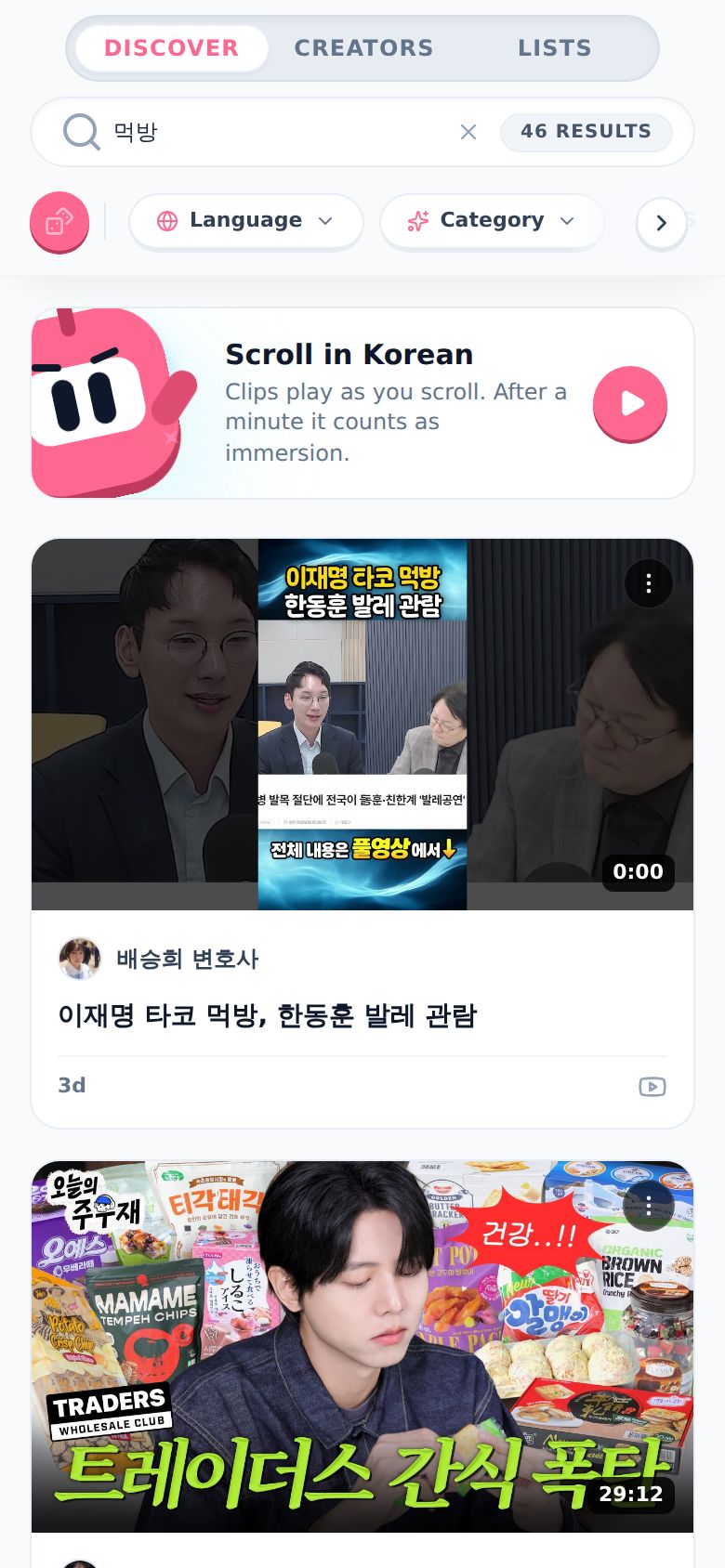
How do I search?
- Tap the search bar. It says "Search Korean immersion videos..." (or your language).
- Type what you're into. Words in your language work best. I typed 먹방 (mukbang).
- The little ∞ on the right turns into a count, like 46 RESULTS. Tap the x to clear it.
How do I filter?
The row of pills under the search bar filters what you see. On a phone, swipe the row or tap the arrow on the right to see them all.
-
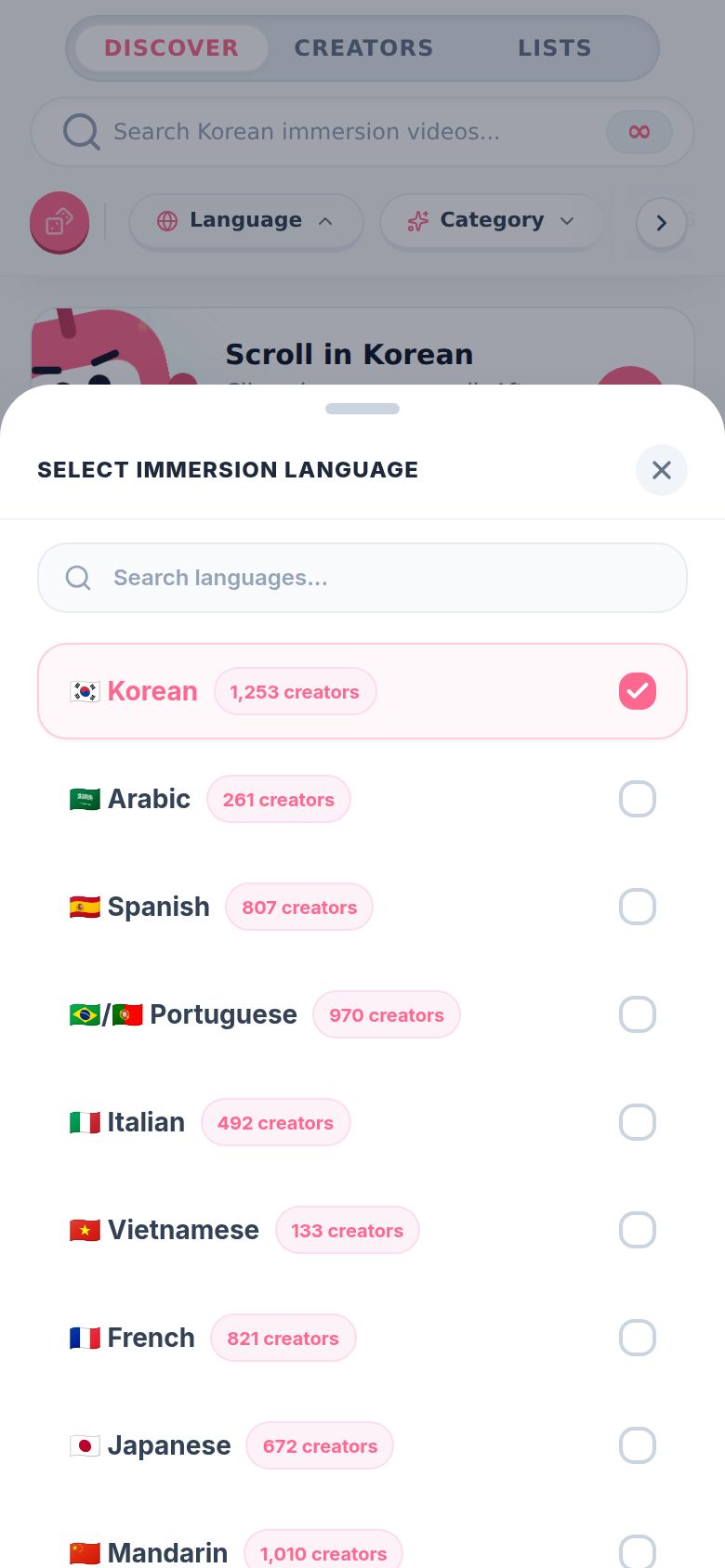
Tap Language to pick the language Discover shows. Each one shows how many creators it has.
-
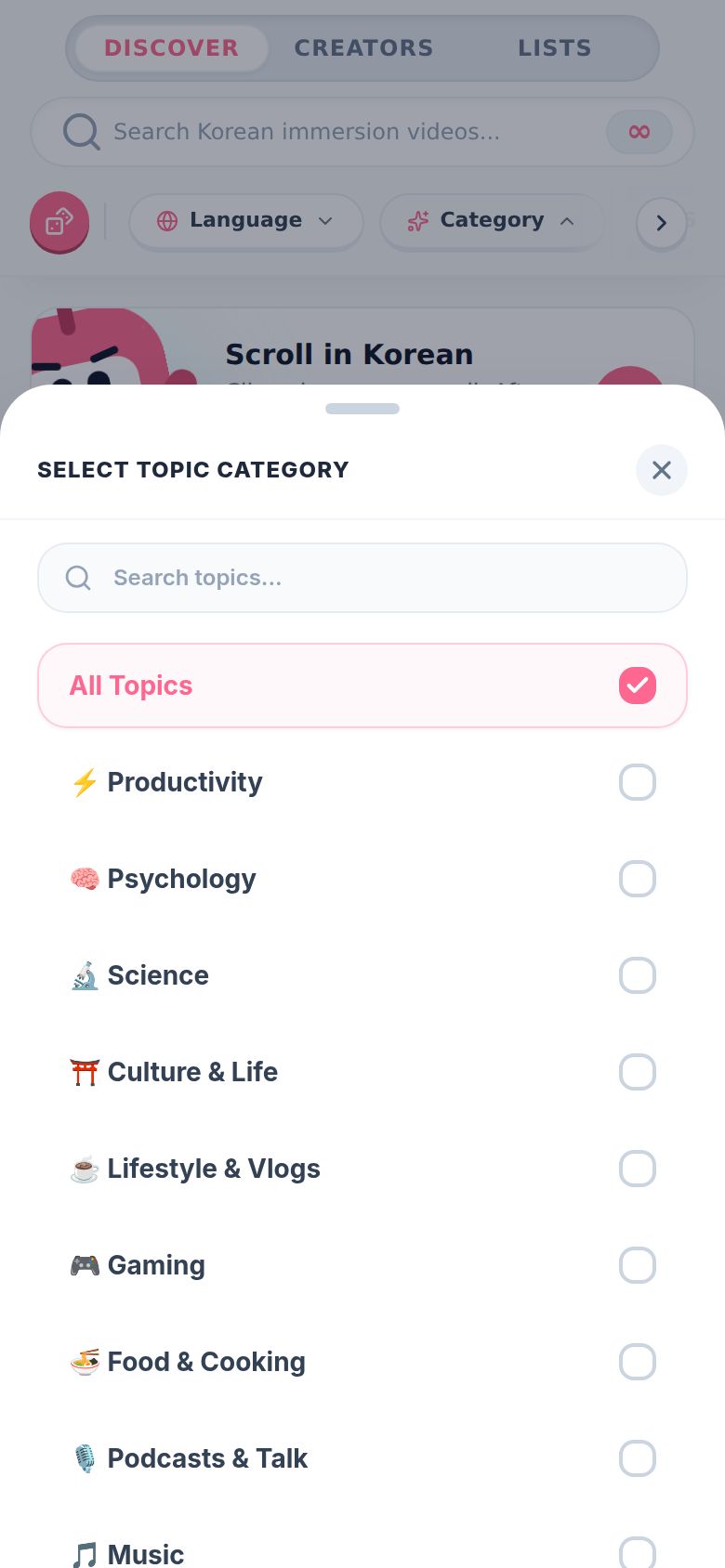
Tap Category to pick topics, like Gaming, Food & Cooking or Podcasts & Talk. You can pick more than one. The pill shows a number when you do.
-
The rest of the pills:
- Format: Long-form Videos, Shorts & Reels or Live Streams.
- Duration: under 4 minutes, 4 to 20 minutes, or over 20 minutes.
- Uploaded: Past 24 Hours, This Week, This Month or This Year.
-
Tap the small x on a pill to clear it, or Reset All at the end of the row to clear everything.
Can't decide? Tap the pink dice on the left. It picks a random topic for you.
On a phone, filters open as a sheet from the bottom. On desktop they open as a small menu under the pill, and all the pills fit in one row.
What happens when I tap a video?
The scroll feed opens, starting with that video. Keep swiping for more. See How does the scroll feed work?.
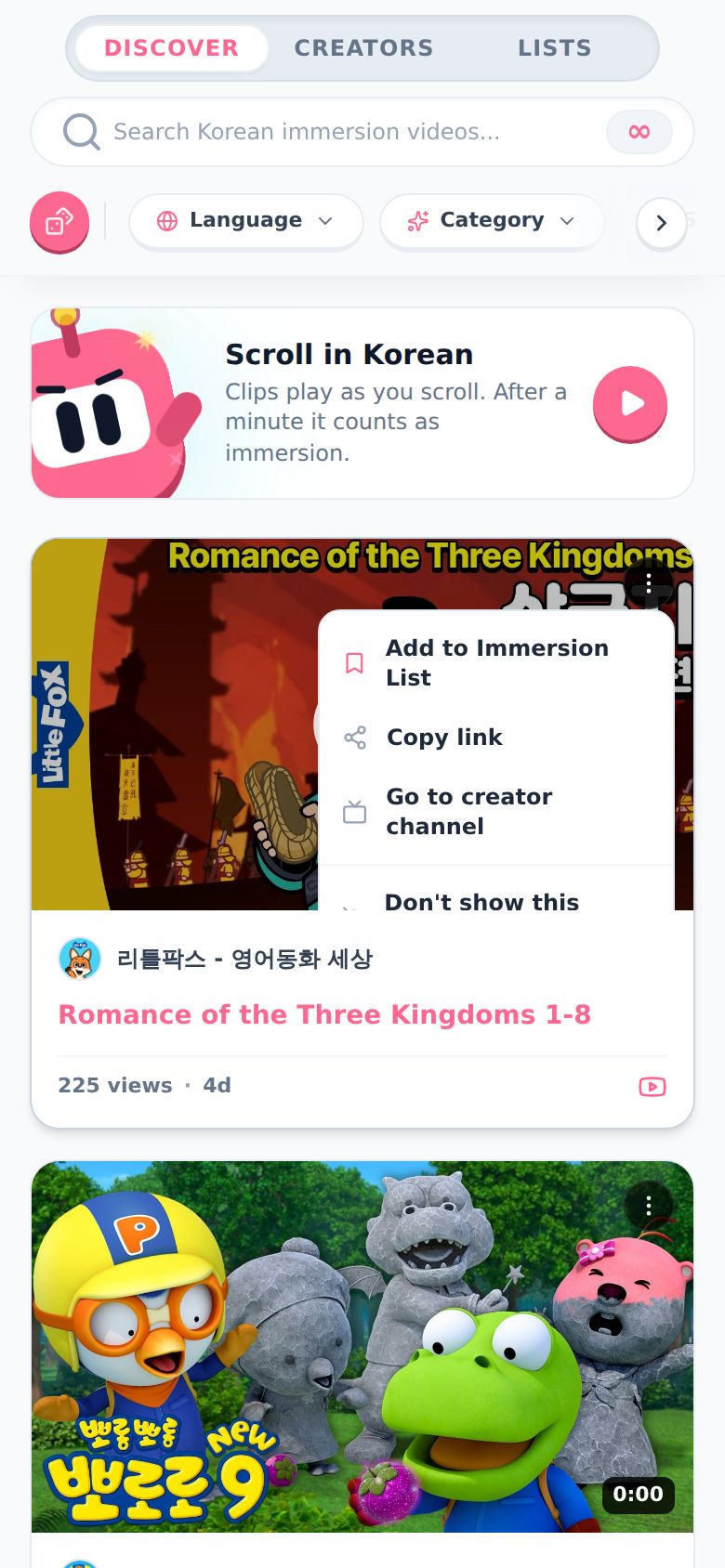
Each video also has a ⋮ button in the corner:
- Add to Immersion List (saves it for later)
- Copy link
- Go to creator channel
- Don't show this creator
- Watch on YouTube
Good to know
- Pro only, and you need to be signed in. Free accounts get creators in their language on their blueprint instead.
- Languages in Discover: Korean, Arabic, Spanish, Portuguese, Italian, Vietnamese, French, Japanese, Mandarin, German and Russian. If you're learning something else (see Other languages), Discover doesn't have it yet.
- Changing the language here only changes Discover. Your timeline and the rest of Aim stay on your language. Tap the x on the Language pill to go back.
- Live streams don't go in the scroll feed. Tapping one starts a session with it.
- Don't show this creator hides them everywhere in Discover. You can bring them back from the Creators tab.
- Lists shows what you've saved and liked. Save something with Add to Immersion List and it shows up there.