What keyboard shortcuts can I use on desktop?

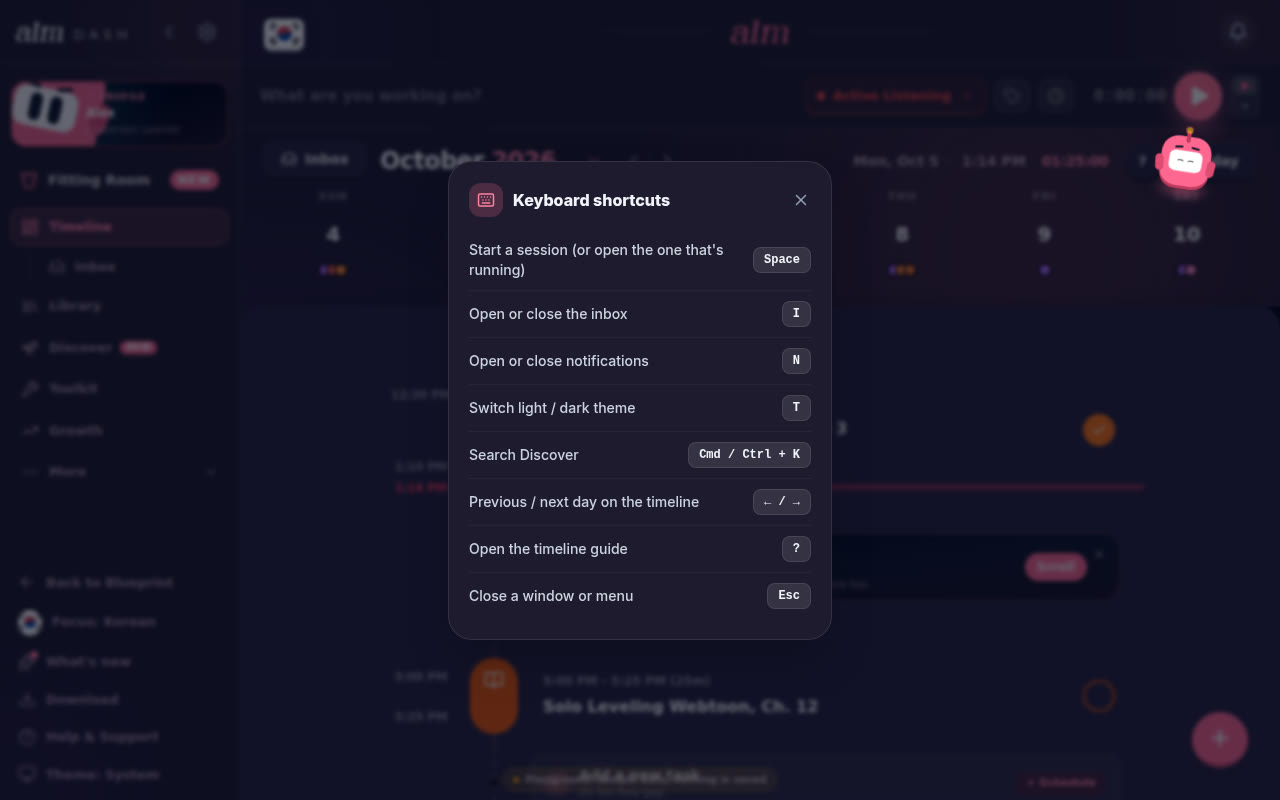
Space starts a session, I opens your inbox, N your notifications, T switches the theme, and Cmd / Ctrl + K jumps to Discover's search. ? opens the guide for the page you're on. On your timeline, ← and → switch days. Esc closes things. The Discover scroll feed has a few of its own.
Anywhere on desktop
| Key | What it does |
|---|---|
| Space | Starts a session, like the play button. If one's already running, it opens it full screen. From another page it takes you to your timeline first. |
| I | Opens or closes your inbox |
| N | Opens or closes your notifications |
| T | Switches between light and dark |
| Cmd / Ctrl + K | Opens Discover with the search box ready to type in (Discover is Pro) |
| ? | Opens the guide for the page you're on: the Growth, Library, Discover, Toolkit or Sprints guide. Same as the ? button at the top of the page |
There's no pause: a session runs until you stop it. To stop one, click Stop on the session bar.
On your timeline
| Key | What it does |
|---|---|
| ← | Previous day |
| → | Next day |
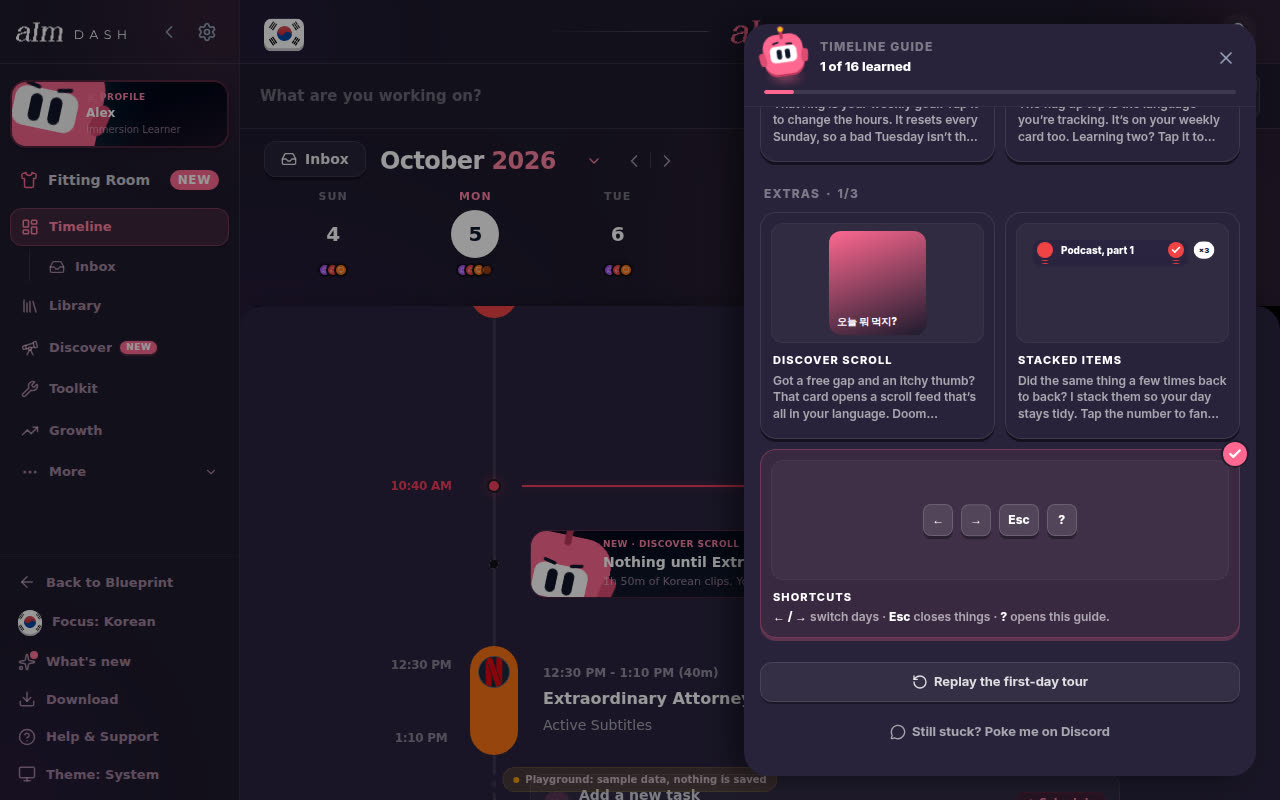
| ? | Opens the timeline guide, at its Shortcuts card |
| Esc | Closes a window, menu or panel |
| Enter | Adds what you typed (in the inbox box, or when you rename a session) |
-
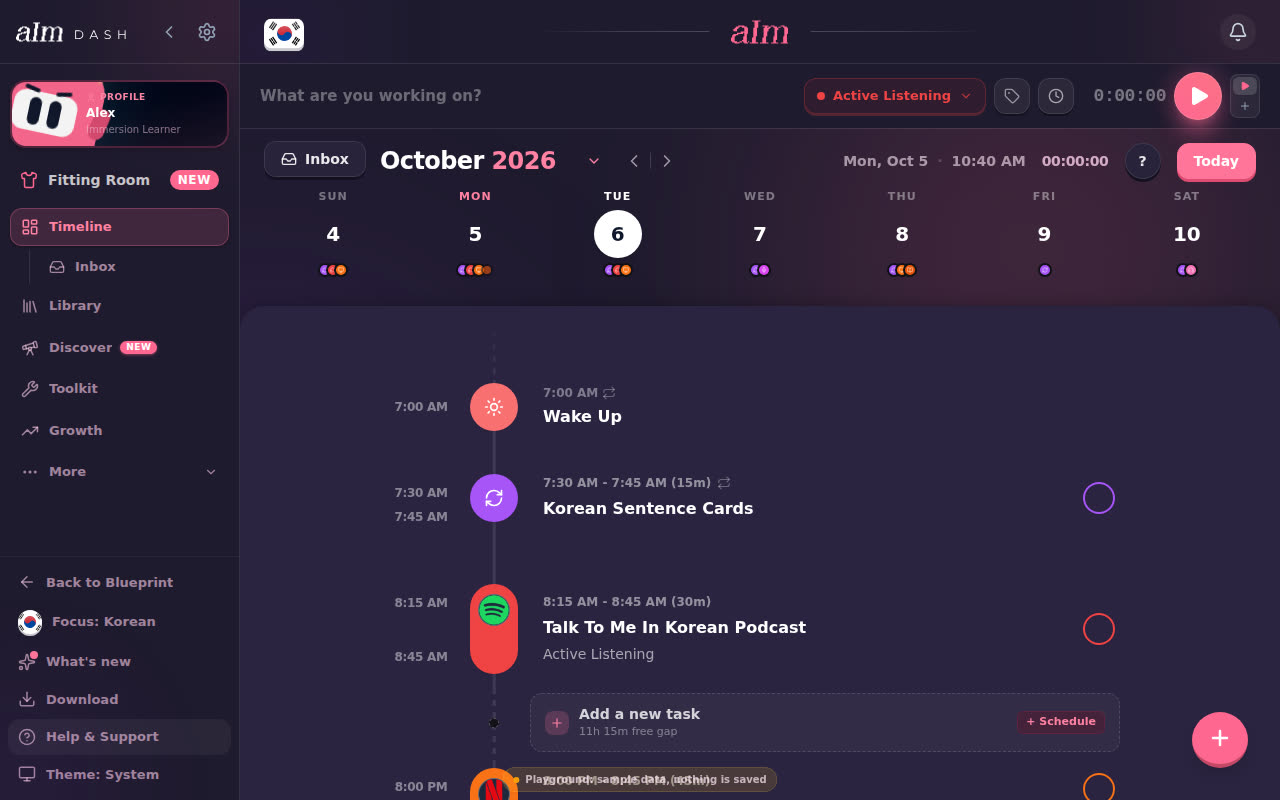
Press →. Your timeline moves to tomorrow. ← goes back. The Today button turns pink while you're on another day, so you can always click it to get home.
-
Press ?. The timeline guide opens on the Shortcuts card. Press Esc to close it.
None of these fire while you're typing in a box or while a window is open, so they never get in the way. Space also leaves a focused button alone, so it still presses that button.
In the Discover scroll feed
| Key | What it does |
|---|---|
| ↓ or J | Next clip |
| ↑ or K | Previous clip |
| Space | Pause or play |
| M | Sound on or off |
| Esc | Leave the feed |
Discover is part of Pro and needs you signed in. See How does the scroll feed work?.
Where's the list in the app?
-
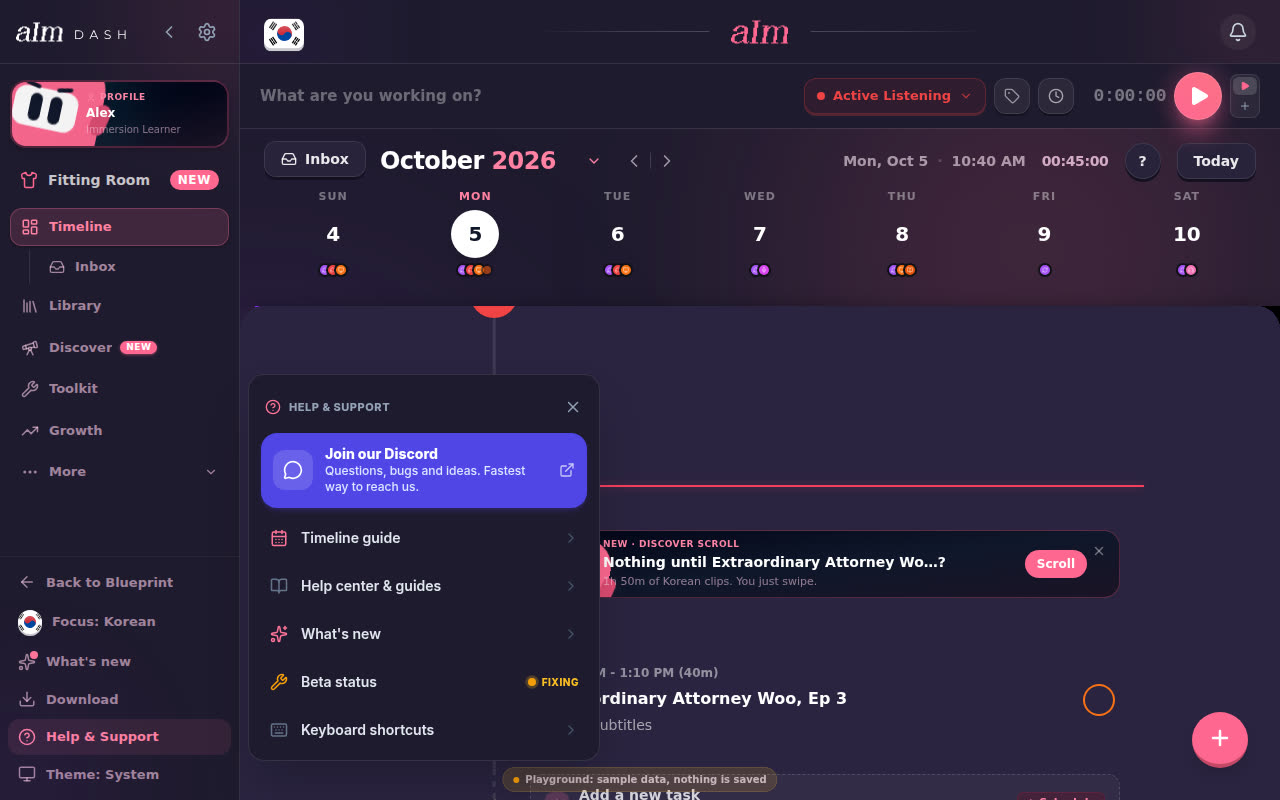
Click Help & Support at the bottom of the sidebar, then Keyboard shortcuts. It only shows on a computer.
-
Or open Settings, then Tours and shortcuts, then Keyboard shortcuts.
Good to know
- Phones don't have shortcuts. Swipe the timeline left or right to change days instead.
- Desktop means a wide window. If your browser window is narrower than a tablet, Aim switches to the phone layout, and the ? key and the shortcuts list go with it.