Can I try Aim without an account?

Yes. The phone on my landing page is the real app running on sample data. On a computer, there's a full desktop version called the playground. No sign-up, and nothing you do gets saved.
On a phone or a small screen
-
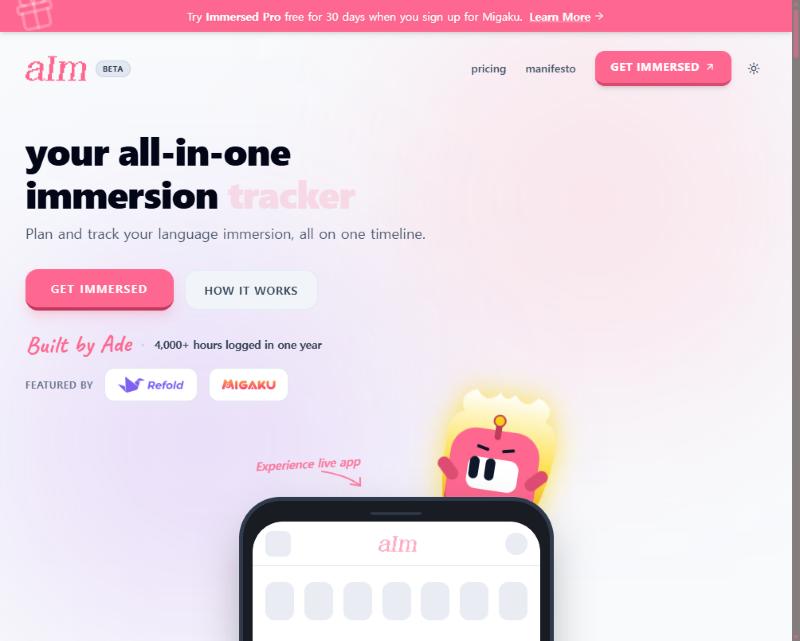
Go to the Aim landing page.
-
Scroll down to the phone that says "Experience live app".
-
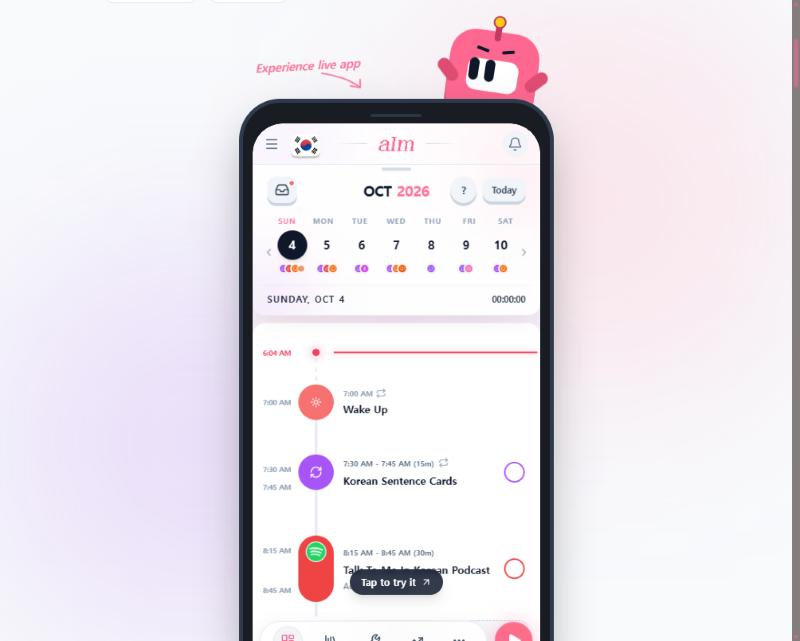
Tap Tap to try it.
-
You're now in a real Aim timeline with a Korean sample week. Tap around.
On a computer
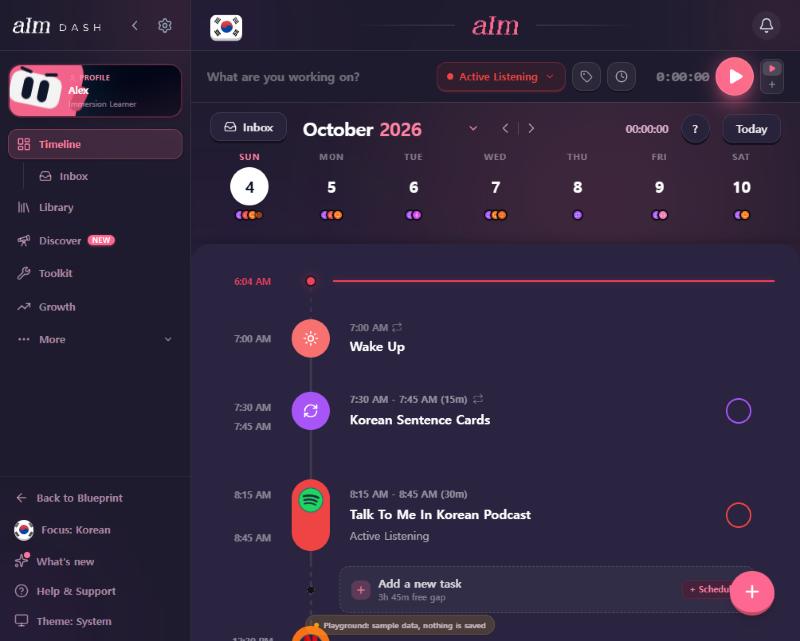
Open the playground at app.adeimmersed.com/playground. It's the full desktop app, with the sidebar, the inbox and everything on the timeline. A small tag at the bottom says "Playground: sample data, nothing is saved".
What can I do in it?
- Look at the timeline: two weeks back, today, and a week ahead.
- Tap a gap to add a task, open a task to see its details, and tick things off.
- Start and stop a session with the play button, and try holding it.
- Open the inbox.
- Switch between the sample languages from the flag.
- Open the ? to try the timeline guide, or run the first-day tour.
What asks me to make an account?
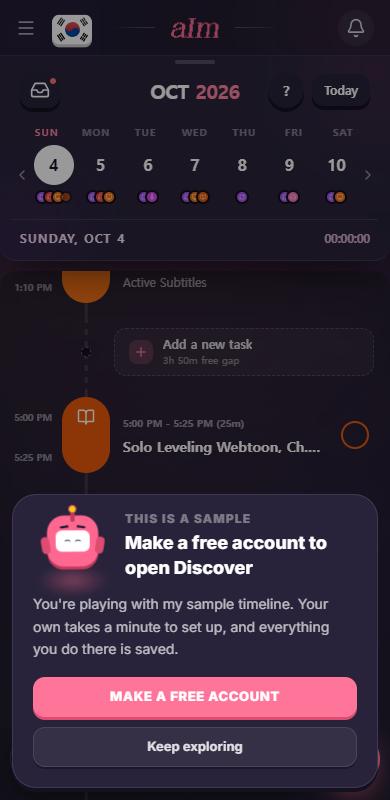
Anything that needs a real account: the other tabs (Library, Discover, Toolkit, Growth), settings, your profile, and checkout. When you tap one, you'll see a sheet that says "This is a sample" with Make a free account or Keep exploring.
Good to know
- Nothing is saved. Refresh the page and the sample goes back to how it started. Nothing reaches my servers.
- It's today's date. The sample days are set around the day you open it, so it always looks fresh.
- Past sample days have their own wake up and wind down times, like a real account's past days do. Change your wake up time for "today and every day after" and the days you've already lived don't move.
- The language is Korean to start. Other sample languages have their own titles.
- Sample data is not Pro. It just lets you try the timeline. Real use needs a free account, and most of the dashboard needs Pro.