Why is my day empty?

Ademola Adeyemi
Founder • October 2026
Usually because nothing's planned or logged on that day yet. Check which day you're on first: if the Today button is pink, you're looking at another day.
What does the empty screen mean?
"Ready to get immersed?" Today (or a day ahead) with nothing planned. It's waiting for you, not broken.
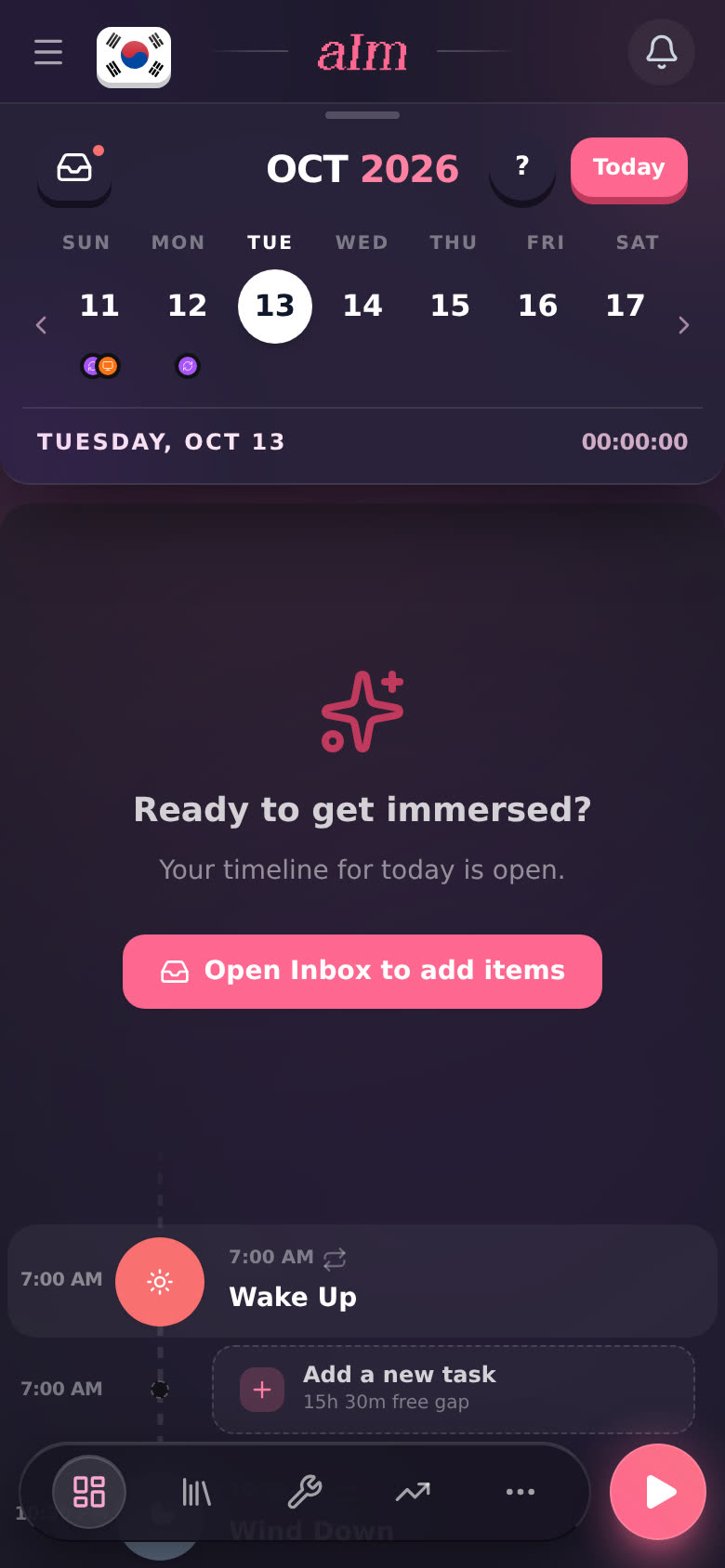
To fill it:
- Tap Open Inbox to add items, then the + on anything in your inbox. See How do I use the inbox?.
- Or tap a gap row (Add a new task) under Wake up and plan something new.
- Or just press play and start a session. It lands on today when you stop. See How do I start a session?.
"Rest Day." A day in the past with nothing logged. "No immersion activities were recorded for this day." That's fine. Not every day is a study day.
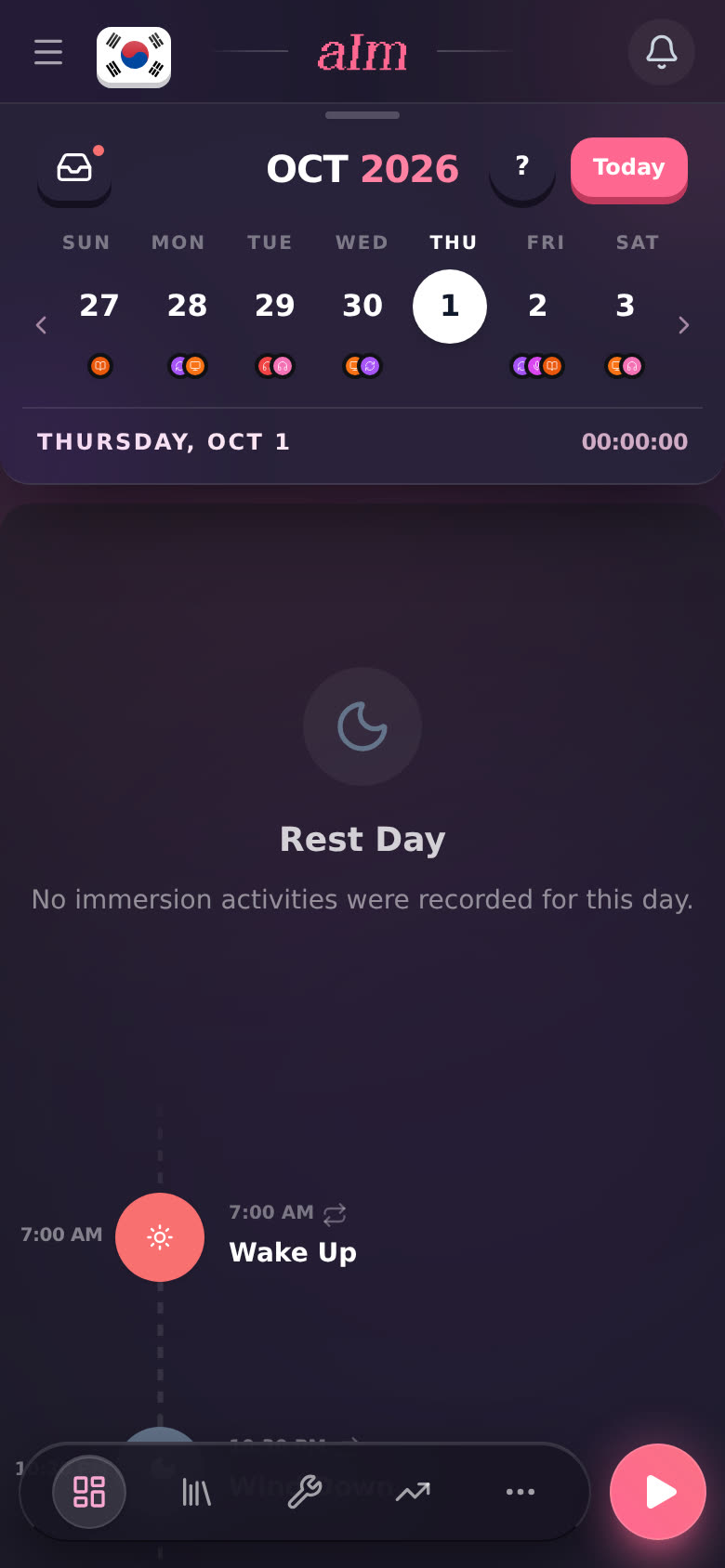
Did immerse that day but forgot to log it? See I forgot to start the timer. How do I log it afterward?.
I know I planned things. Where did they go?
Go down this list:
- Are you on the right day? Tap Today. If you planned it for another day, tap that day in the week strip. The dots under each day show which ones have something on them.
- Is it still loading? Grey pulsing rows mean I'm still fetching your day. Give it a second.
- Did you delete a repeating task? Delete this & future occurrences or Delete all occurrences in series takes it off every one of those days. See How do I make a task repeat, and what does "just today" mean?.
- Did you move it? Changing the day or sending it back to the inbox takes it off this day. Check your inbox. See How do I move, reorder or delete a task?.
- Did you plan it on another phone or computer? Reload the page. Your days are saved to your account, so they show up everywhere once they've synced.
- Is this the sample app? The sample (and the playground on desktop) saves nothing. Reload it and it starts fresh.
Why does my day say 00:00:00 when I did stuff?
The time under the week strip only counts the language on your flag. If you logged it in another language, switch to that one and it shows there. See How do I switch between languages?.
Good to know
- Wake up and Wind down are on every day, even an empty one. They don't count as plans.
- Deleted tasks don't come back. They don't go to Recently deleted. See How do I bring back something I deleted?.
- The timeline is part of Pro (or your free week). Without Pro you see the Pro screen, not an empty day. See What can I do without Pro?.