How do I switch between languages?

Tap the flag at the top of your timeline, then tap the language you want. Aim switches over and you stay on the same page.
Your timeline, sessions and Growth are part of Pro. Having more than one language to switch between is part of Pro too. See Can I learn two languages at once?.
On a phone
-
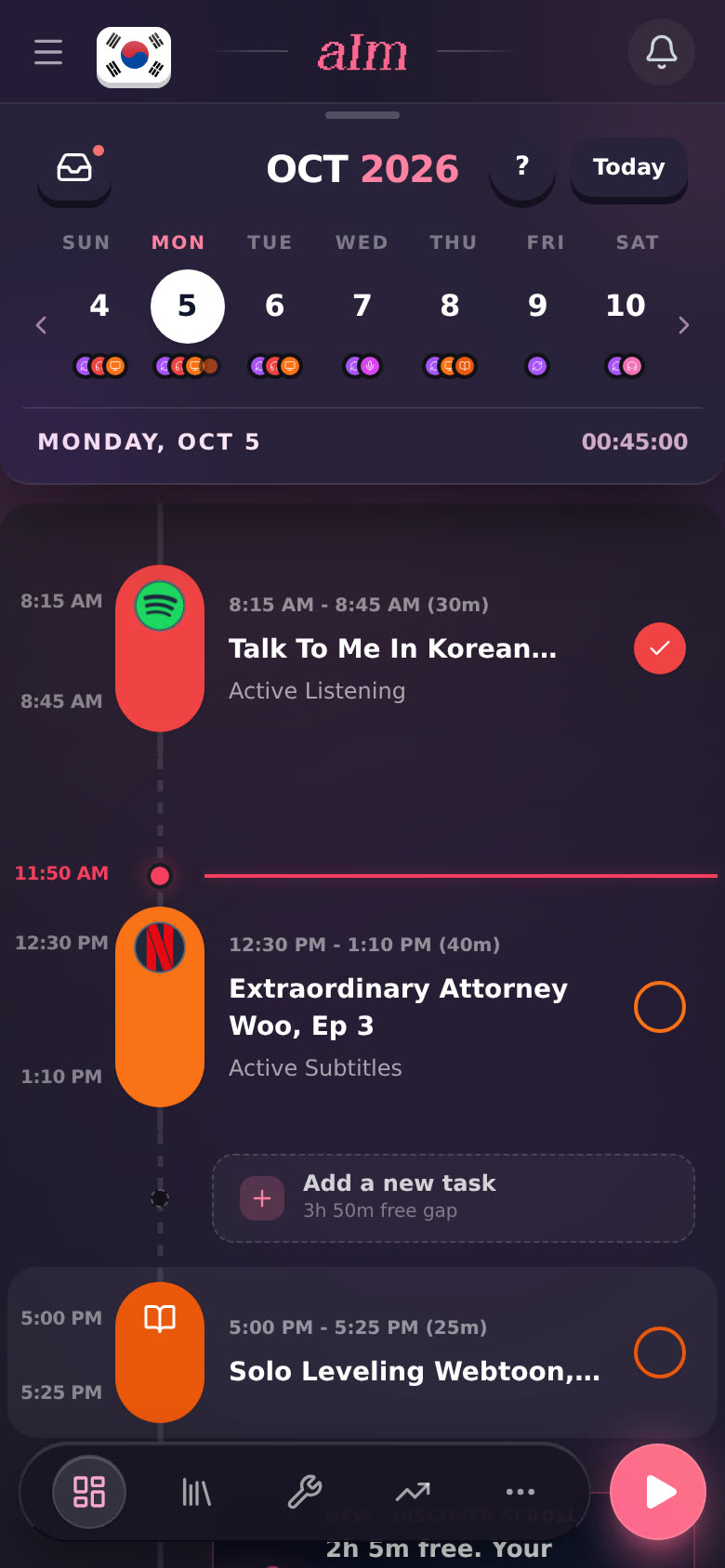
Tap the flag in the top left of your timeline (or Growth). It's the language you're on right now.
-
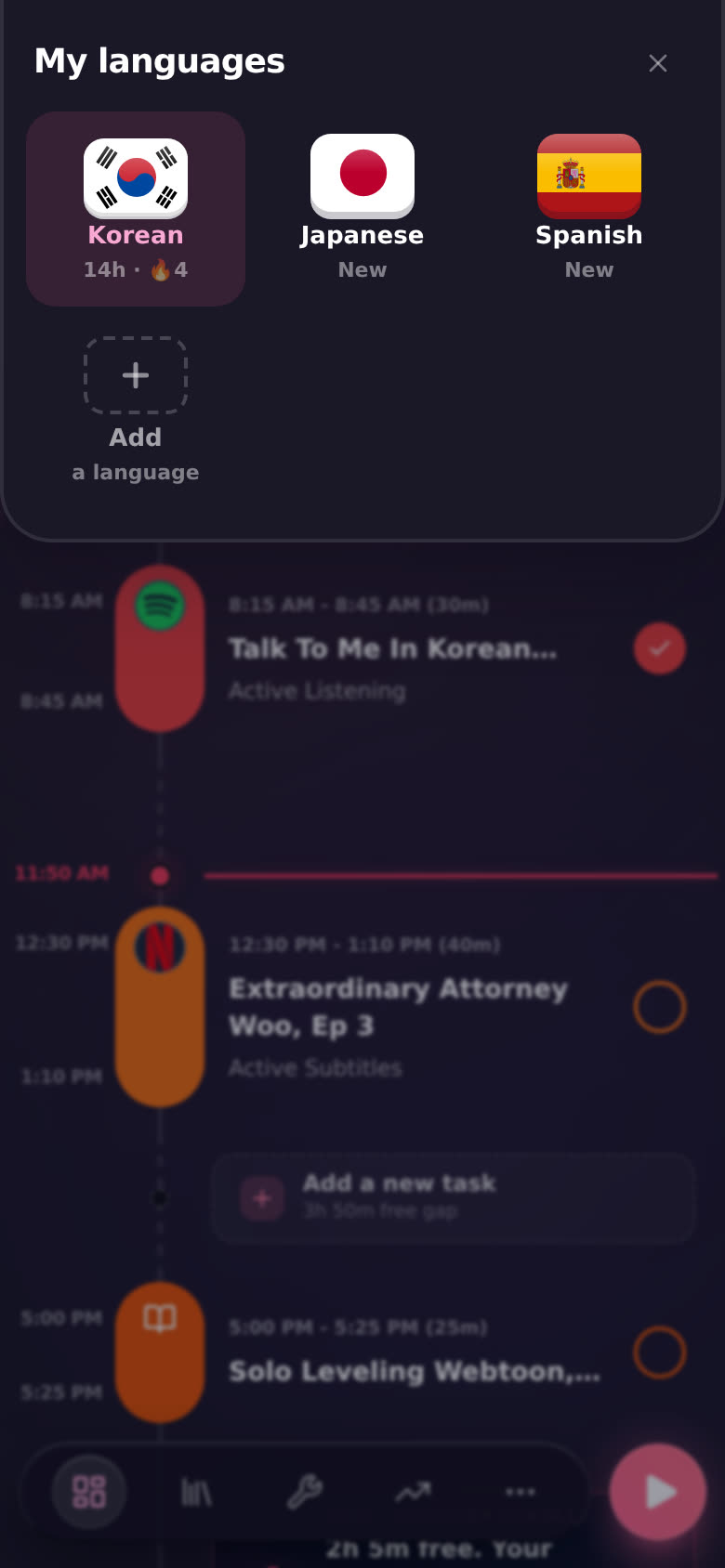
My languages drops down. Each language shows its flag, your hours and your streak (the 🔥 number). The one you're on is highlighted. A language you haven't logged anything in yet says New.
-
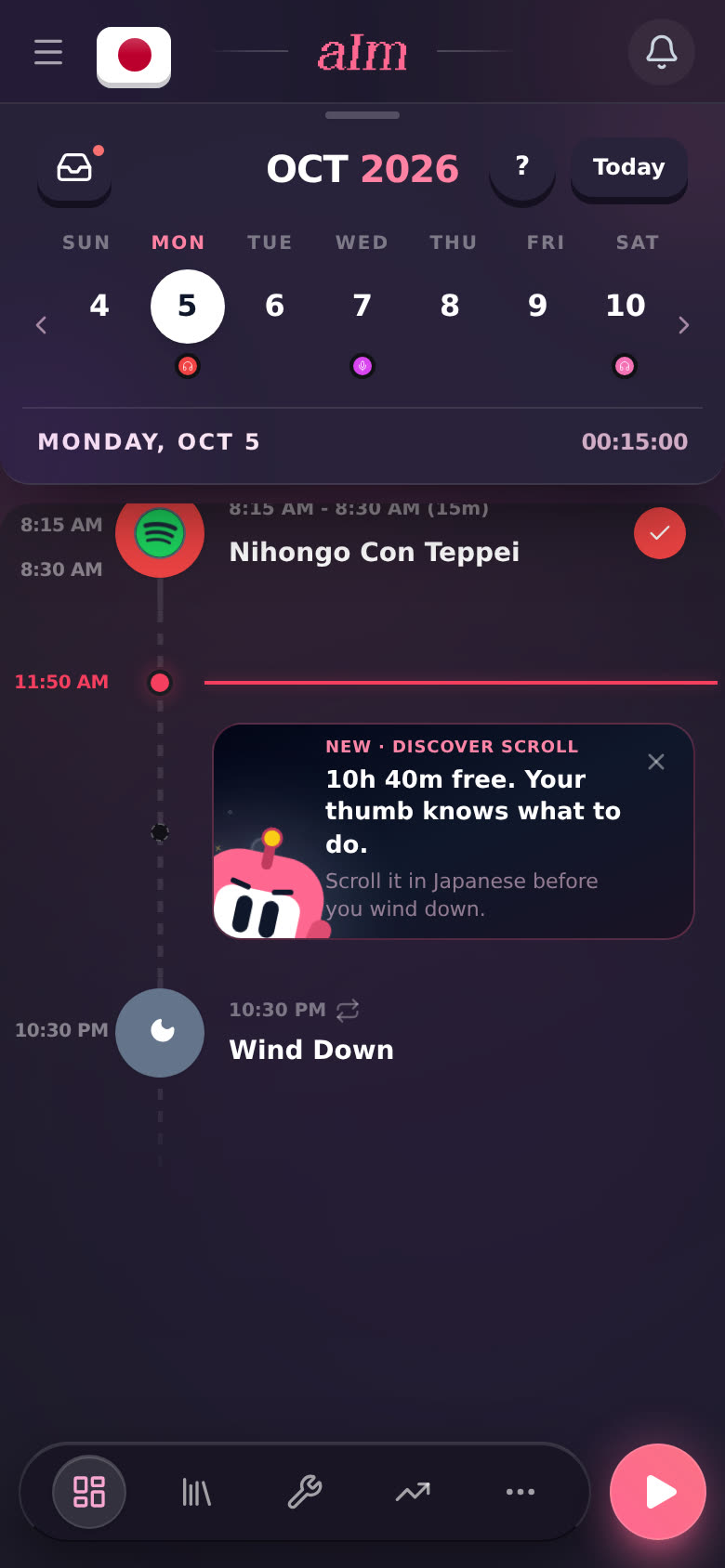
Tap the language you want. The flag changes and your timeline now shows that language's day.
On a computer
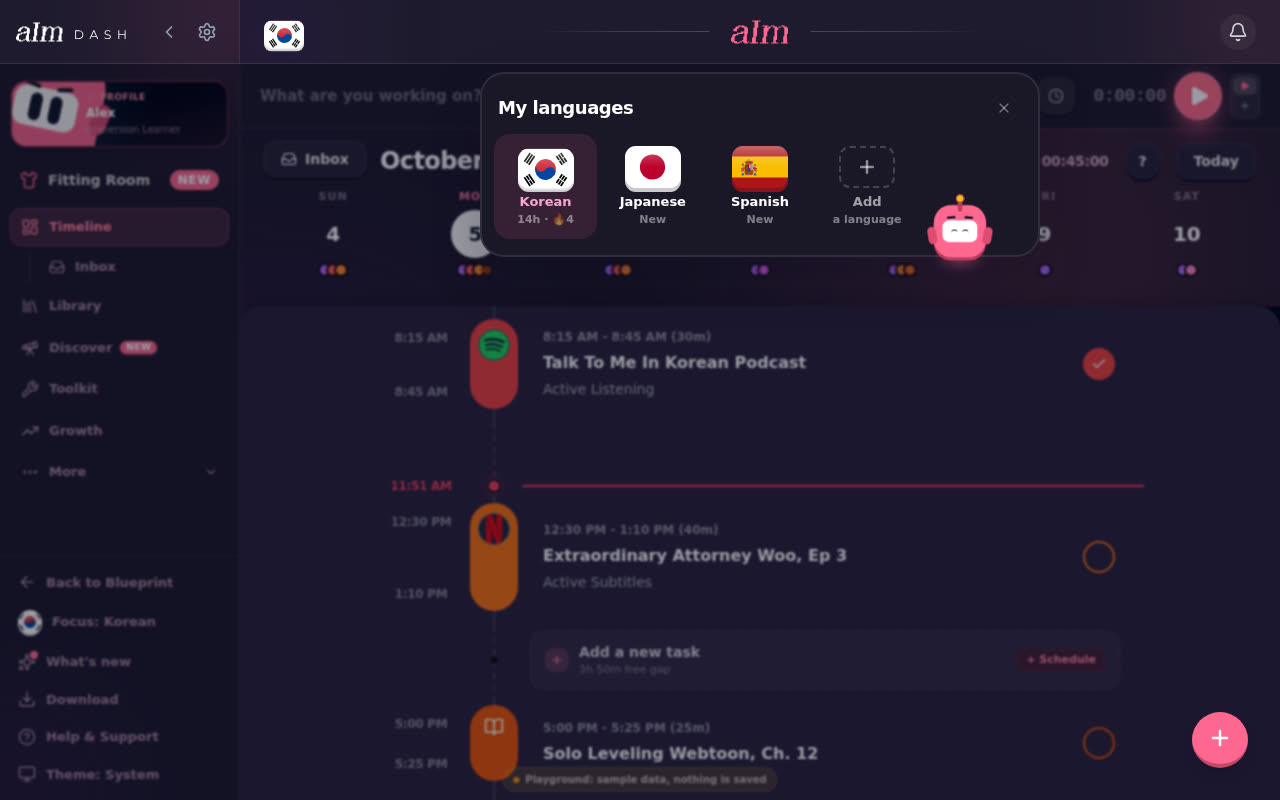
Same flag, at the top left of the page. You can also click Focus: Korean (or whatever you're on) near the bottom of the sidebar. Both open My languages as a small panel.
On a phone, Focus is also in the menu (☰).
What changes when I switch?
- Your timeline and Growth show that language: its plan, its logs, its hours.
- Your blueprint is the one for that language. Each language gets its own.
- New sessions count toward the language you're on.
- Nothing is lost. Your other languages keep everything. Switch back anytime.
Can I log one session in a different language without switching?
Yes. In a full-screen session, tap the flag in the top left and pick a language, or swipe the flag left or right. That only changes that one session. See How do I start a session?.
How do I add a language?
Tap Add a language at the end of My languages. The full steps are in Can I learn two languages at once?, and languages outside the main list are in Can I track a language that isn't in the main list?.
Good to know
- Pro rule. On the free plan you have one language, so there's nothing to switch to. If you had more than one language while on Pro and Pro ends, you stay on the one you're on. Tapping another opens the Pro pop-up.
- Try it first. The sample app has Korean, Japanese and Spanish to switch between, no account needed. See Can I try Aim without an account?.
- Close without switching. Tap the X, or tap the language you're already on.