How do I track passive listening (background time)?

Passive listening is your language playing in the background while you do something else. To track it, start a session with the activity set to Passive Listening. Forgot to press play? Log it afterward with Log Session.
Sessions and logging are part of Pro (or your free week).
What counts as passive listening?
Anything where your ears are free but your hands are busy. The commute. The dishes. The gym. A walk. Cooking. Some people call it NET time, "No Extra Time", because it doesn't cost you any. You were doing those things anyway.
Your blueprint already shows where yours are hiding. Scroll to Hidden Immersion Time: each idea shows how many minutes it adds to your day. That part of your blueprint is free. See What's on my blueprint?.
How do I track it as I go?
-
Hold the play button. On a phone it's the pink button at the bottom right. Pick up where you left off opens with your recent things. Did passive listening before? It's in the list. Tap its play button and you're going.
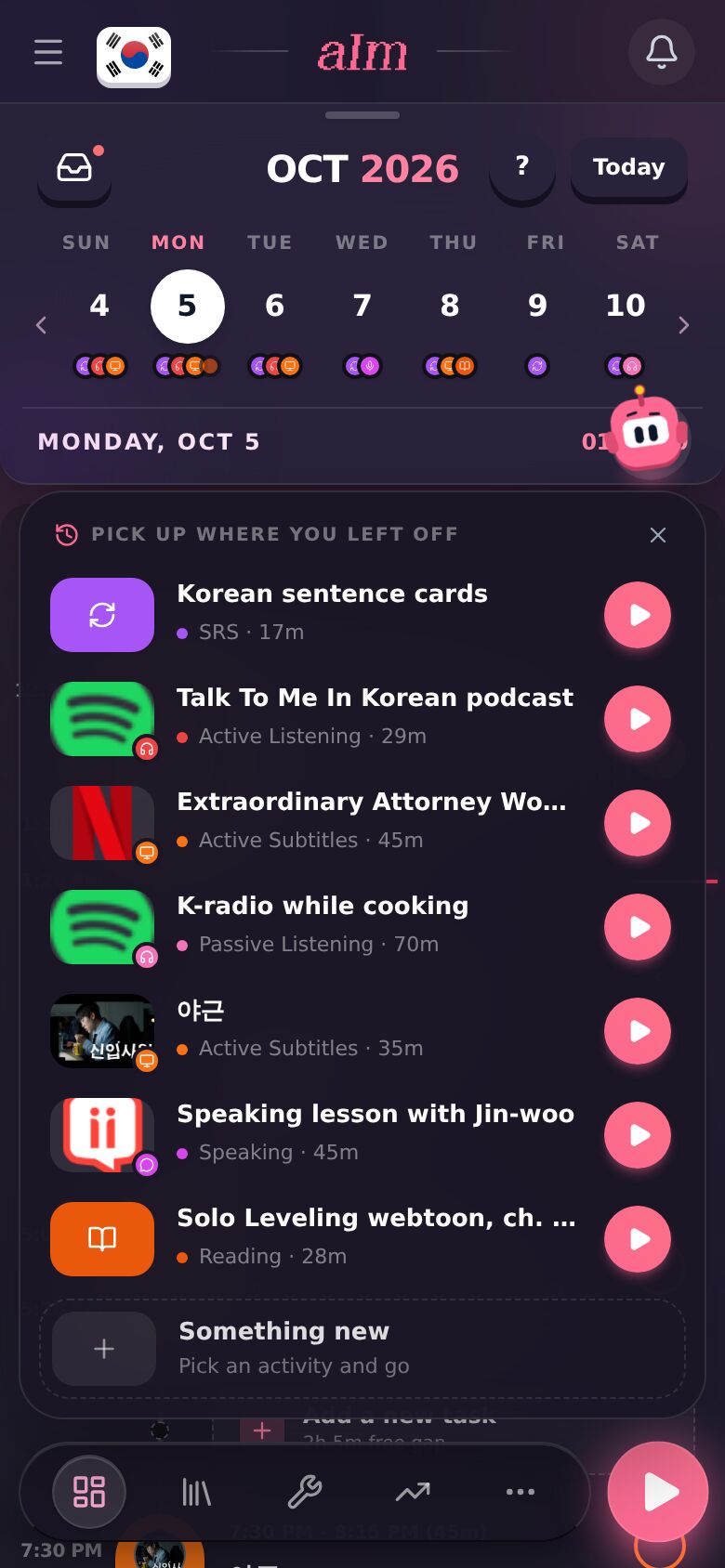
-
Starting something new? Tap Something new, then Listen.
-
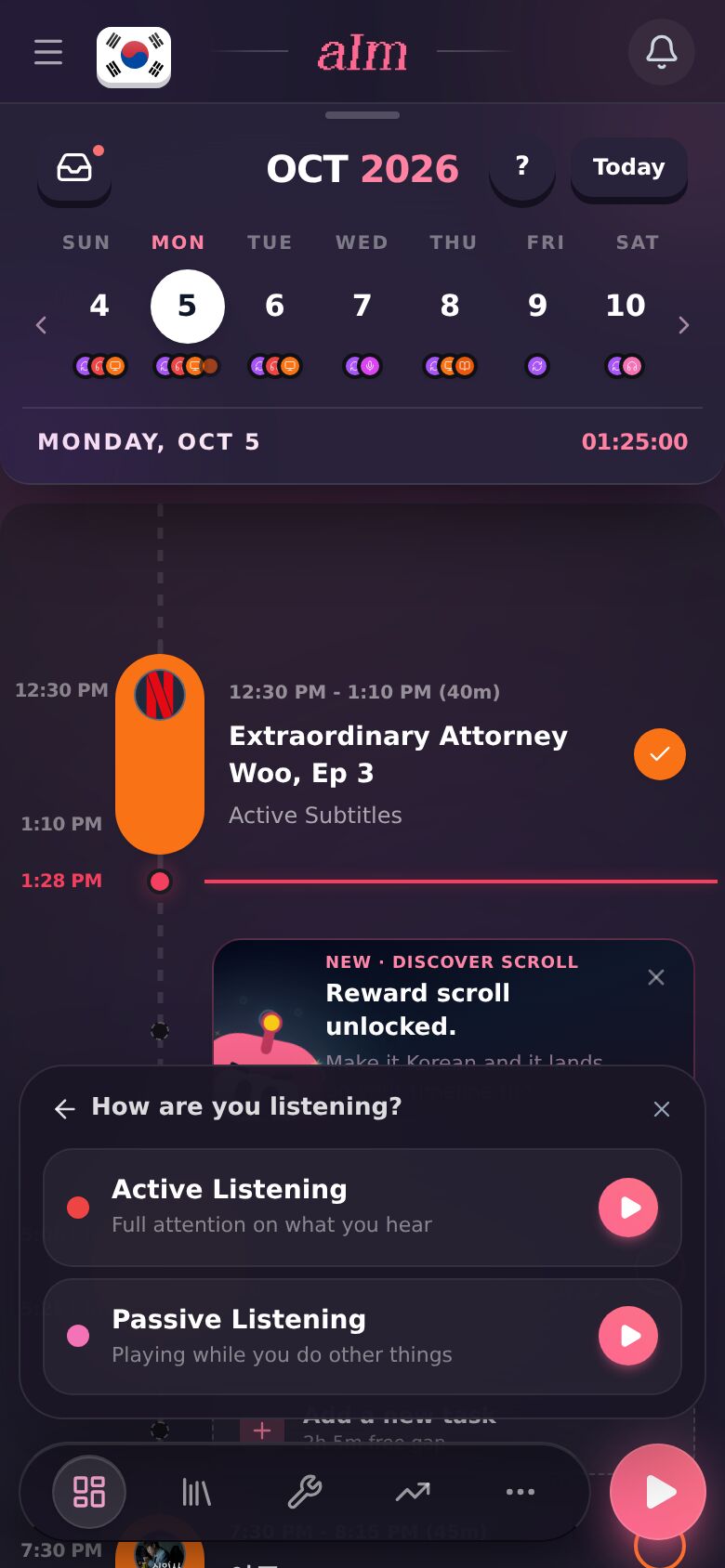
How are you listening? asks you to pick one. Tap Passive Listening ("Playing while you do other things"). The timer starts.
-
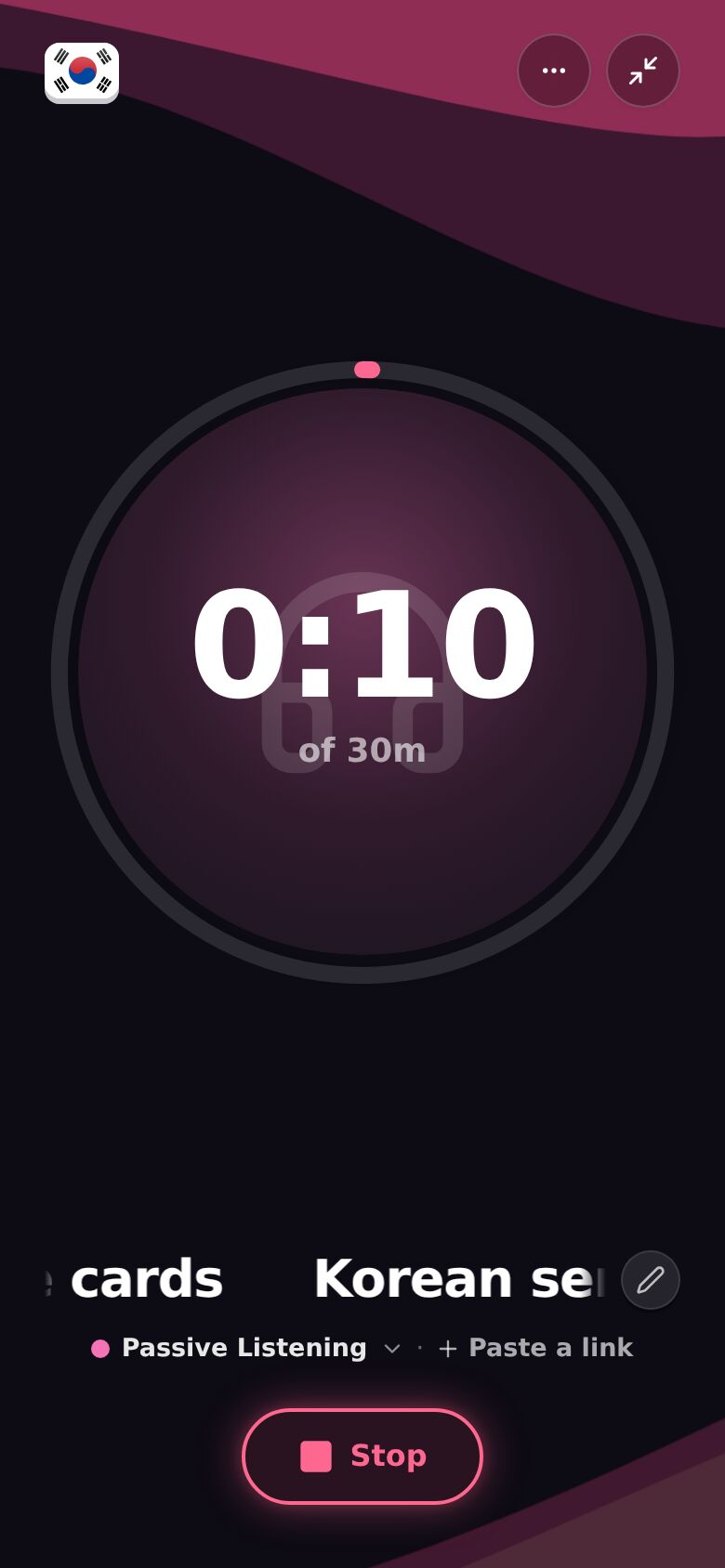
Put on your podcast, your playlist, your radio. Lock your phone or switch apps if you like. The timer works from when you started, so it keeps counting.
-
Back home? Tap Stop. The time lands on your timeline.
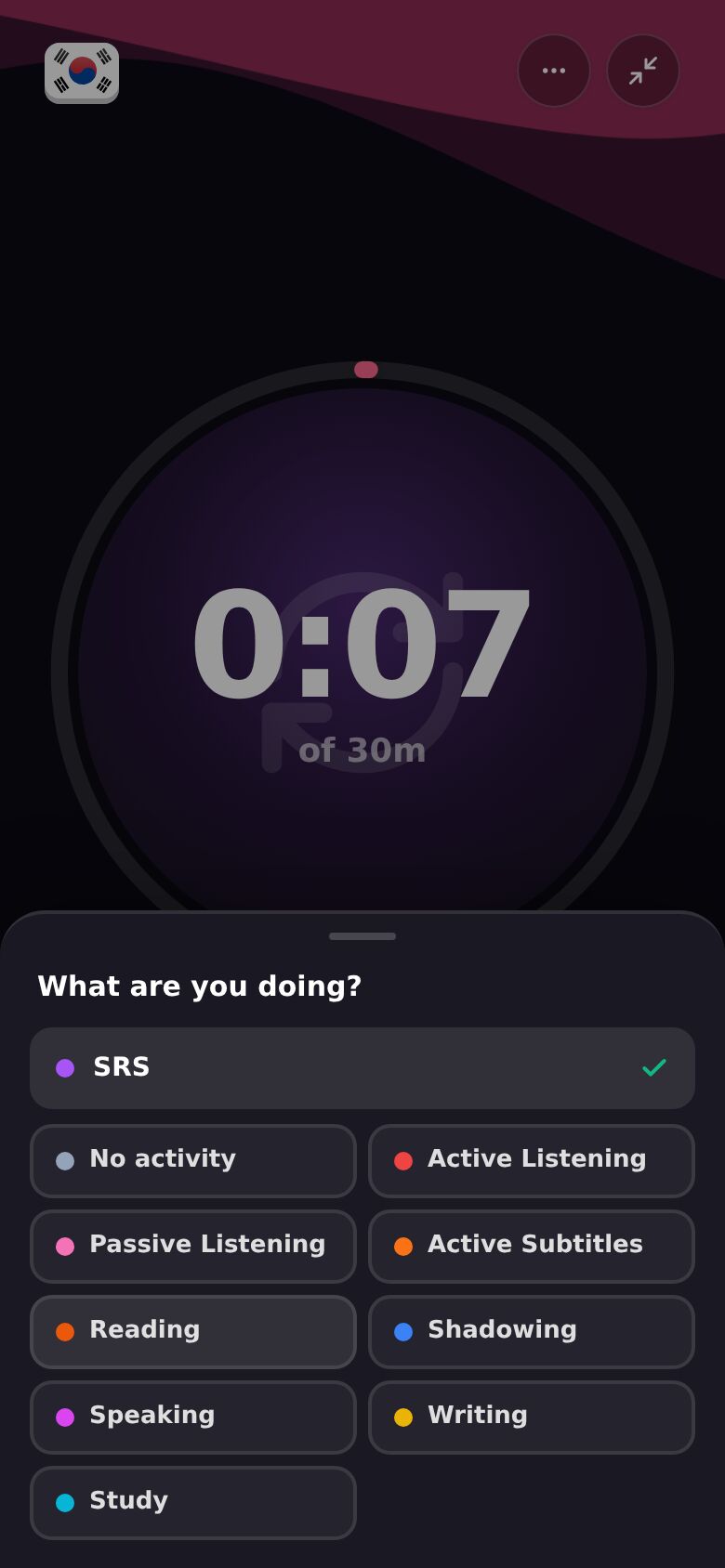
Already started with the wrong activity? In the full-screen session, tap the activity under the title. What are you doing? opens. Tap Passive Listening.
On desktop, click the activity next to "What are you working on?" in the bar at the top, pick Passive Listening, then press play.
The full guide to sessions is in How do I start a session?.
Do it every day?
Make it the default. Open Settings, then Immersion. Under Play button, pick Always the same activity and choose Passive Listening. Now a tap on play starts it straight away. If you switch between things a lot, keep Repeat my last activity instead: a tap on play repeats whatever you did last. See How do I change what the play button does?.
You can also plan it. Add a task to your timeline for your commute, set its activity to Passive Listening, and tick it off when you're done. See How does my timeline work?.
I forgot to press play. How do I log it afterward?
-
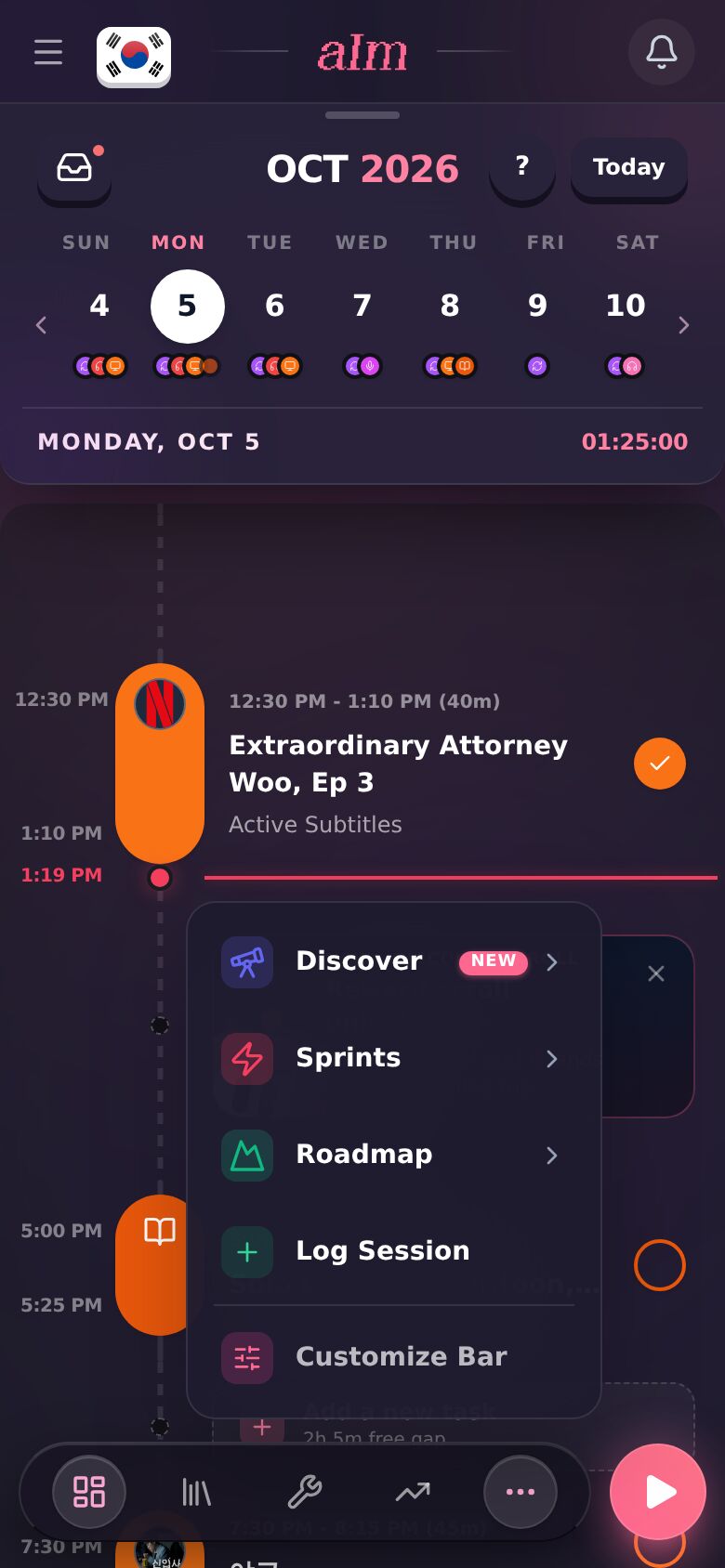
On a phone, tap ⋯ in the bottom bar, then Log Session. Or open Growth and tap + Log under Recent activity.
-
Tap Input. Type what you listened to, pick Listen, and tap Continue to activity →.
-
Under How did you immerse?, pick Listened, then Passive Listening. Tap Next →.
-
Tap Adjust to set when you started and stopped. Then tap Confirm → and Save log.
On desktop, use manual mode in the session bar (the + next to the play button). Every step, with pictures, is in I forgot to start the timer. How do I log it afterward?.
Does passive time count?
Yes. It counts toward your hours, your weekly goal and your streak, the same as everything else. In Growth, the chart shows Passive Listening in its own color, so you can see how much of your week it was. See How do I see my progress?.
Good to know
- Passive builds less than active. It keeps your ears in the language and fills dead time. The big gains still come from time where you're really following. See What is comprehensible input (i+1)?.
- Listening on another device? That's fine. Run the timer in Aim and play the audio wherever you like. To stop videos playing on the device with the timer, pick Just the timer under When you tap Get Immersed on a video in Settings, under This device.
- There's an outfit for it. Aim's Fluffy Headband unlocks at 50 hours of passive listening. See How do I change Aim's outfit?.