How do I find things to watch, listen to and read?

Scroll to Immersion Library on your blueprint (or tap the big round button in the middle of the bottom bar). Pick Watch, Listen or Read, pick a platform, and swipe through my picks. Tap Get Immersed on one to open it. It's free.
Steps
-
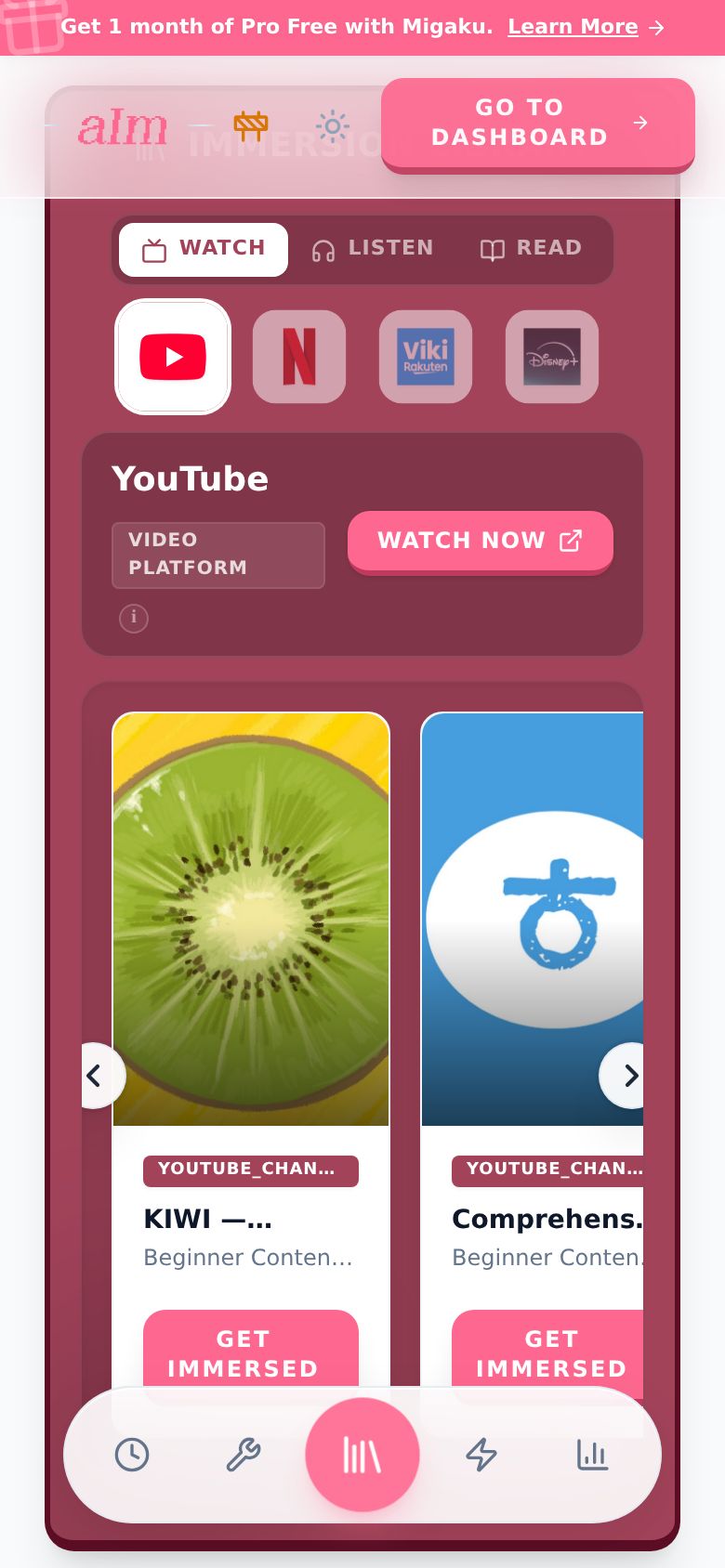
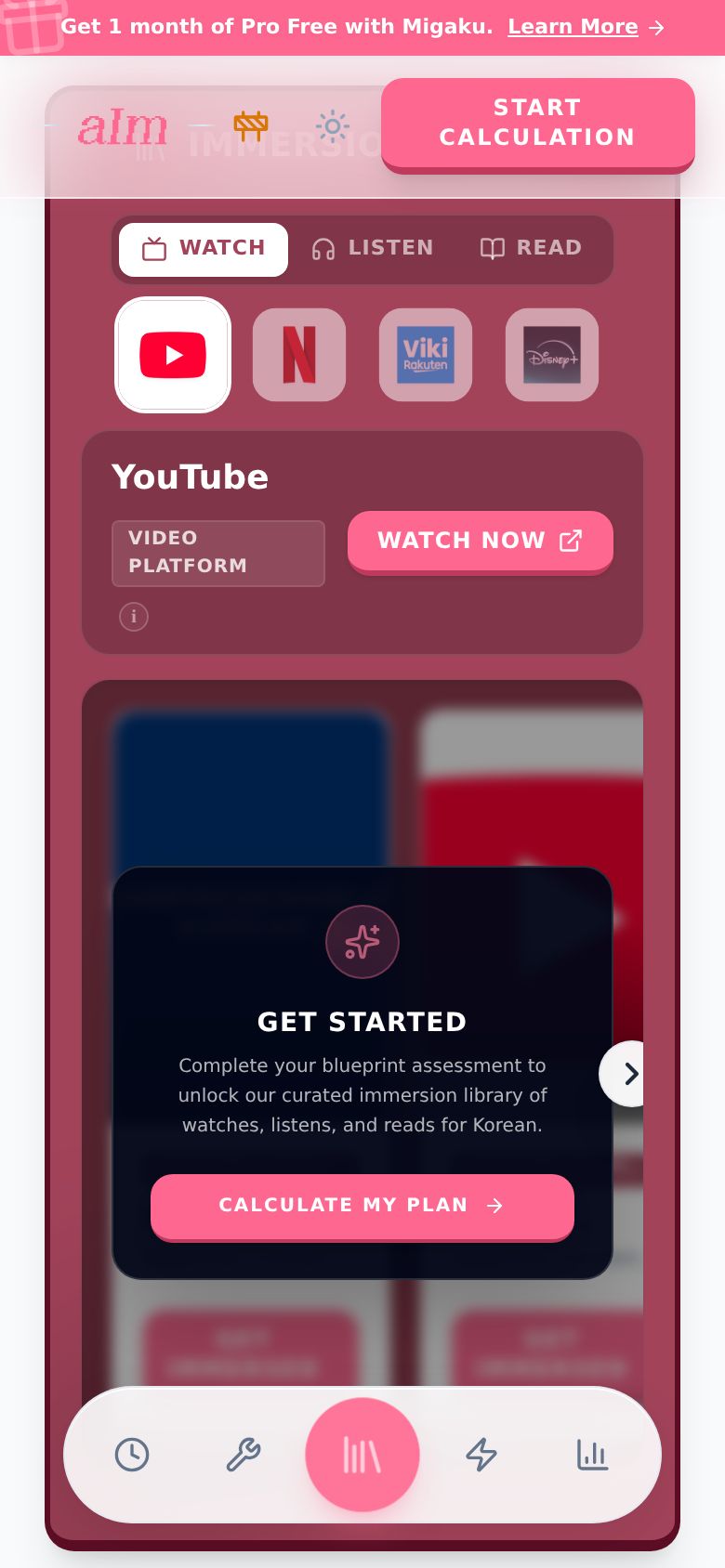
Scroll to Immersion Library. It opens on Watch, with the first platform already open and its picks underneath: up to ten real things from the Library for your language, picked for your level, free. For most languages that's YouTube, full of creators who make videos in your language.
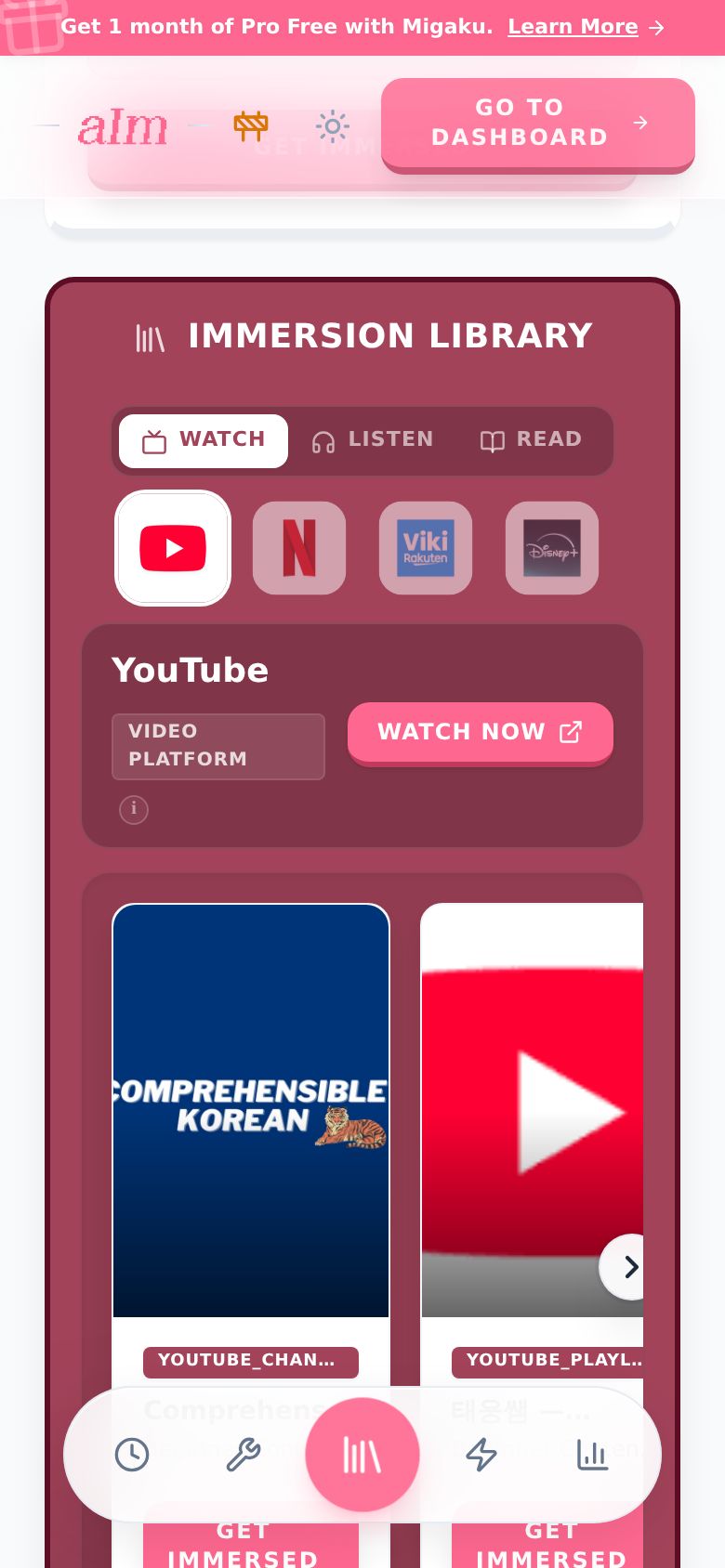
-
The platforms sit in a row above the picks. Tap another one you use and its picks take over. Tap the open one to close it: the row opens out into a grid with each platform's name.
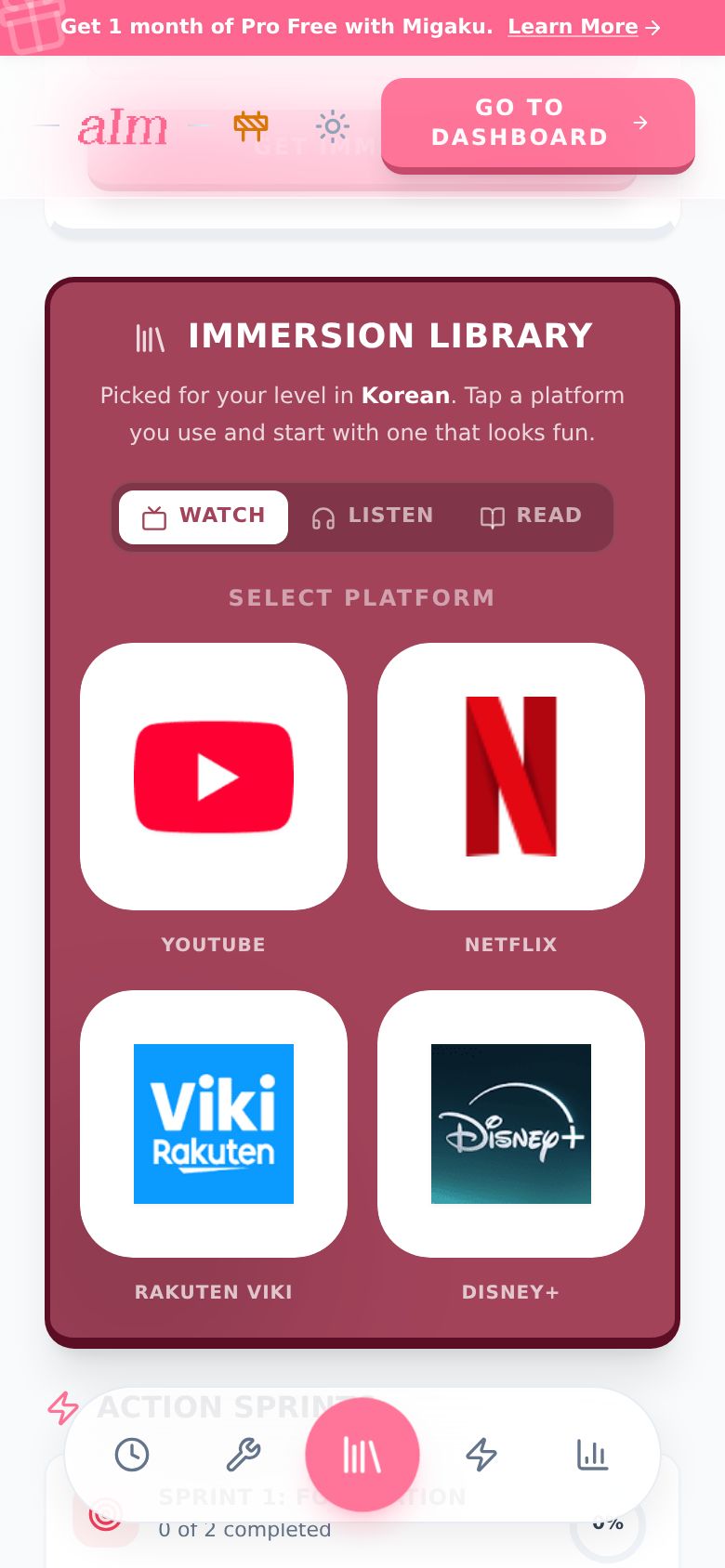
-
The platform opens. Its name and type sit at the top, with a button to go straight to it (Watch Now, Listen Now or Read Now). Tap the small i to read what the platform is. My picks for it sit underneath.
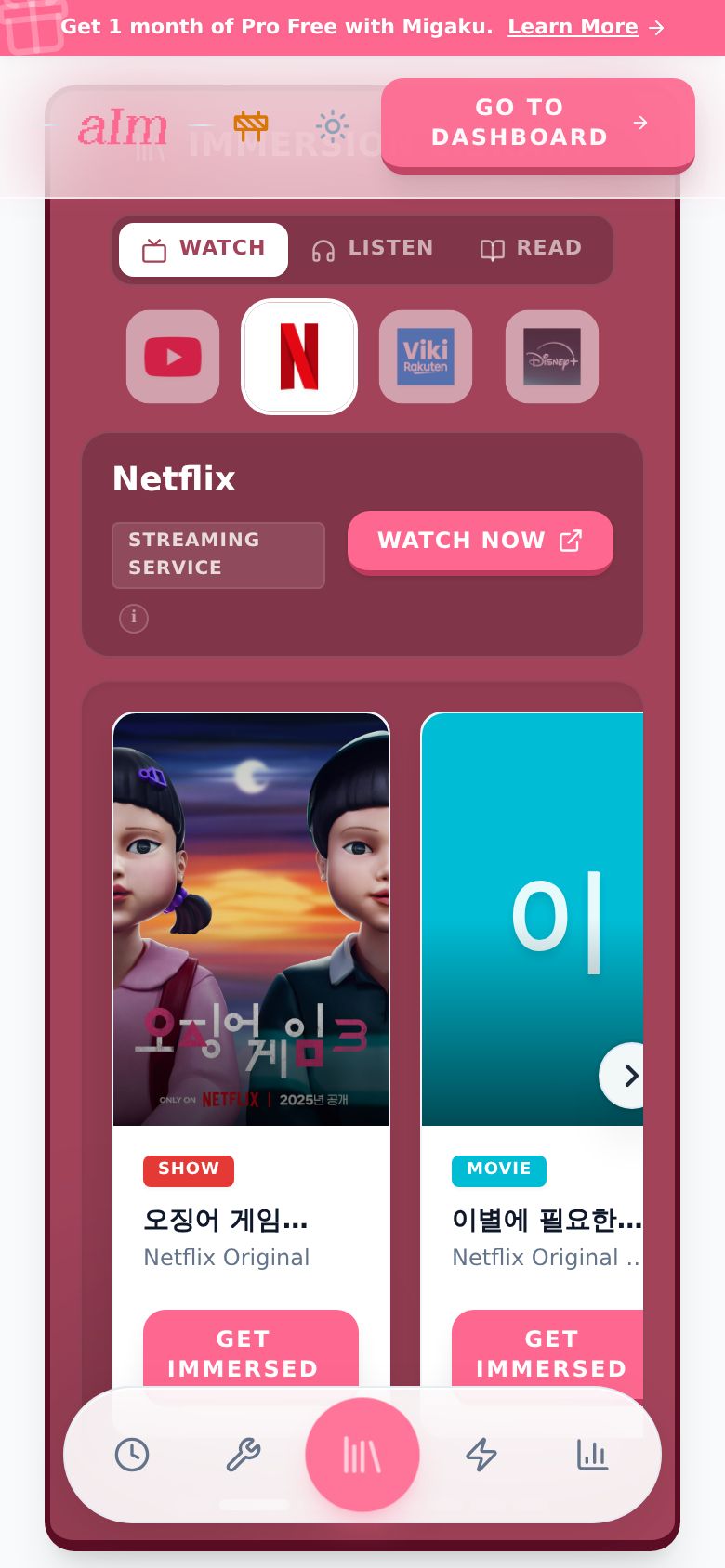
-
Switch tabs at the top. Listen has podcasts, audiobooks and radio (Spotify, Apple Podcasts and others).
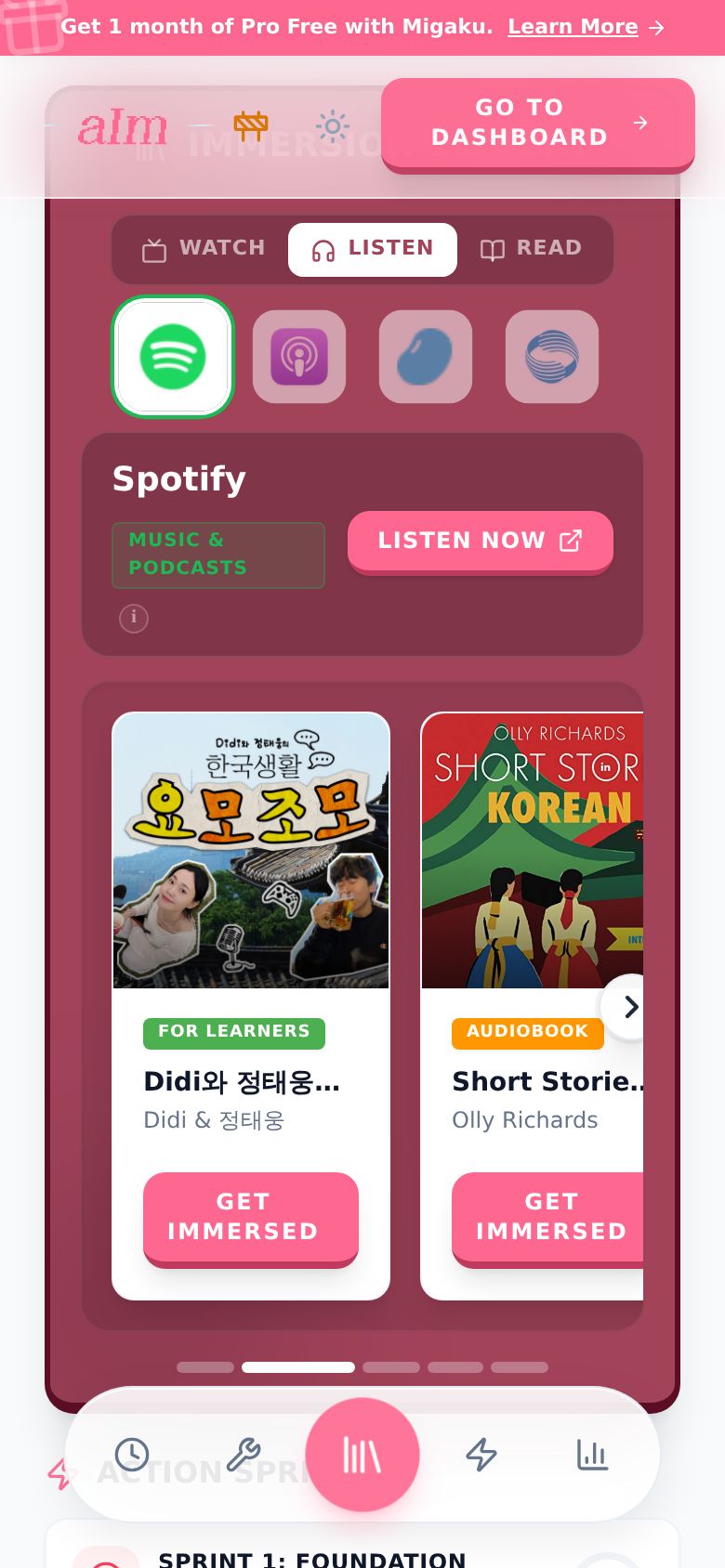
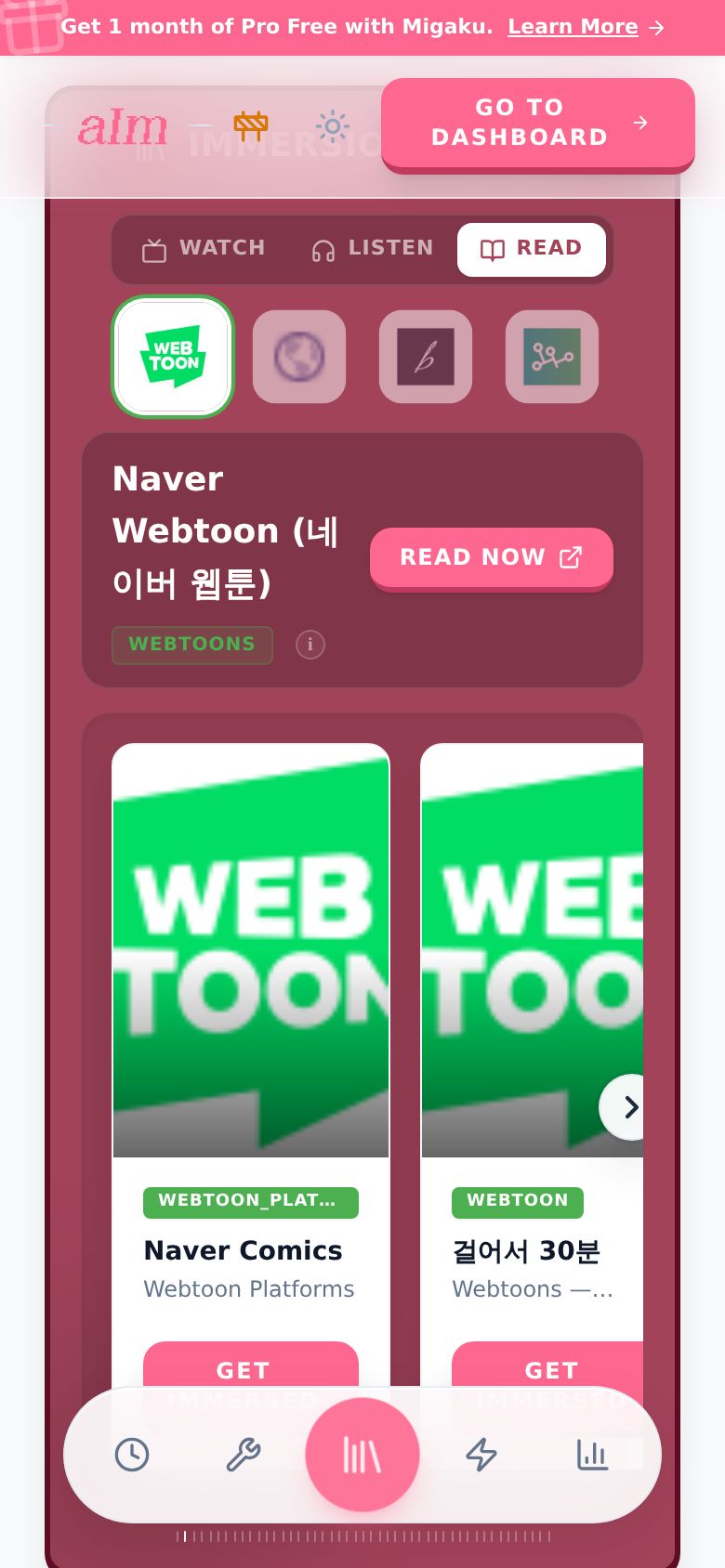
Read has webtoons, web novels, news and more.
-
Swipe the picks left and right to see more. You can also tap the arrows on the sides, or tap the little bars under the row to jump.
-
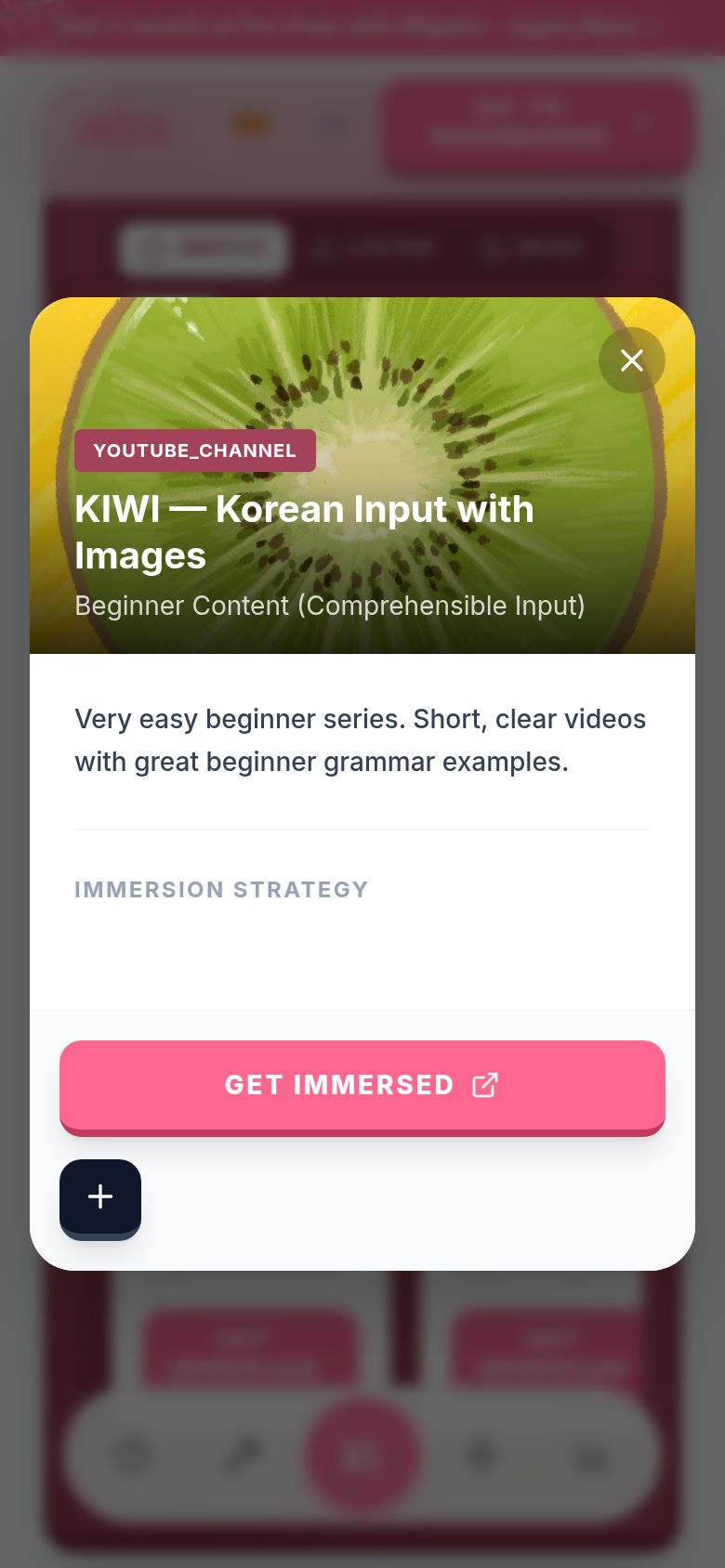
Tap a pick (anywhere but the button) to see more about it: what it is, who made it, and sometimes my own story with it. Swipe left or right in there to move to the next pick. Tap the X to close.
-
Tap Get Immersed to open it. A Netflix show opens on Netflix, a podcast on Spotify, and so on, in a new tab. YouTube picks are different: when you're signed in, Aim plays them inside Aim as a session. Not signed in yet? The video opens on YouTube in a new tab, and I remind you that a free account lets you watch it inside Aim and track your time.
Can I save a pick for later?
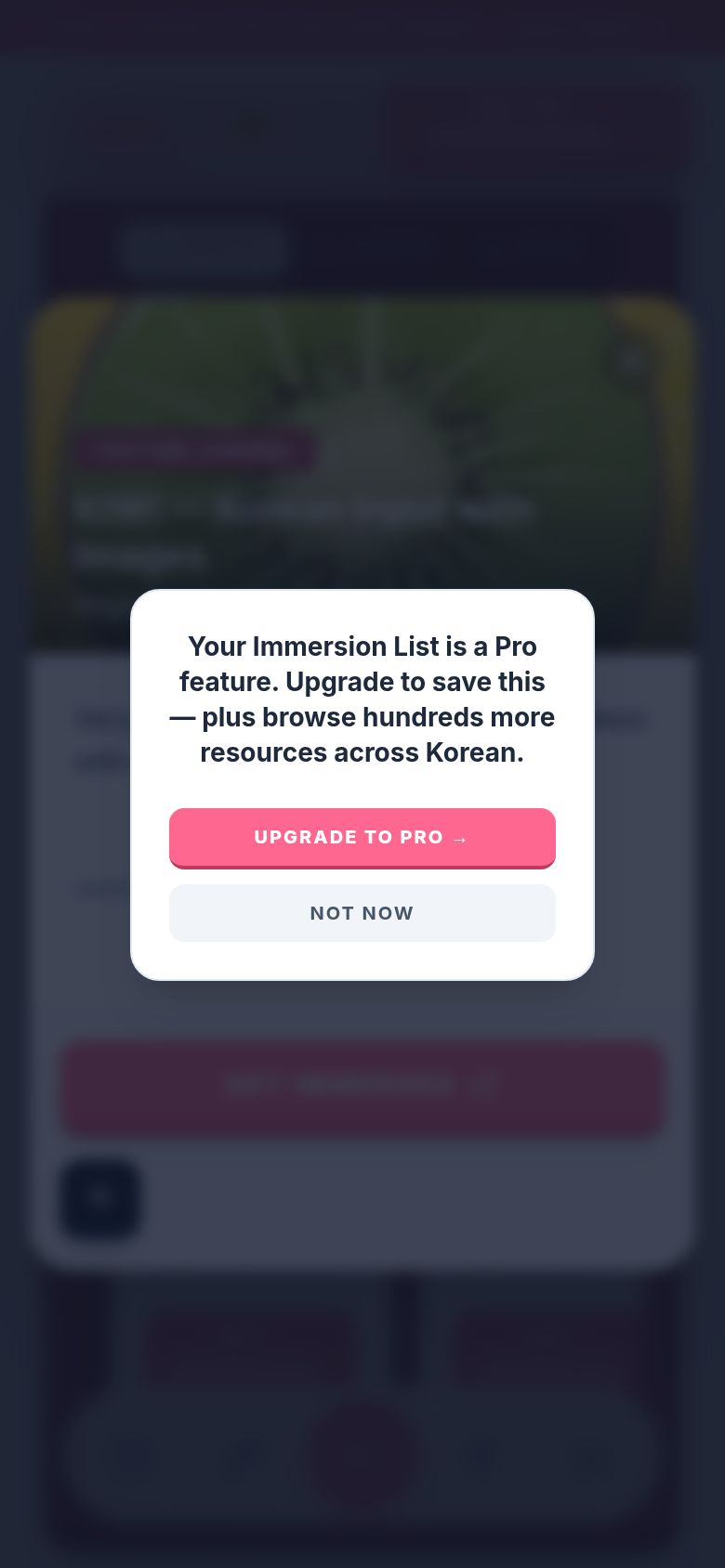
The + button saves a pick to your Immersion List. That list is part of Pro. On the free plan, tapping + says "Your Immersion List is a Pro feature" with Upgrade to Pro or Not now.
Good to know
-
It's free. Every tab, every platform and every pick on your blueprint is yours, with or without Pro. The bigger Library page in the dashboard (every platform for your language and hundreds more picks) is part of Pro.
-
The picks are for learners of your language. They aren't sorted by your level yet, so start with one that looks fun.
-
Tapping the tab you're on does nothing. The platform you have open stays open.
-
Four platforms per tab. Which ones depends on your language. Japanese gets Crunchyroll, Mandarin gets iQIYI and Bilibili, Korean gets Naver Webtoon, and so on.
-
"Curated picks coming soon." Some platforms don't have picks for your language yet. You still get the platform and its button, so you can go explore it yourself.
-
The sample is blurred. Without your own blueprint, the picks are blurred behind Get Started. Tap Calculate My Plan to build yours.
-
Phone vs desktop. On a phone you swipe. On desktop, use the arrows. In a pick's details, desktop has arrows on the sides and a phone uses a swipe.
Why did a YouTube pick open on YouTube?
You're not signed in. Watching inside Aim starts a session, and a session needs an account, so I open the video on YouTube instead and say "Opening it on YouTube. Make a free account to watch inside Immersed and track your time." Tap Save my blueprint at the top to make a free account. Picks from other platforms open the same way either way.