How does the scroll feed work?

Tap Scroll in Korean at the top of Discover (it says your language). Clips play one after another, all in your language. Swipe up for the next one. After a minute it counts as immersion, and it goes on your timeline when you leave.
Doom-scroll in your target language. That's the whole idea.
The scroll feed is part of Pro, and you need to be signed in. On a free account, you get creators in your language on your blueprint instead. See Your blueprint.
Watch the clip: scrolling the feed
Steps
-
Open Discover and tap the Scroll in Korean card at the top of the Discover tab.
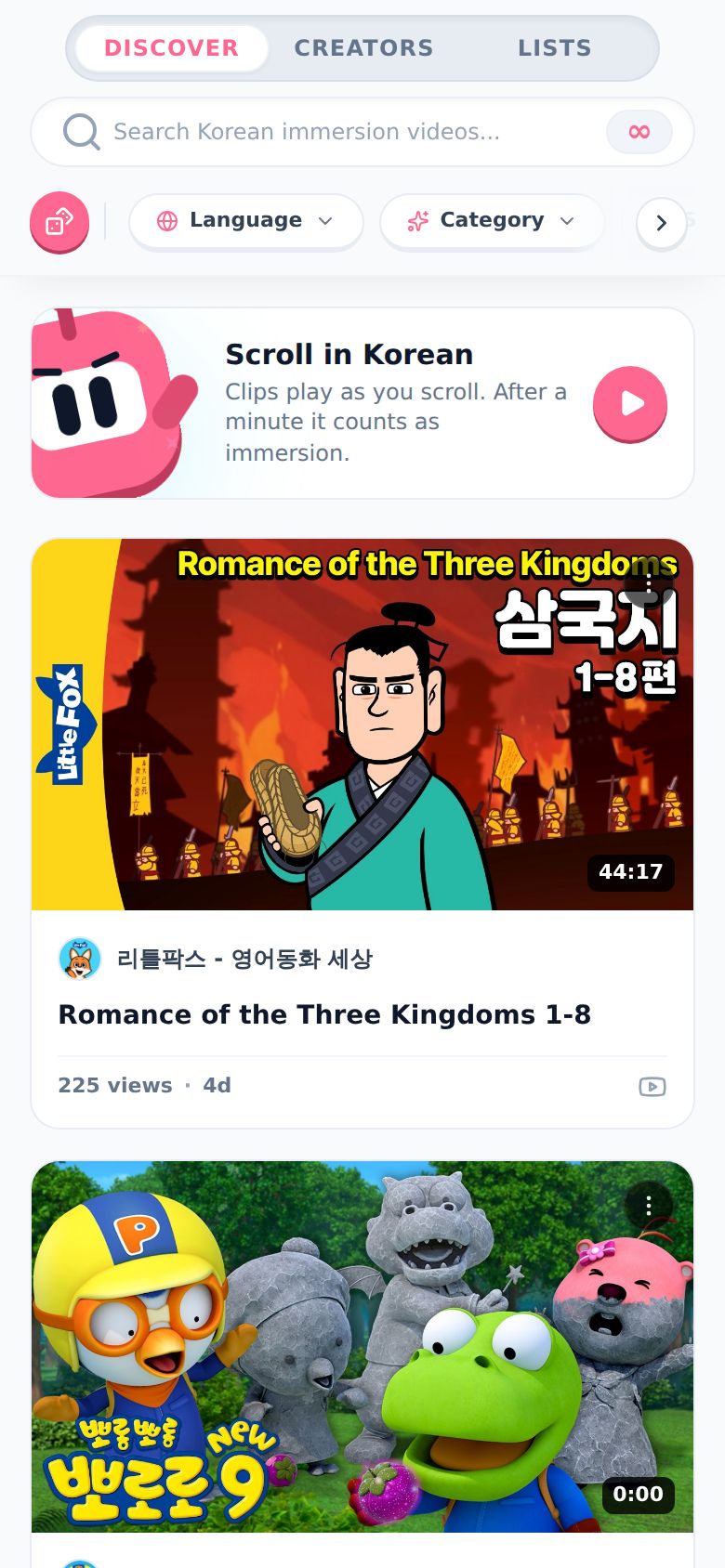
Or tap any video on the Discover tab. The feed starts with that one.
-
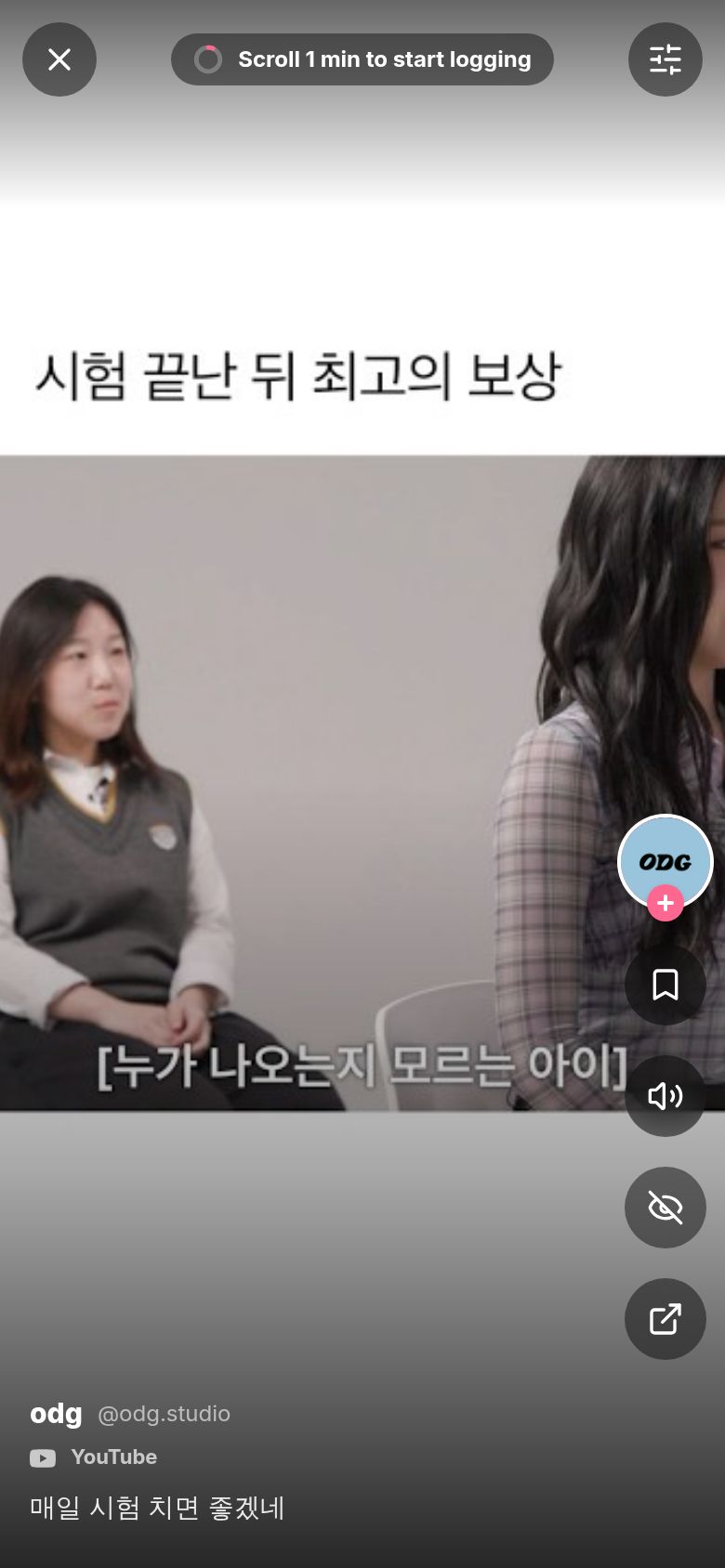
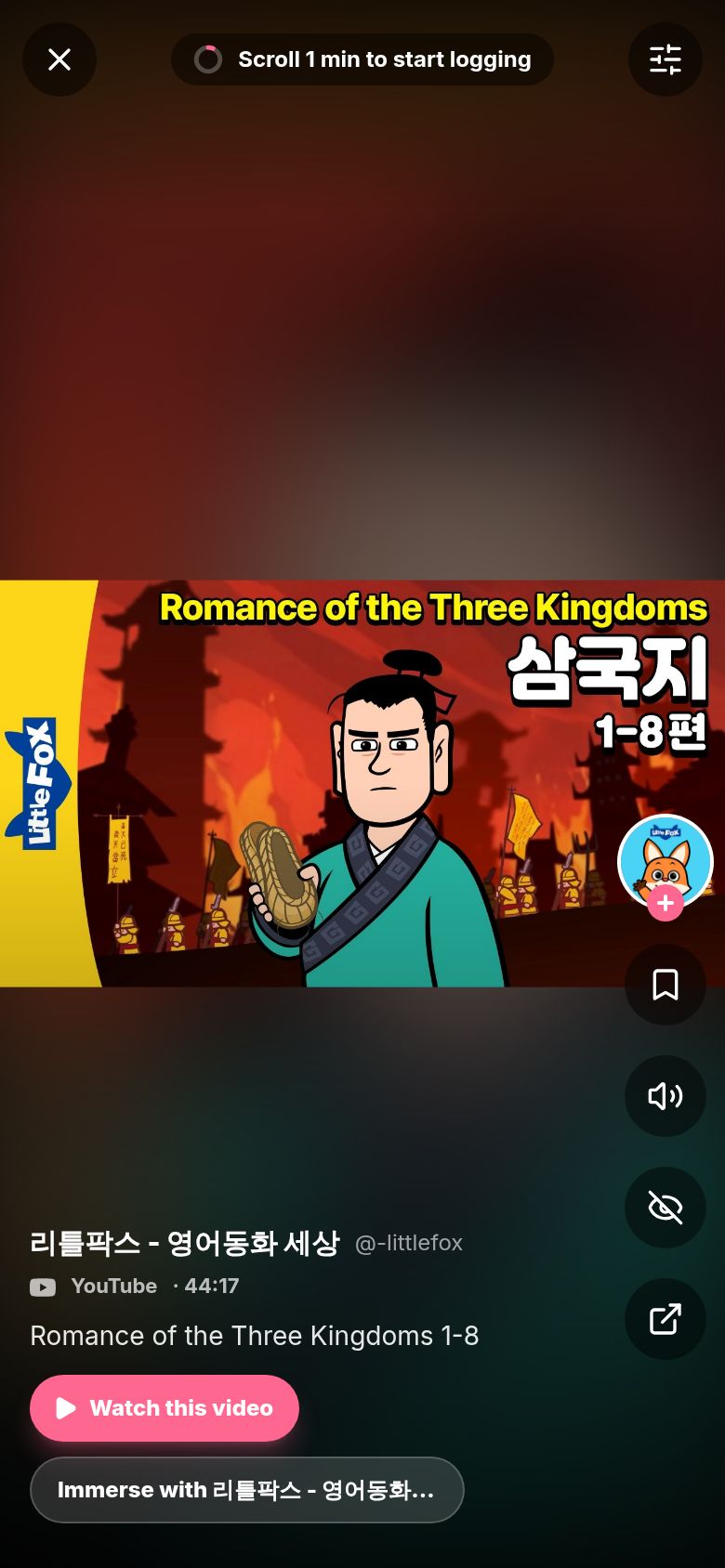
The feed opens full screen and the first clip plays. At the top you'll see a little ring and "Scroll 1 min to start logging".
-
Swipe up for the next clip. Swipe down to go back. Tap the clip to pause it, tap again to play.
-
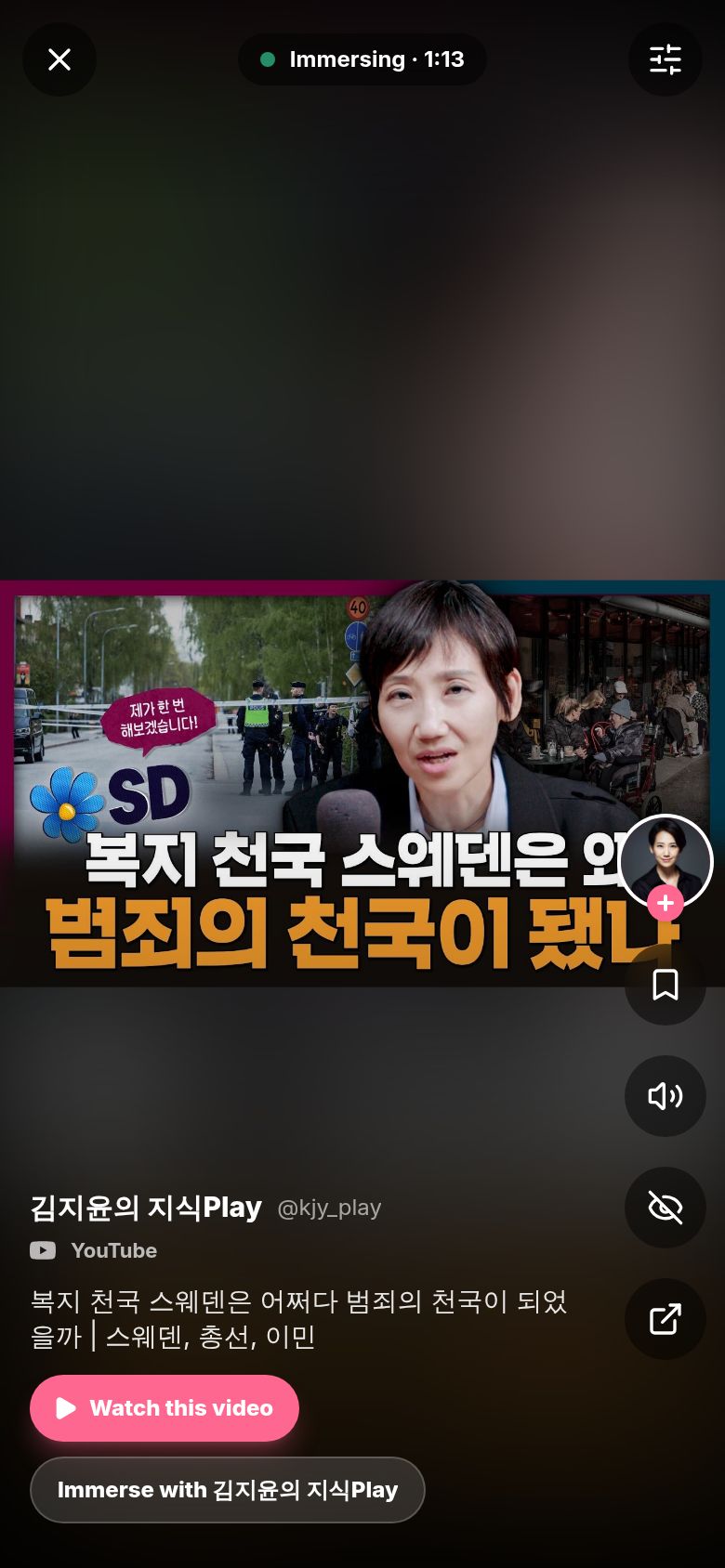
Keep going. After a minute, the top changes to Immersing with a clock. From here, it's counting.
-
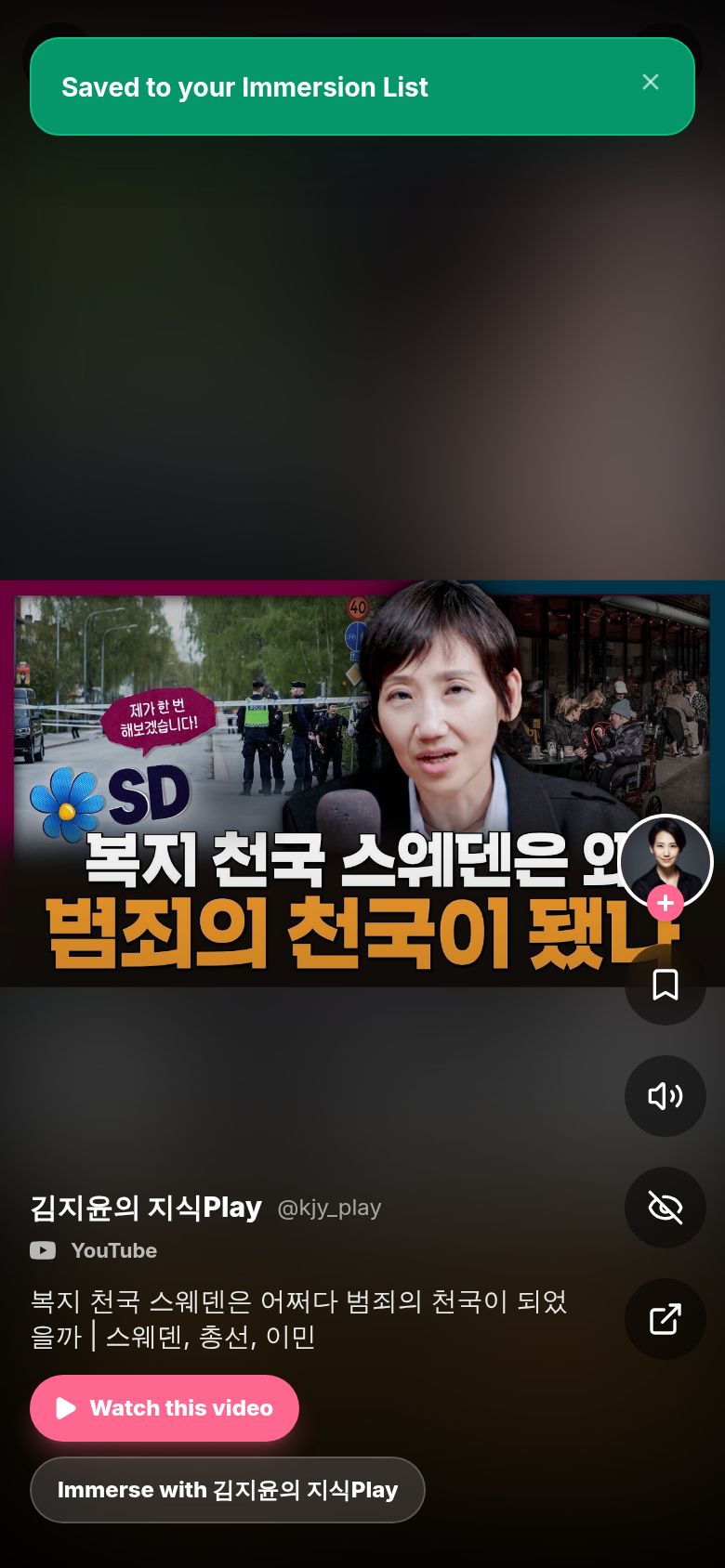
Found something good? Tap the bookmark on the right to save it. You'll see "Saved to your Immersion List". Tap it again to take it back out.
-
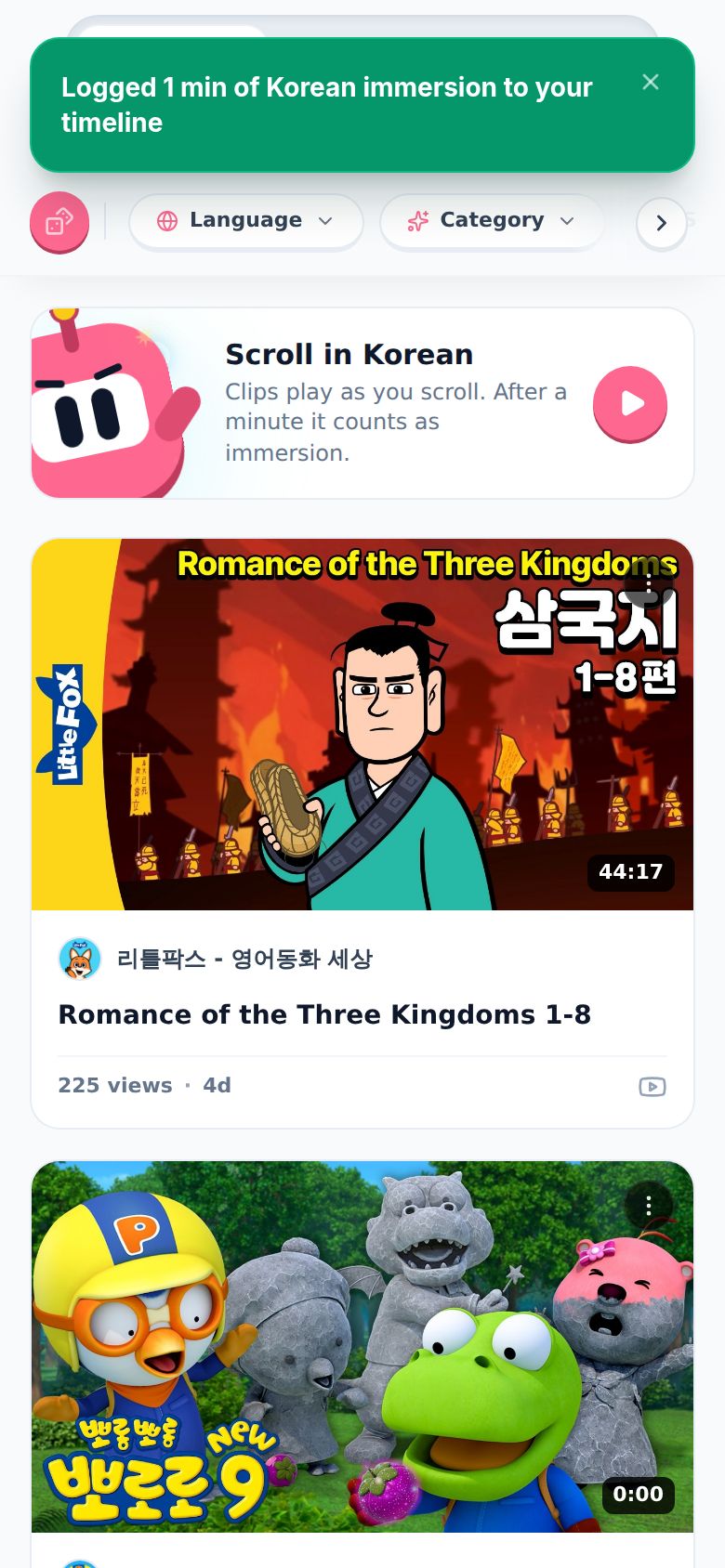
Tap the x in the top left to leave. You'll see "Logged 1 min of Korean immersion to your timeline" (with your time and your language).
What are the buttons on the right?
From the top:
- The creator's picture. Tap it to see their channel. The little + adds the creator to your Immersion List.
- Bookmark. "Save to Immersion List". Saves the clip.
- Speaker. Sound on or mute.
- Eye with a line. "Don't show [creator] again". They're gone from your feed. You get an Undo in case you slipped.
- Arrow out of a box. "Open on YouTube" (or TikTok, Instagram, X, Threads). Opens the clip on that app or site.
What are "Watch this video" and "Immerse with..."?
Longer YouTube videos get two buttons under the title:
- Watch this video ends the scroll and starts a session with that video, from the same moment you were at.
- Immerse with [creator] does the same, but the session is named after the creator.
If your scroll already hit a minute, it's logged first as its own entry. Then the new session starts.
How do I filter the feed?
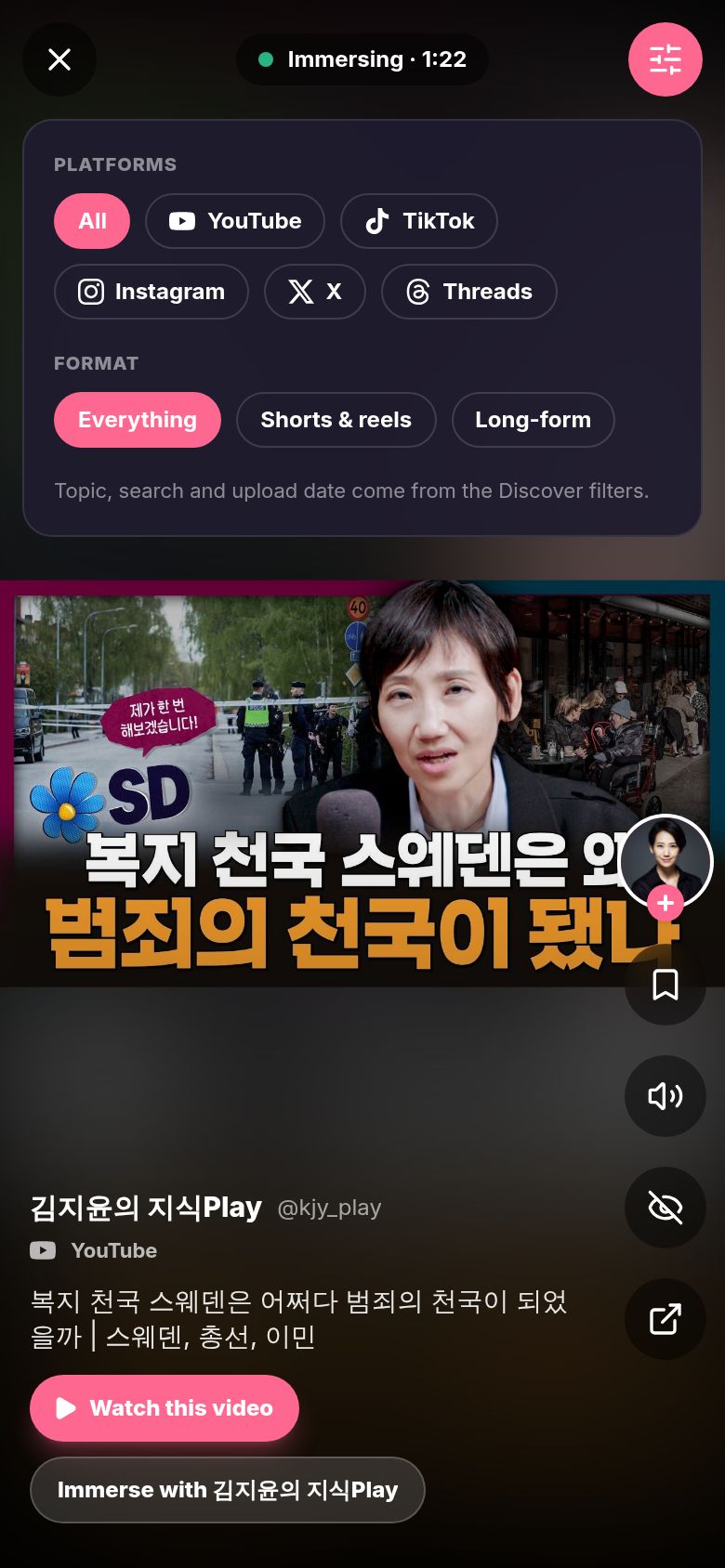
Tap the sliders button in the top right.
- Platforms: All, YouTube, TikTok, Instagram, X or Threads.
- Format: Everything, Shorts & reels, or Long-form.
Topic, search and upload date come from the Discover filters. So if you searched or picked a Category before opening the feed, the feed uses that too.
What counts as immersion?
- Time counts while the feed is on your screen and either a clip is playing, or you've scrolled, tapped or pressed a key in the last 3 minutes. Walk away with nothing playing and the clock stops.
- Under a minute is a glance. It's not logged. If you scrolled a little, you'll see "Scroll for at least a minute and it counts as immersion".
- Once you pass a minute, all of it counts, the first minute too.
- On your timeline it shows up as Discover scroll with how many clips you saw. It's logged as Active Listening (or Reading if you were mostly reading posts). The note lists the creators, the platforms, and what you spent the most time on.
- If a session timer is already running, the top says "Your running timer is counting this". The feed doesn't log a second time.
- Closed the tab or your phone died mid-scroll? It gets logged the next time you open Discover.
Good to know
- Pro only. You need to be signed in with Pro.
- Sound. The feed tries to start with sound. If your browser blocks it, tap Tap for sound.
- Your screen stays awake while a clip plays, so your phone doesn't lock mid-clip.
- The back gesture on your phone leaves the feed, not the whole page. Same rules: over a minute, it's logged.
- On desktop: use the arrows on the right, the mouse wheel, or the keyboard. ↓ or J for next, ↑ or K for back, Space to pause, M for sound, Esc to leave.
- Mostly YouTube for now. I'm still bringing creators in from the other platforms, so some languages have nothing there yet.
- Hidden a creator by mistake? Go to the Creators tab and tap Hidden creators. See How do I find creators in my language?.
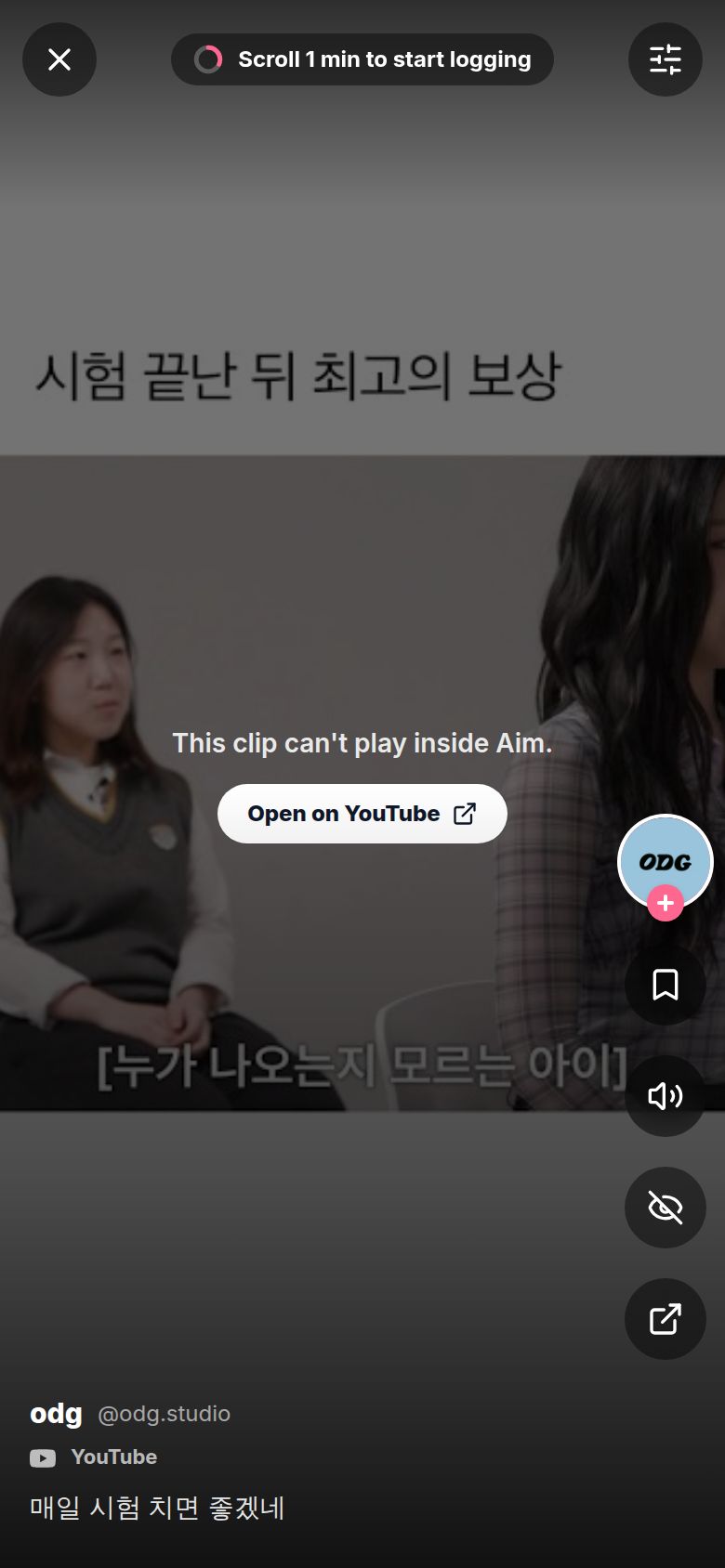
Why does it say "This clip can't play inside Aim"?
Some clips won't play inside other apps. The creator or the platform blocks it, or your network does. Tap Open on YouTube (or whichever platform) to watch it there, or just swipe to the next one.
Why does it say "No Korean TikTok posts here yet"?
You picked a platform that has nothing in your language yet. Open the sliders and pick All or YouTube.
Why does it say "You reached the end"?
You've seen everything that matches your filters. Tap Filters, or go back to Discover and clear your search or Category.