How do I find creators in my language?

Open Discover and tap the Creators tab. It's a list of channels in your language, biggest first. Tap one to see what they make, then tap Start immersing.
The Creators tab is part of Discover, which is Pro, and you need to be signed in. On a free account, you still get creators in your language on your blueprint. See The immersion library on your blueprint.
Steps
-
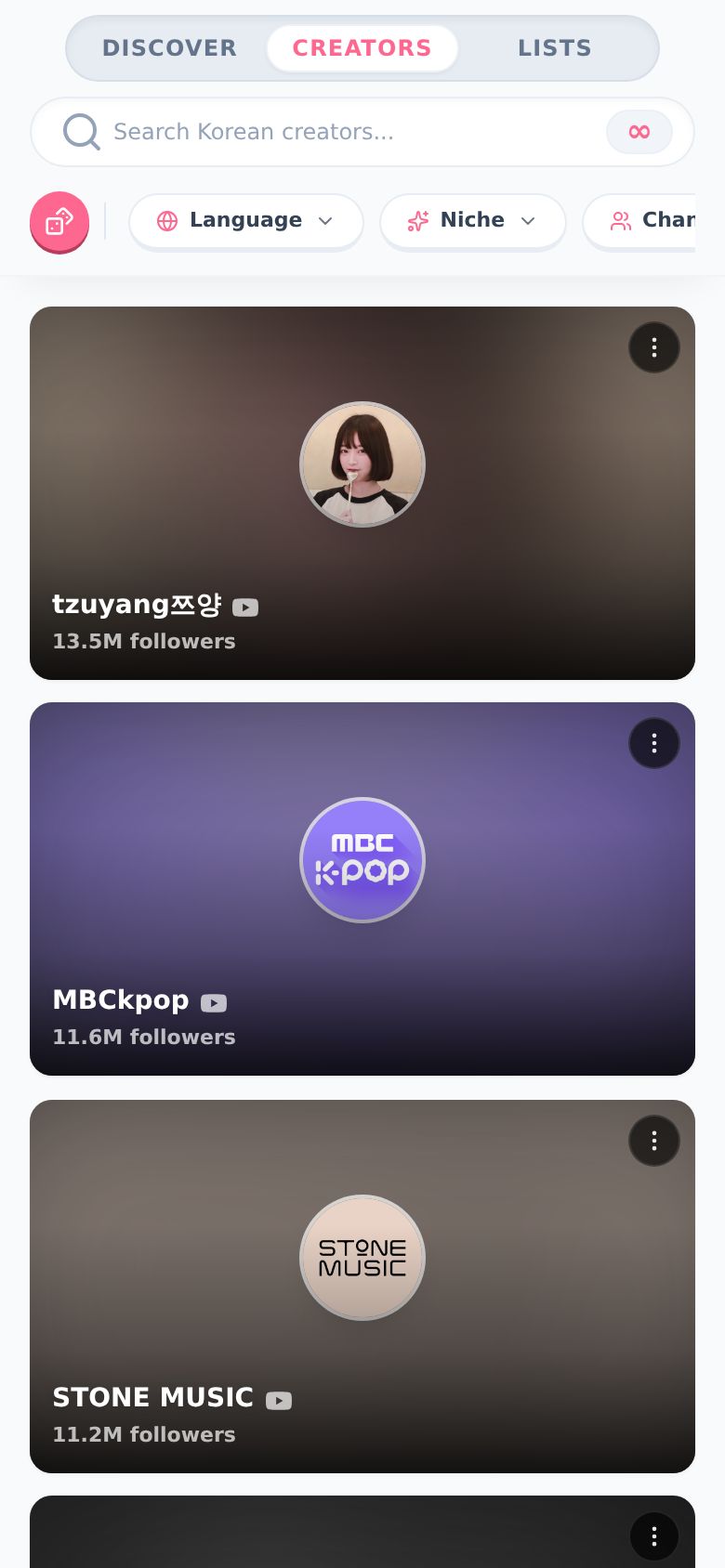
Open Discover and tap Creators at the top. You get a list of creators in your language, with how many followers they have.
-
Want something specific? Tap Niche. Pick one or more, like Food & Cooking, Gaming or Podcasts & Talk.
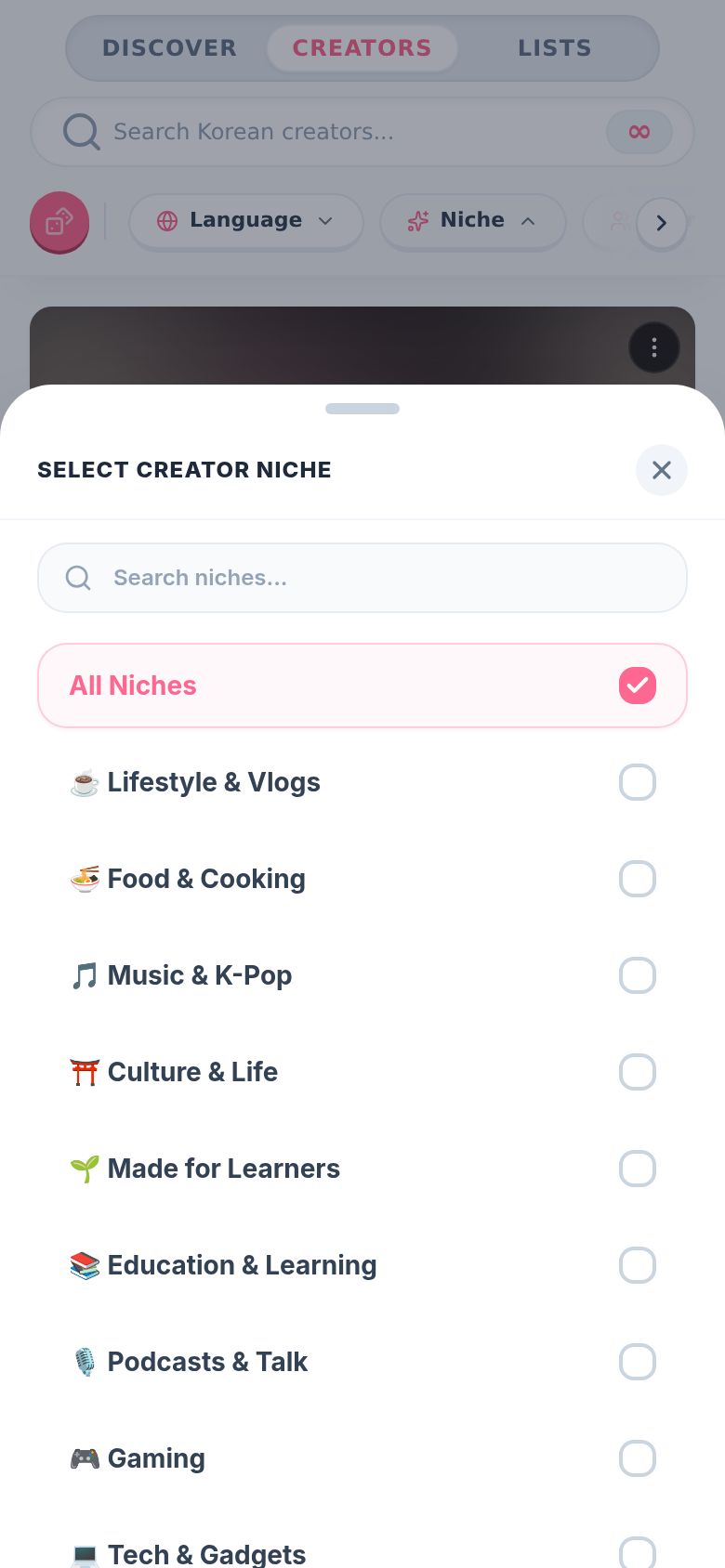
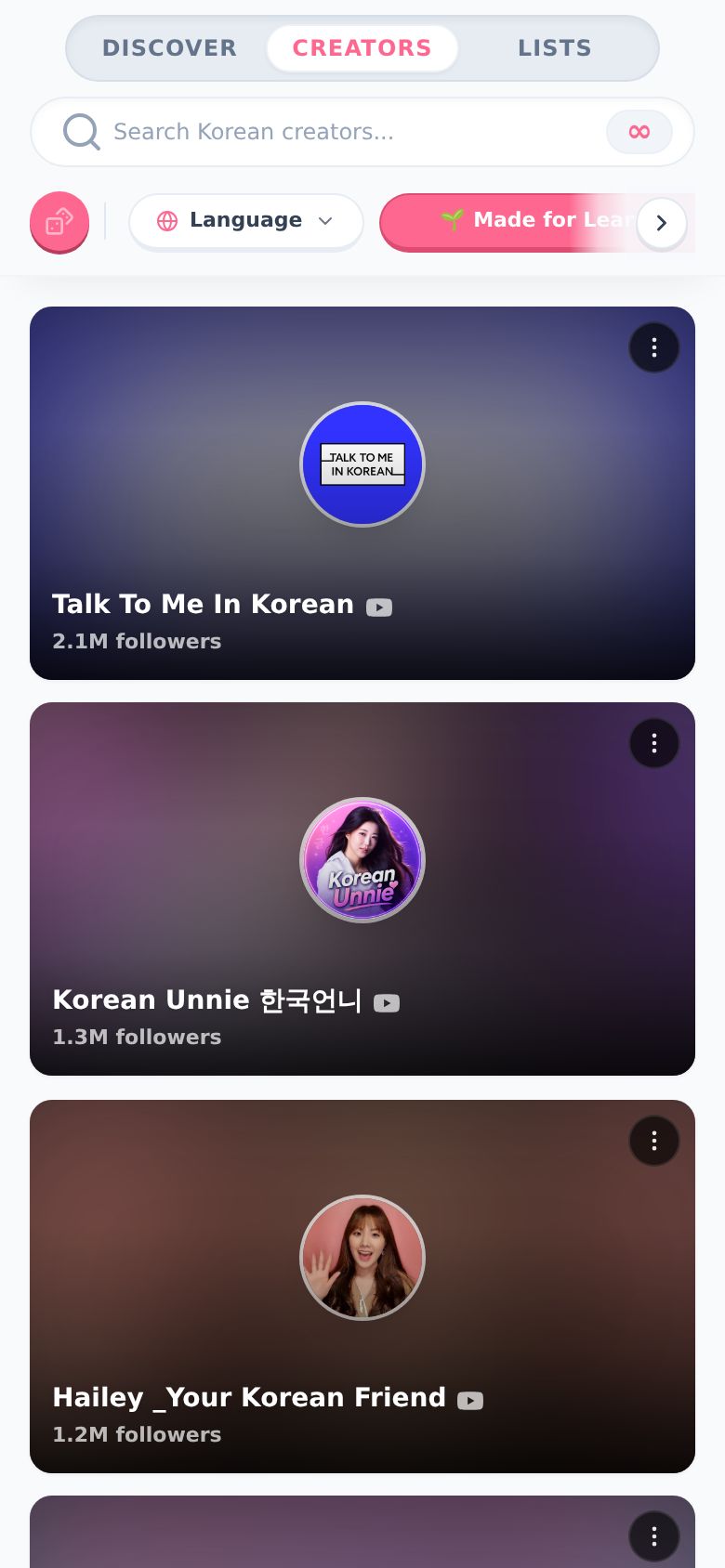
Just starting out? Pick 🌱 Made for Learners. These are creators who make stuff for people learning the language.
-
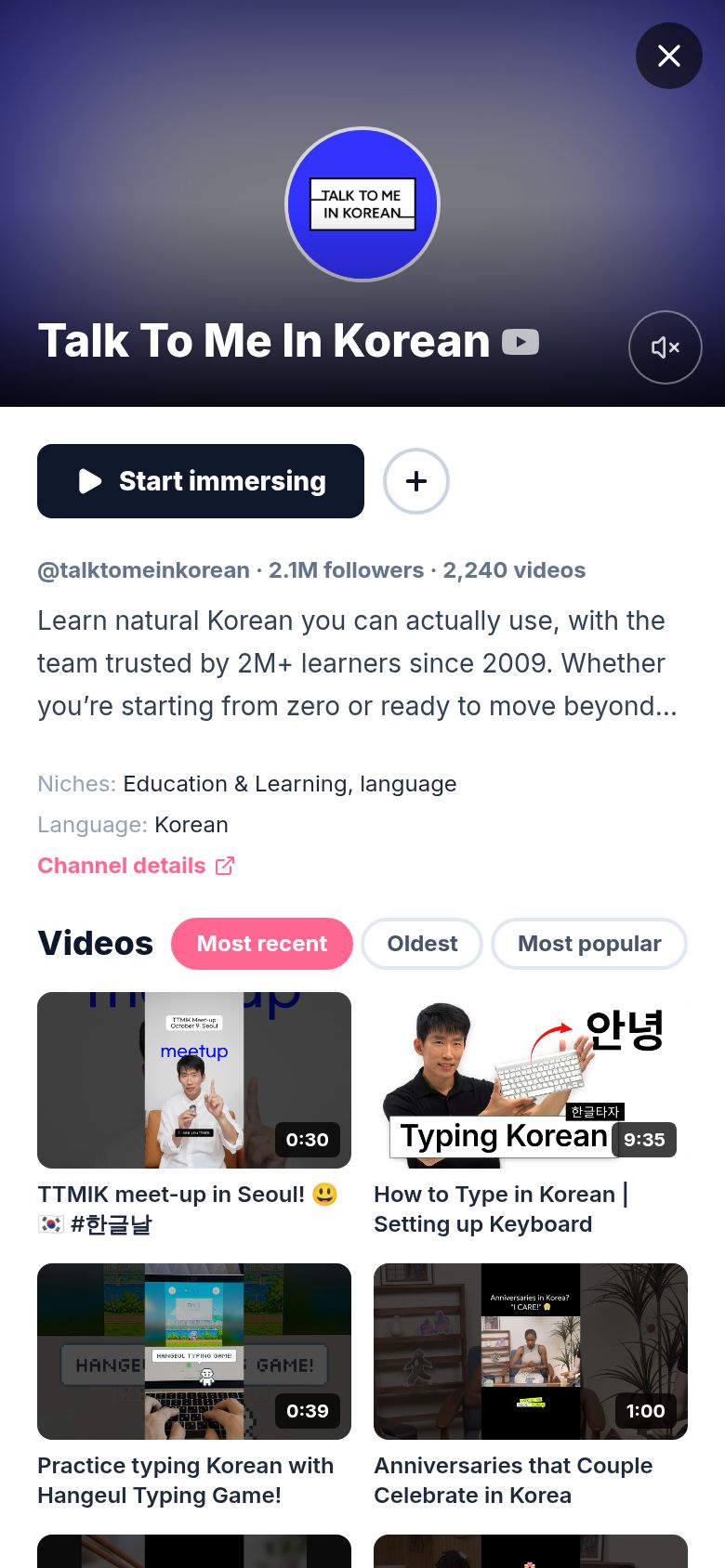
Tap a creator. Their page opens with a preview playing (muted, tap the speaker for sound), what they're about, their niches, and their videos.
-
Sort their videos with Most recent, Oldest or Most popular. Oldest starts from their very first upload. Tap a video to preview it at the top.
-
Tap Start immersing. A session starts with that creator (or the video you picked) and opens in the watch view. It goes on your timeline like any other session. See How do I start a session?.
-
Tap the + next to Start immersing to add the creator to your Immersion List, so you can find them again. It turns into a check. Tap it again to take them back out.
Tap the x in the corner (or press Esc) to close the creator.
What are the other filters?
- Language: see creators in another language. This only changes Discover, not your timeline.
- Channel Size: Micro (under 50k), Mid-sized (50k to 500k), or Major (500k+). Small creators are underrated. Try them.
- Sort: Recommended, Top Followers or Most Videos.
- Search: type a name or a word in the search bar ("Search Korean creators...").
- The pink dice picks a random niche for you.
Some languages get one more pill:
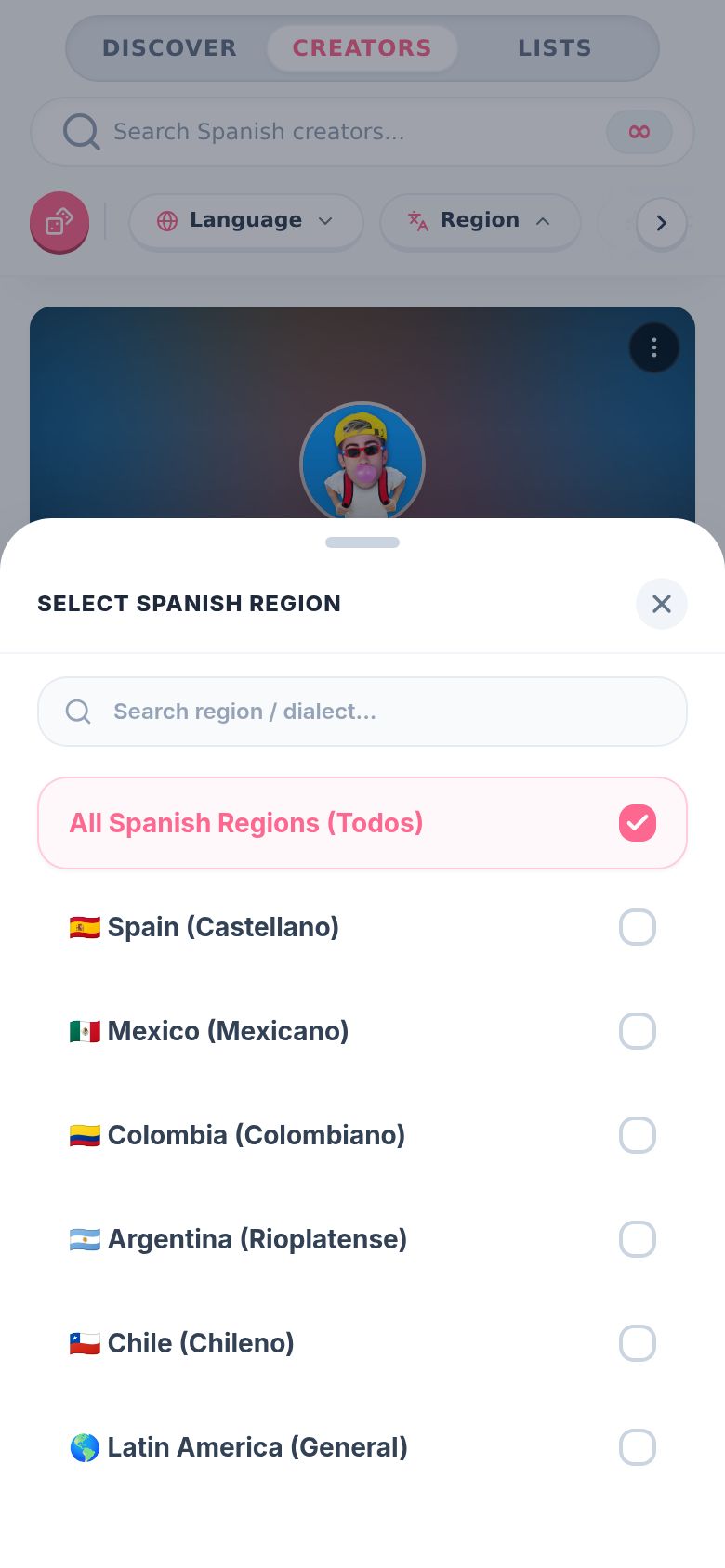
- Spanish: Region. Spain, Mexico, Colombia, Argentina, Chile, or Latin America in general.
- Portuguese: Variety. Brazil or Portugal.
- Arabic: Dialect. Egyptian, Levantine, Gulf, Standard (MSA), Maghrebi or Iraqi.
How do I hide a creator?
-
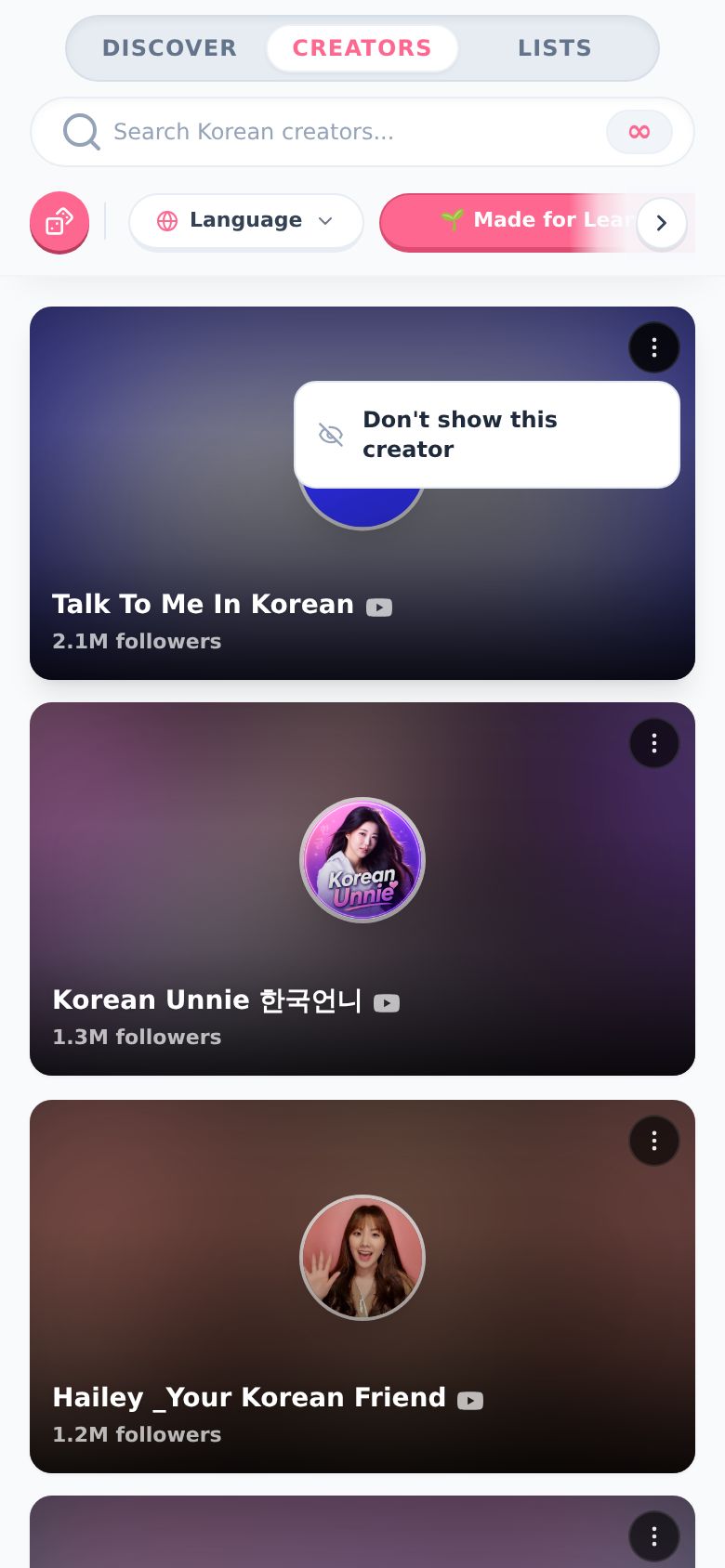
Tap the ⋮ on their tile.
-
Tap Don't show this creator. They're gone from Discover. You get an Undo in case you slipped.
To bring someone back, tap Hidden creators at the top of the Creators tab. It only shows up once you've hidden someone. Only you can see that list.
Is it different on desktop?
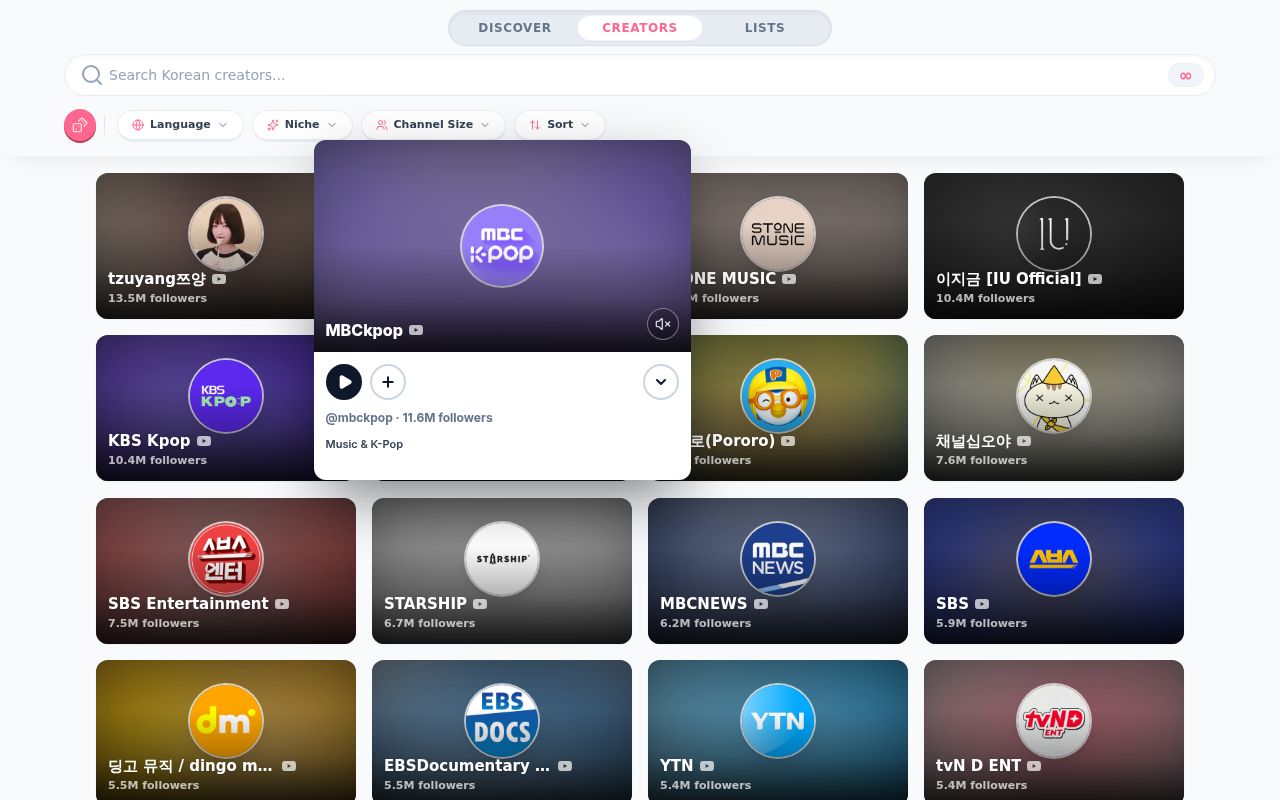
A little. On desktop, hover over a creator and a small preview pops up and starts playing. It has a play button (start immersing), the +, and an arrow to open the full page. Click the tile to go straight to the full page.
On a phone, tapping a tile opens the full page. While you scroll, the creator in the middle of your screen can play a short, muted preview right in its tile.
Good to know
- Pro only. You need to be signed in with Pro. Free accounts get creators on their blueprint.
- YouTube creators. For now, the Creators tab is YouTube channels.
- Languages: Korean, Arabic, Spanish, Portuguese, Italian, Vietnamese, French, Japanese, Mandarin, German and Russian. The Language picker shows how many creators each one has.
- Already immersing with that creator? Start immersing carries on the same session instead of starting a new one.
- Channel details on the creator's page opens their channel inside Aim.
- No creators found? Try fewer filters, or broader words like "vlog", "gaming" or "podcast".