How do I make an account and pick my first language?

Two ways in. Take the assessment first and save your blueprint with a free account at the end, or make the account first at the sign-up page and then take the assessment. Either way your first language is the one you pick on the first question.
Make an account
-
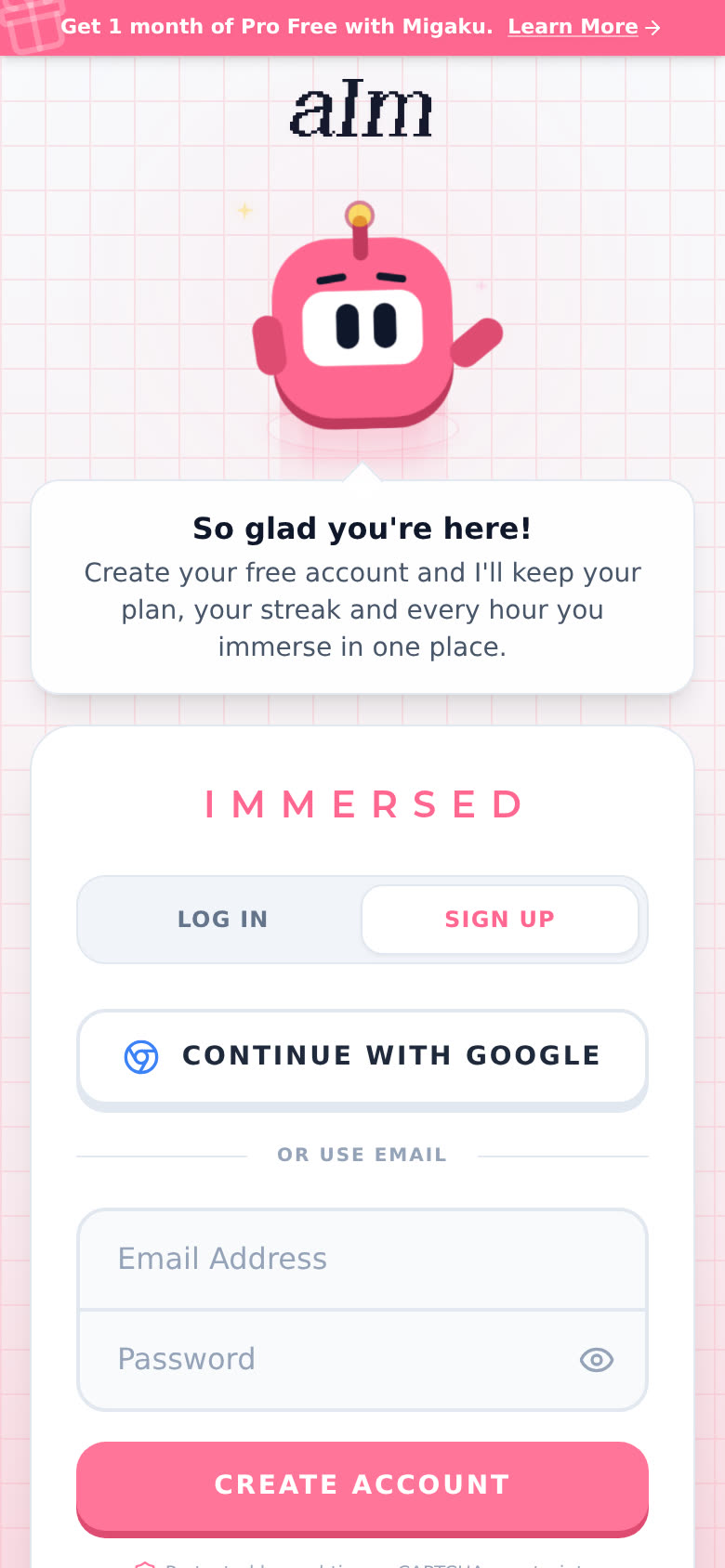
Go to app.adeimmersed.com/login?mode=signup. The SIGN UP tab is already picked.
-
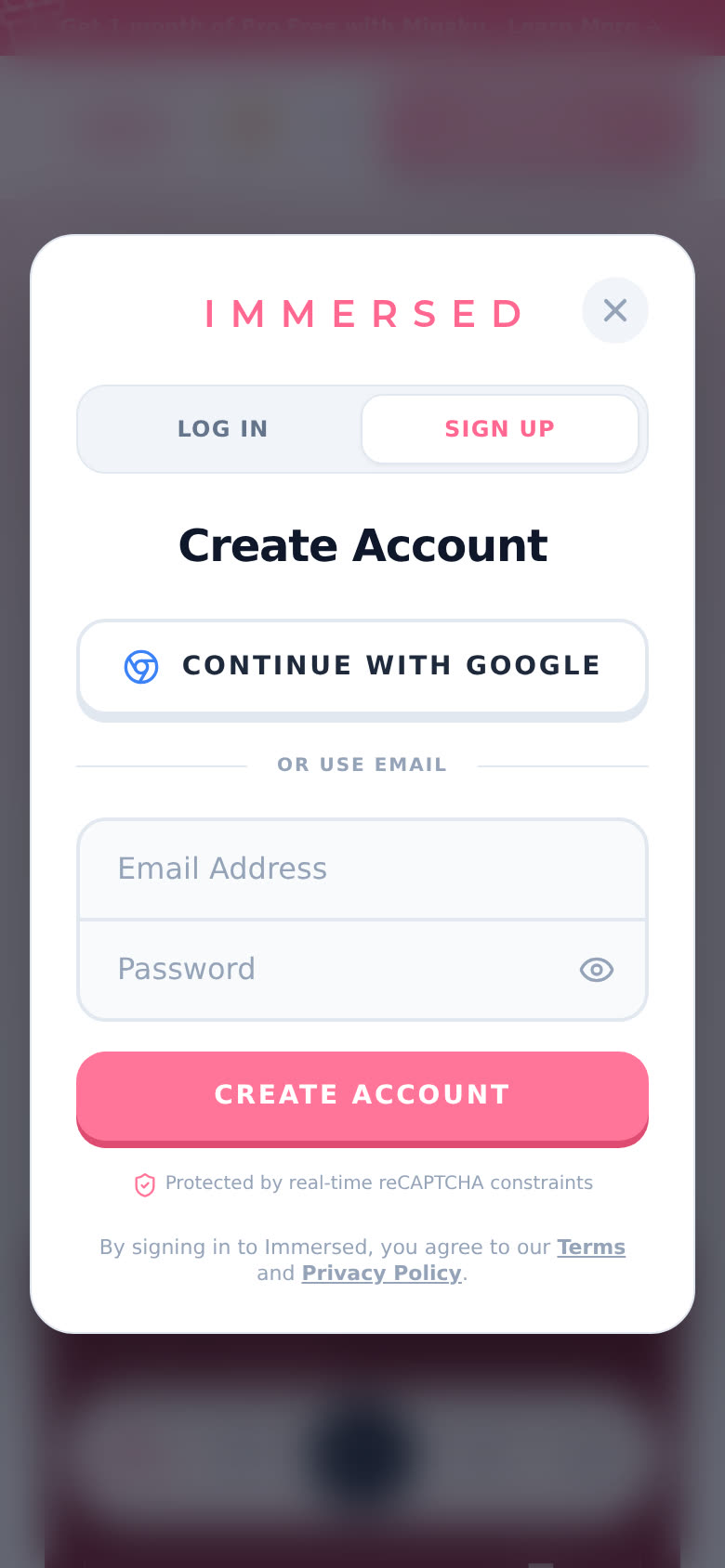
Tap CONTINUE WITH GOOGLE, or type your email and a password.
-
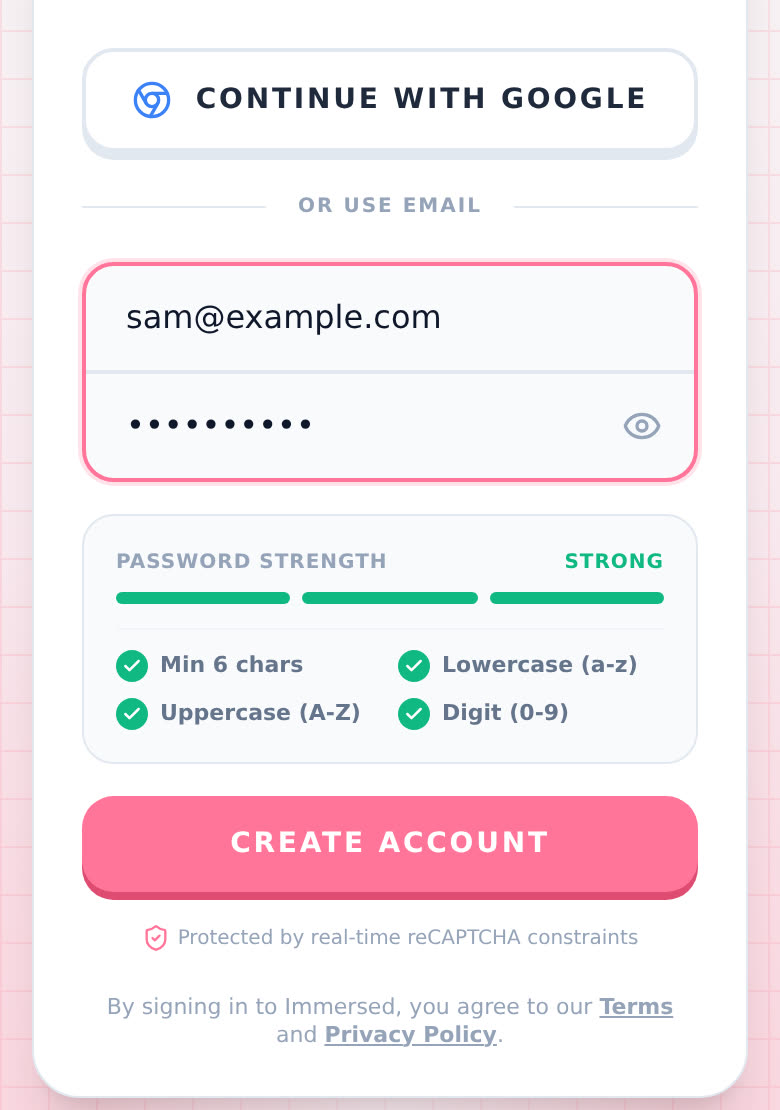
Using a password? It needs at least 6 characters, one capital letter, one small letter and one number. The Password Strength box ticks each one off as you type. Very common passwords get turned down.
-
Tap CREATE ACCOUNT.
-
With email, I send you a link. The page says "Check your email". Tap the link in that email to switch your account on. Not there? Check your spam folder, or tap Use a different email.
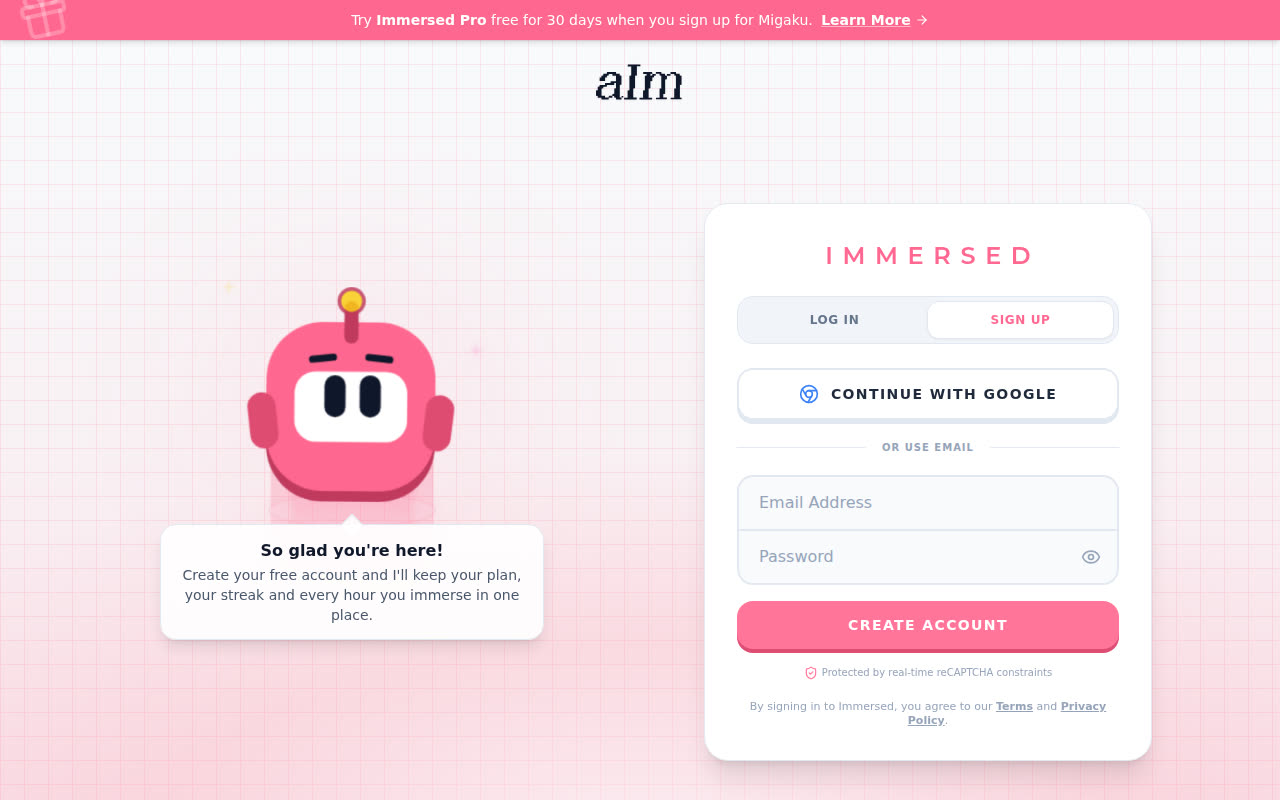
On a computer it's the same page, with Aim on the left and the form on the right.
Pick your first language (the assessment)
-
Go to app.adeimmersed.com/assessment. You don't need to be signed in.
-
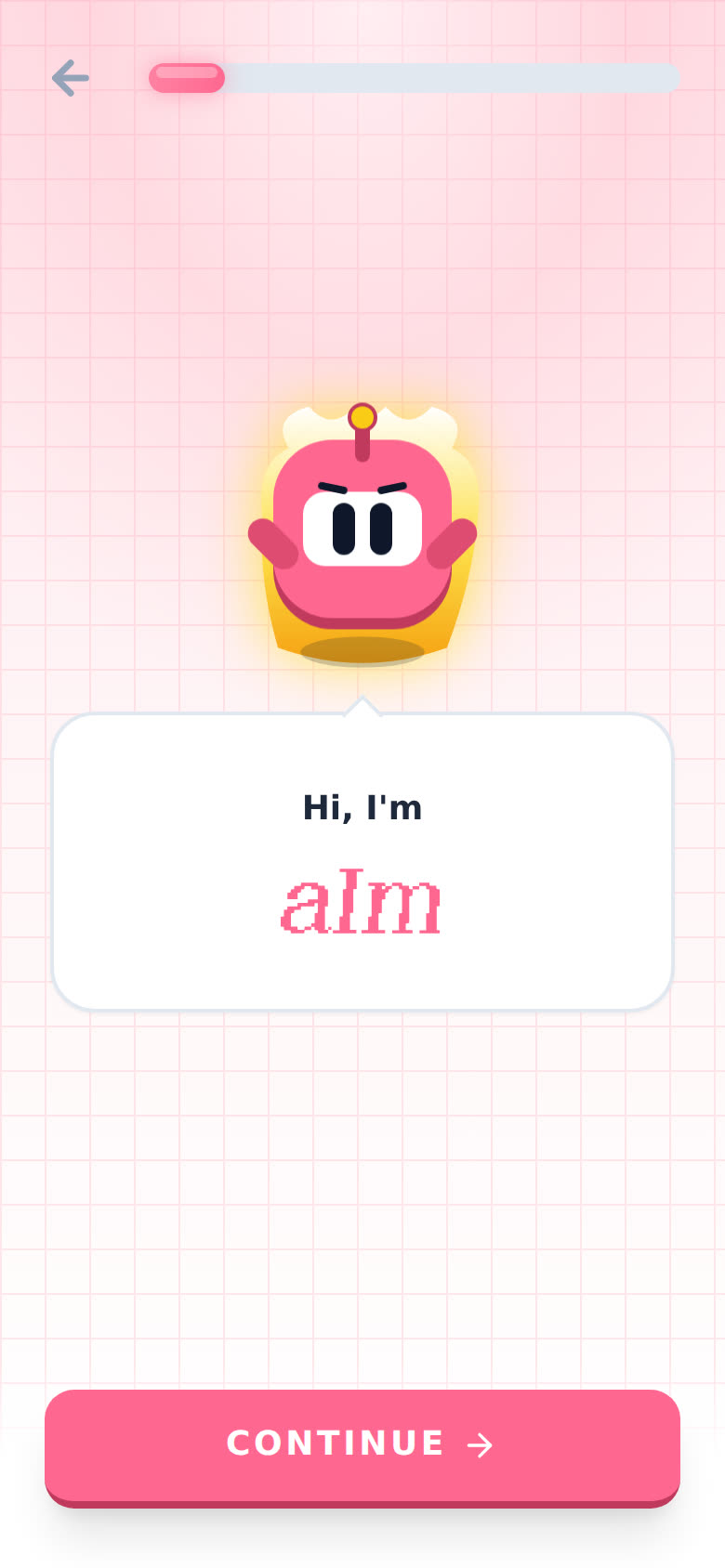
Aim says hi and tells you what he's about. Tap CONTINUE through it. Tap the speech bubble if you want the words to show up faster.
-
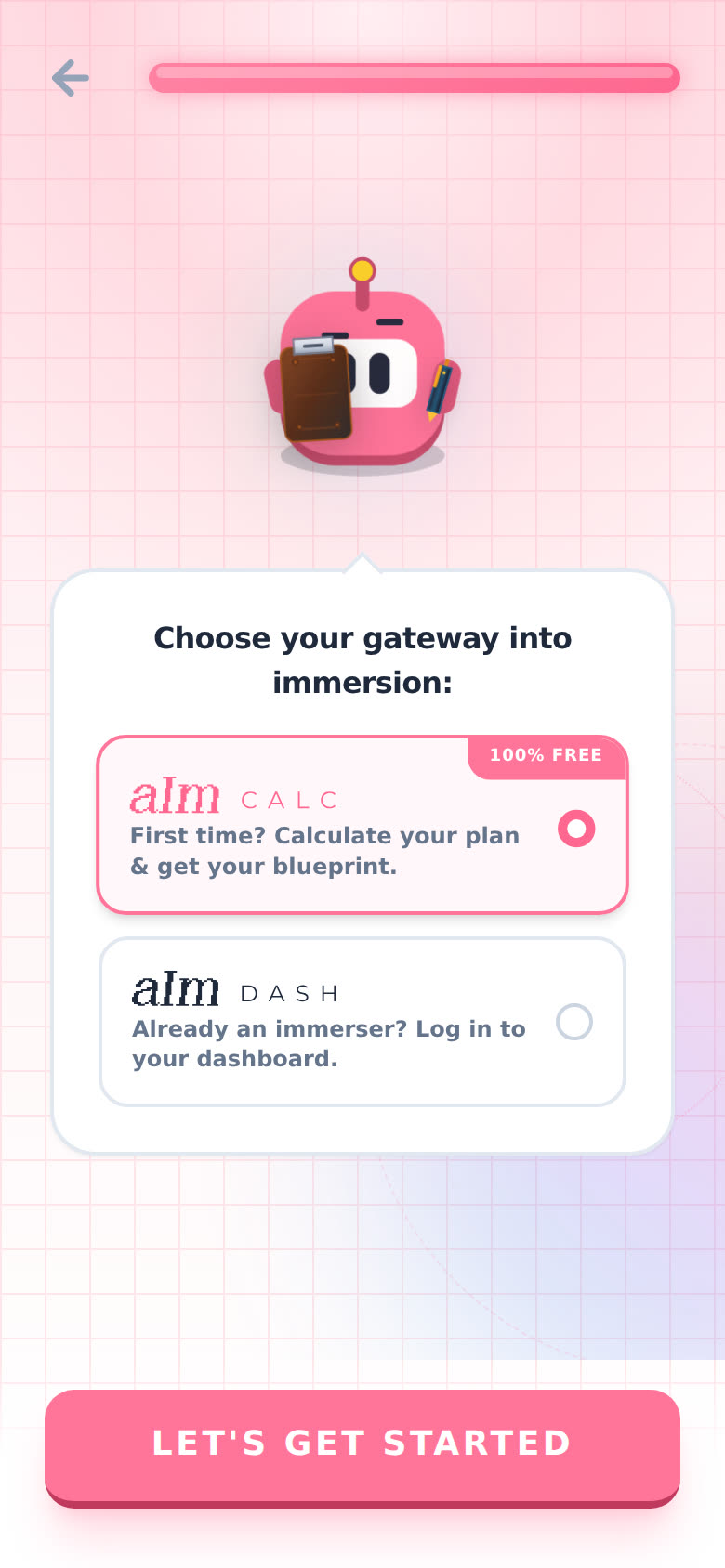
Aim asks you to "Choose your gateway into immersion". aIm CALC ("First time? Calculate your plan & get your blueprint.") is already picked. Tap LET'S GET STARTED. (Already have an account? Pick aIm DASH to log in instead.)
-
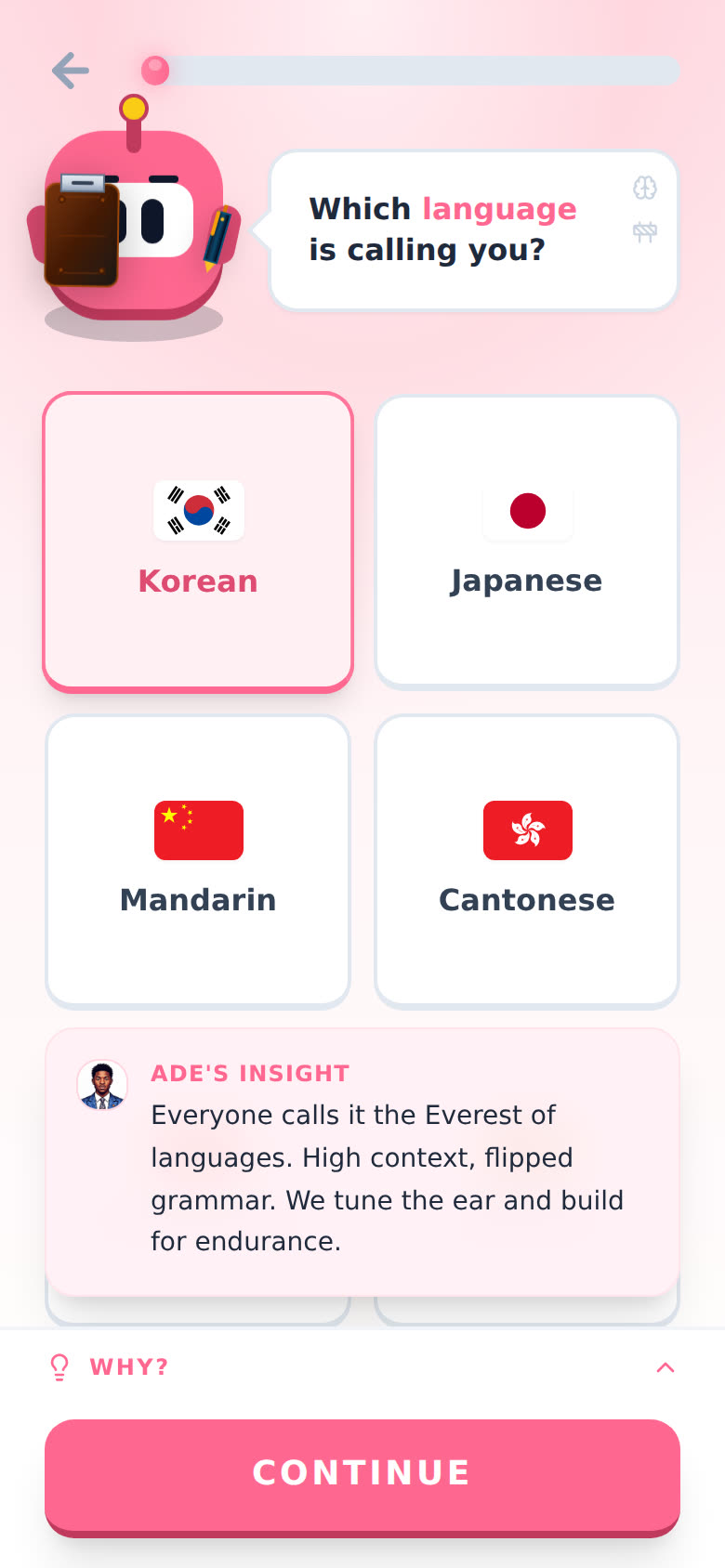
The first question is "Which language is calling you?". Tap your language, then CONTINUE. Not on the grid? Scroll down and tap Other.
-
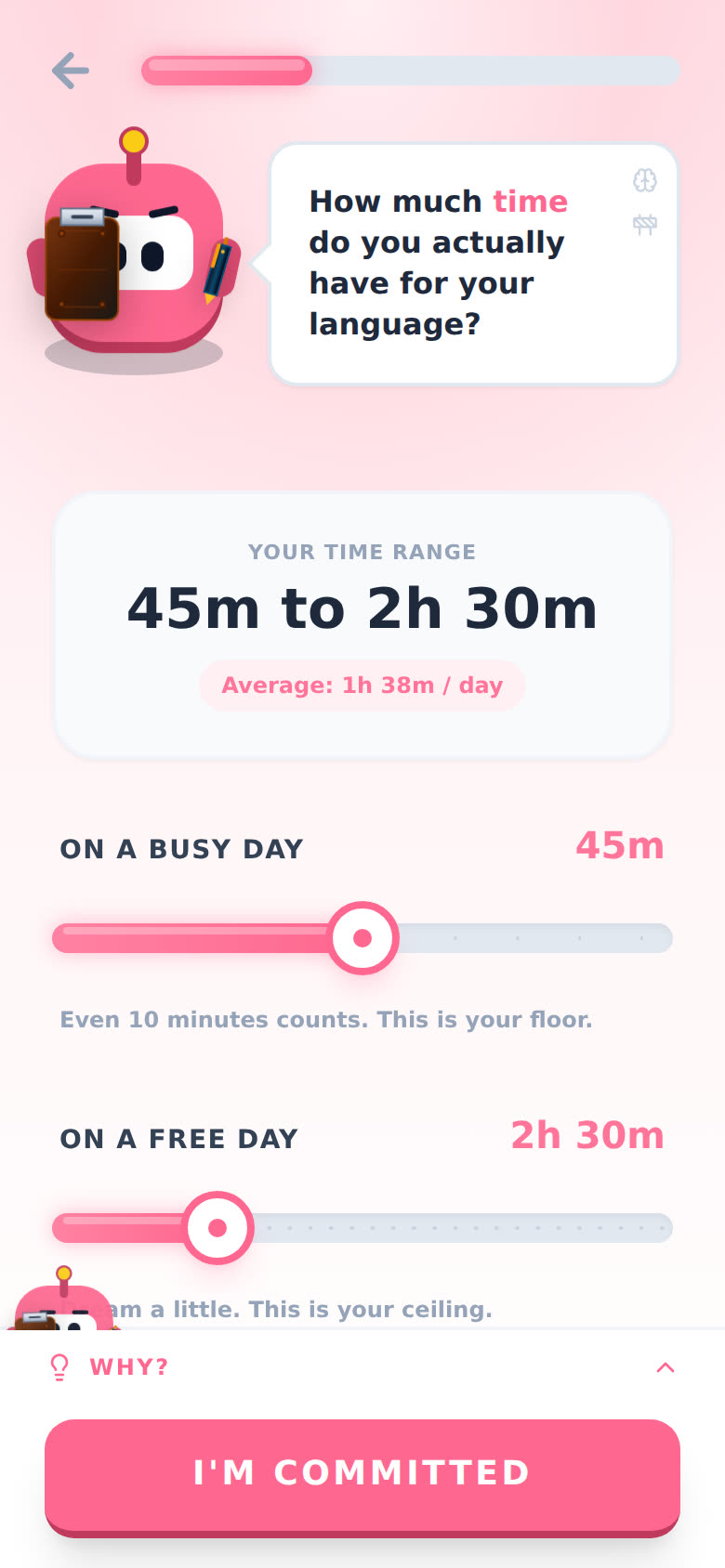
Answer the rest. There are up to 18 short questions (I skip the ones that don't apply to you): how long you've been learning, what drives you, how much time you have, how much you understand, what gets in your way. Tap WHY? at the bottom of any question to see why I ask it.
-
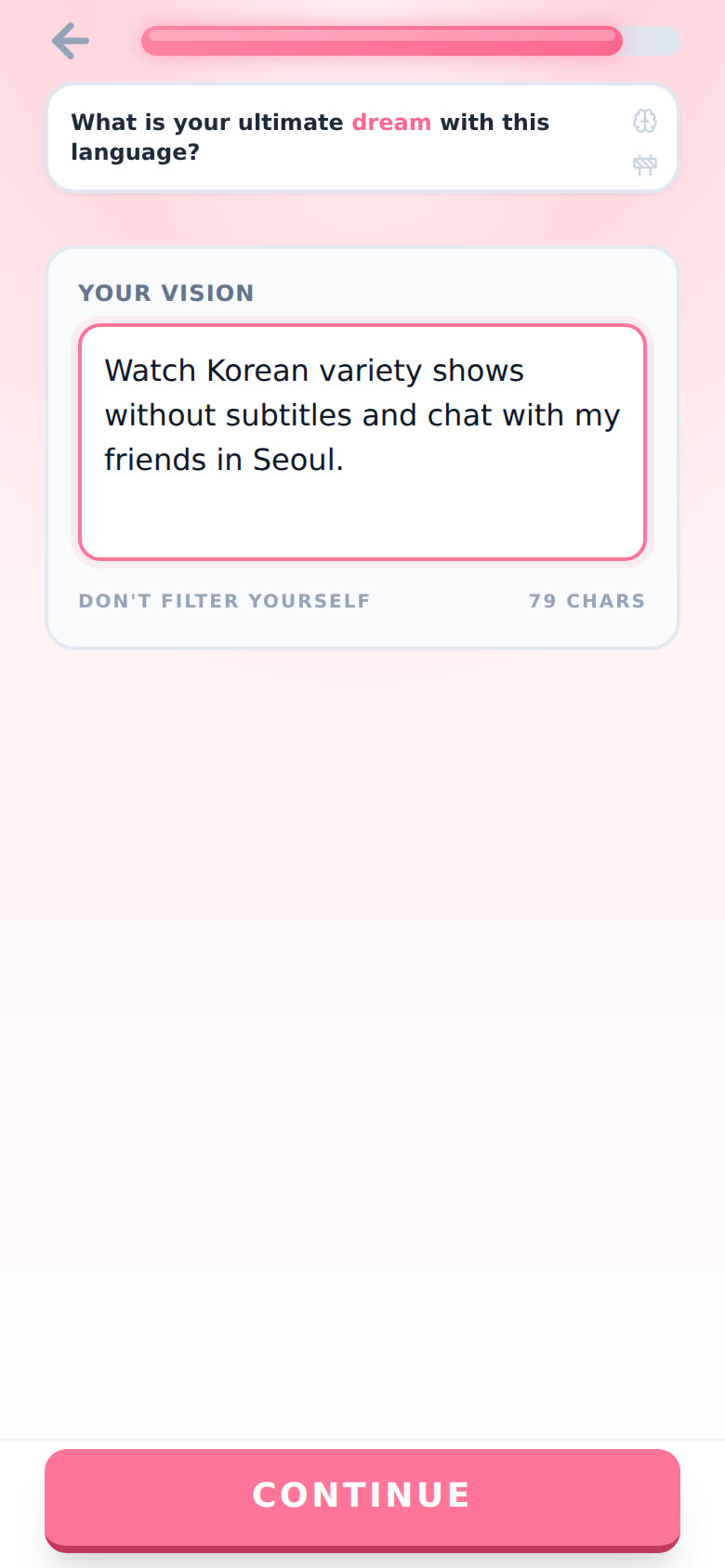
Near the end, I ask about your dream with the language. Write it the way you'd say it. Don't filter yourself.
-
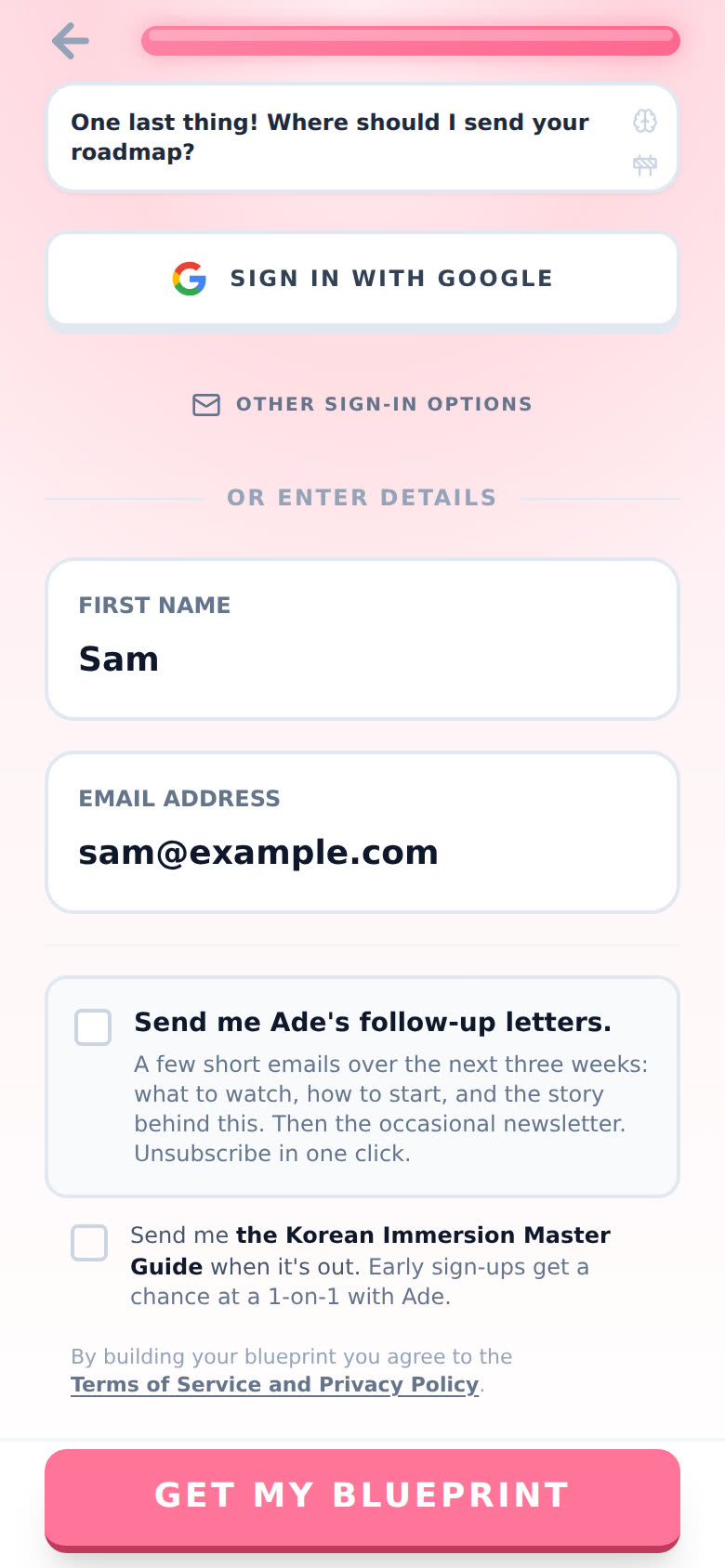
Last screen: "Where should I send your blueprint?". Type your first name and email, or tap SIGN IN WITH GOOGLE. The two boxes underneath (my follow-up letters, and a guide for your language when it's out) are optional.
-
Tap GET MY BLUEPRINT. Aim takes a little while to build it. Keep the page open.
-
Your blueprint opens, and I send a copy to your email too.
Save your blueprint
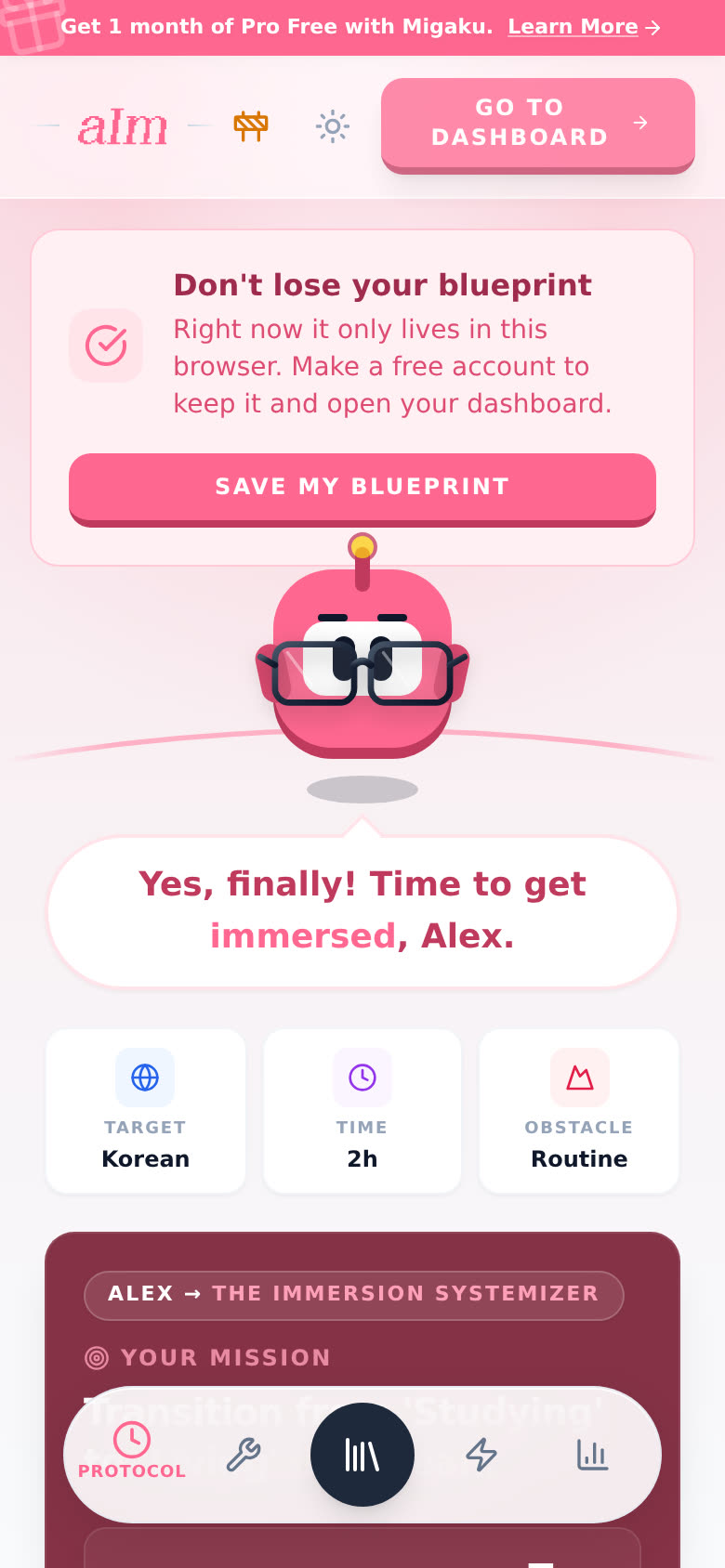
If you took the assessment without an account, your blueprint only lives in that browser. The top of the page says "Don't lose your blueprint".
-
Tap SAVE MY BLUEPRINT (or GO TO DASHBOARD at the top).
-
The Create Account box opens. Sign up with Google or email, same as above.
Signed in already? The blueprint saves to your account on its own, and you'll see "Blueprint Saved!".
Good to know
- One free blueprint. A free account gets a blueprint for one language. More languages are part of Pro. See Can I learn two languages at once?.
- Building another one too soon? On the free plan it's one blueprint every 30 days. Try again before that and you'll see "You've already built your free blueprint", and I send your old one back to your inbox.
- Your answers are kept. Close the assessment halfway and come back on the same browser within 7 days, and you pick up at the question you were on, with your answers still there.
- Signed in before you start? Aim says welcome back, and the button says Begin Immersion Audit instead of picking a gateway.
- The dashboard is Pro. A free account keeps the blueprint. The timeline, sessions, Discover and Growth need Pro (yearly starts with a free week). See What can I do without Pro?.
- Want to look around first? Try the sample app with no account. See Can I try Aim without an account?.
Why does it say "No Blueprints Found"?
You've got an account but haven't built a blueprint on it yet. Tap Go to Assessment and take it signed in.