Can I learn two languages at once?

Yes, with Pro. A free account gets one language. Pro lets you add as many as you want, each with its own blueprint, timeline and hours, and you switch between them from the flag.
How do I add a second language?
-
Tap the flag at the top of your timeline. My languages opens.
-
Tap Add a language (the dashed + tile at the end).
-
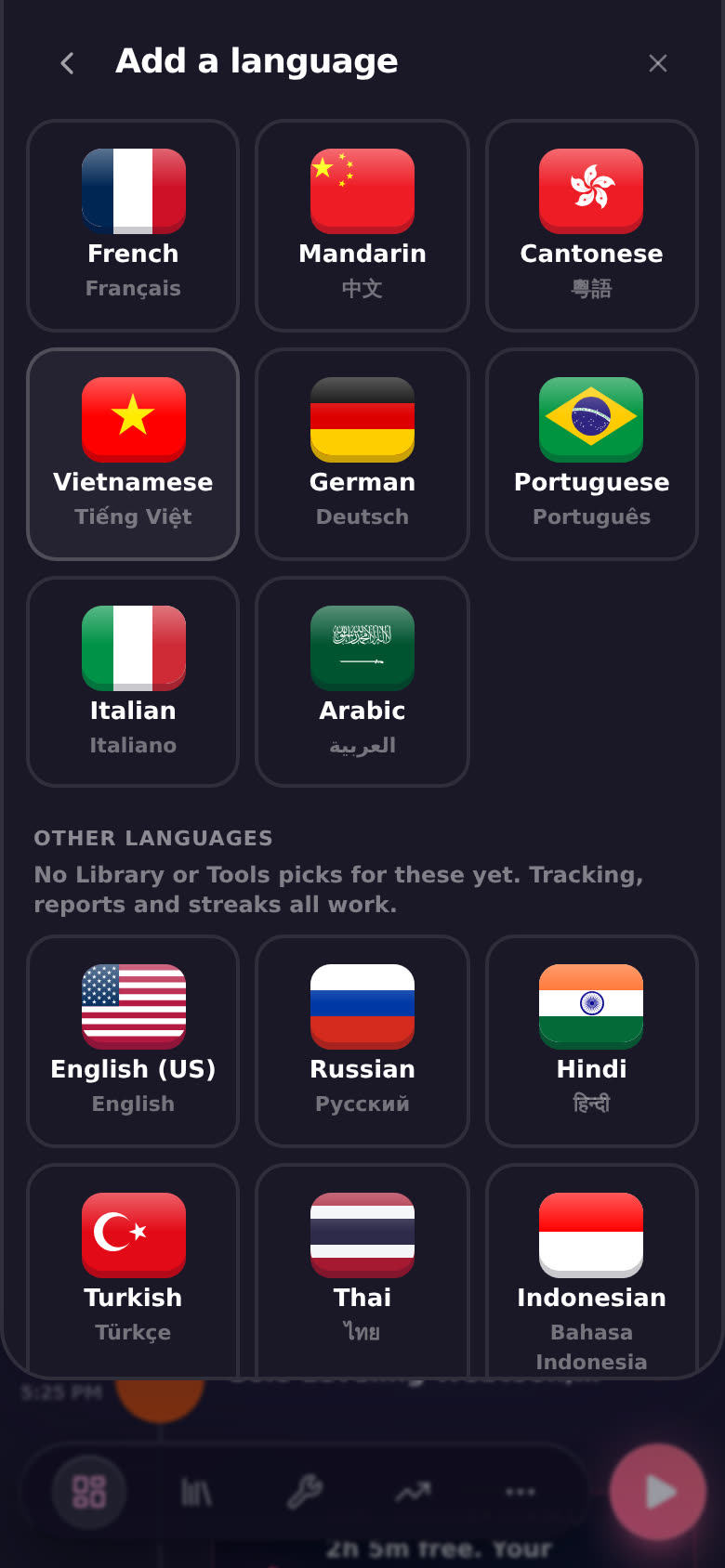
Pick a language. The main ones are at the top. Scroll down for Other languages, or type your own at the bottom. See Can I track a language that isn't in the main list?.
-
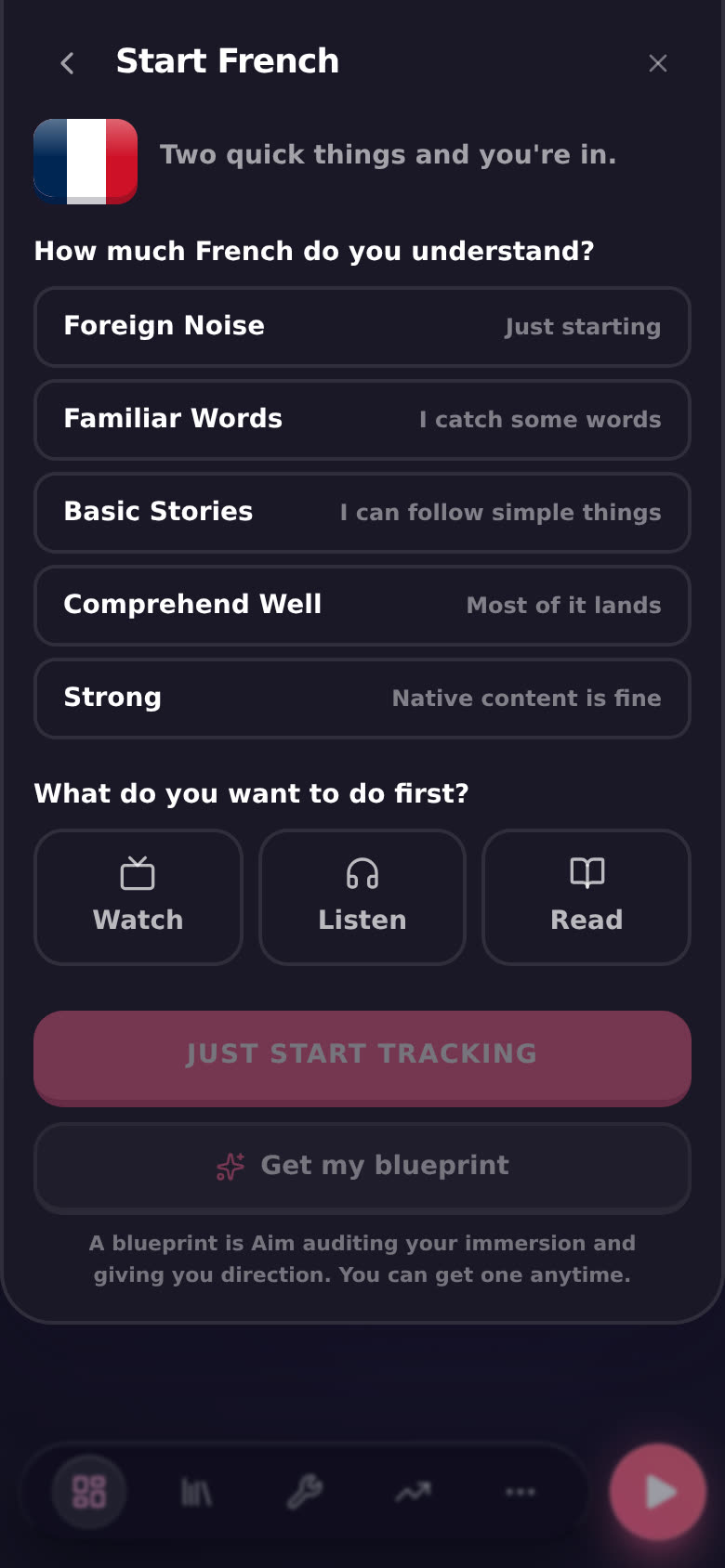
Answer two quick things: how much of it you understand (from Foreign Noise to Strong), and what you want to do first (Watch, Listen or Read).
-
Pick how you want to start:
- JUST START TRACKING switches you to the new language right away. Log time, run sessions, build a streak.
- Get my blueprint takes you to the assessment with the language already picked, so Aim can audit your immersion and give you direction. You can do this later too.
That's it. The new language now sits in My languages next to your first one. To hop between them, see How do I switch between languages?.
What happens on the free plan?
-
Your first language is free, with its blueprint.
-
Once you have it, the Add tile shows a small lock and Pro. Tapping it (or any new language) opens the Pro pop-up.
-
Building a second blueprint from the assessment on a free account stops with "You've used your free blueprint." and points you to Pro.
What if my Pro ends?
Nothing gets deleted. Every language keeps its logs and its blueprint. You stay on the language you were using, and switching to another one asks for Pro again. Come back to Pro and they're all there.
Good to know
- Each language is separate. Its own blueprint, its own timeline, its own hours and streak. Growth shows the language you're on.
- Your "what first" pick sets the play button. Watch starts sessions as Active Subtitles, Listen as Active Listening, Read as Reading. Change it anytime in Settings, then Immersion, then Play button.
- One session, another language. You don't have to switch to log one session in your other language. Tap the flag in the full-screen session. See How do I start a session?.
- Same on phone and desktop. On desktop you can also open My languages from Focus in the sidebar.