How do I set my daily goal and my day's hours?

Open Settings and tap the Immersion tab. Daily goal is at the top. Under it, Your day sets when your day starts and ends: your Wake up and Wind down. Changes save by themselves.
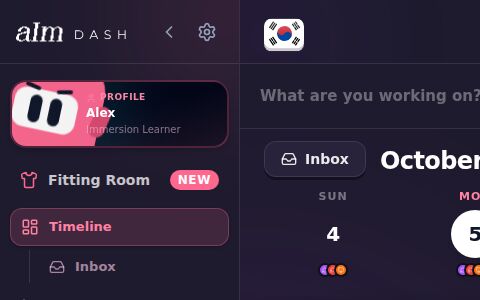
New to Settings? See How do I open Settings?.
How do I change my daily goal?
- In Settings, tap Immersion.
- Under Daily goal, tap one of the quick picks: 30m, 1h, 1.5h, 2h or 3h.
- Or use − and + to move it 15 minutes at a time. You can also tap the number and type one, anywhere from 15 minutes to 12 hours.
The big number shows your goal, like "1h 30m of immersion a day".
What does it change? The line under your week strip turns pink when you hit it. And unless you've set your own weekly goal, your weekly goal is seven times this. See How do the week strip and weekly goal work?.
How do I change when my day starts and ends?
-
Under Your day, tap the time next to Wake up. Pick a time.
-
Do the same for Wind down.
-
Your Wake up and Wind down repeat every day on your timeline, so I ask Apply this change to…:
- Today and every day after (the pink one)
- Just today
- Every day, past days too
Pick one, or tap Cancel to leave it as it was.
The line under the times shows your time zone. I plan your sessions between these two times, and your timeline shows them as Wake up and Wind down.
You can also change them right on your timeline: tap the Wake up or Wind down row. See How does my timeline work?.
What else is on the Immersion tab?
- Play button and Session length. What a tap on play starts, and your default session goal. See How do I change what the play button does?.
- Invite friends. Your own link to copy or share. It opens the free blueprint, so a friend can get theirs, and friends who use it are counted as yours. It's the same link as the share card on your blueprint.
- Recently deleted. Bring back library items and tools you removed in the last 30 days. See How do I bring back something I deleted?.
Good to know
- Wind down at midnight? Pick 11:59 PM. If you pick 12:00 AM, I set it to 11:59 PM so your day doesn't end before it starts.
- Your goal and your day are on your account. Change them on your phone and your laptop has them too.