Can I listen to Spotify or Apple Podcasts inside Aim?

Yes. Paste a Spotify or Apple Podcasts link into your session and the official player shows up right there. I keep the time while it plays. There are a few limits, and I'd rather tell you them up front.
Steps
-
Start a session. Tap the pink play button.
-
Tap the session's name and paste the link. For example:
- a Spotify episode:
https://open.spotify.com/episode/… - an Apple Podcasts episode:
https://podcasts.apple.com/us/podcast/…/id…?i=…
Details in How do I add a video, podcast or article to my session?.
- a Spotify episode:
-
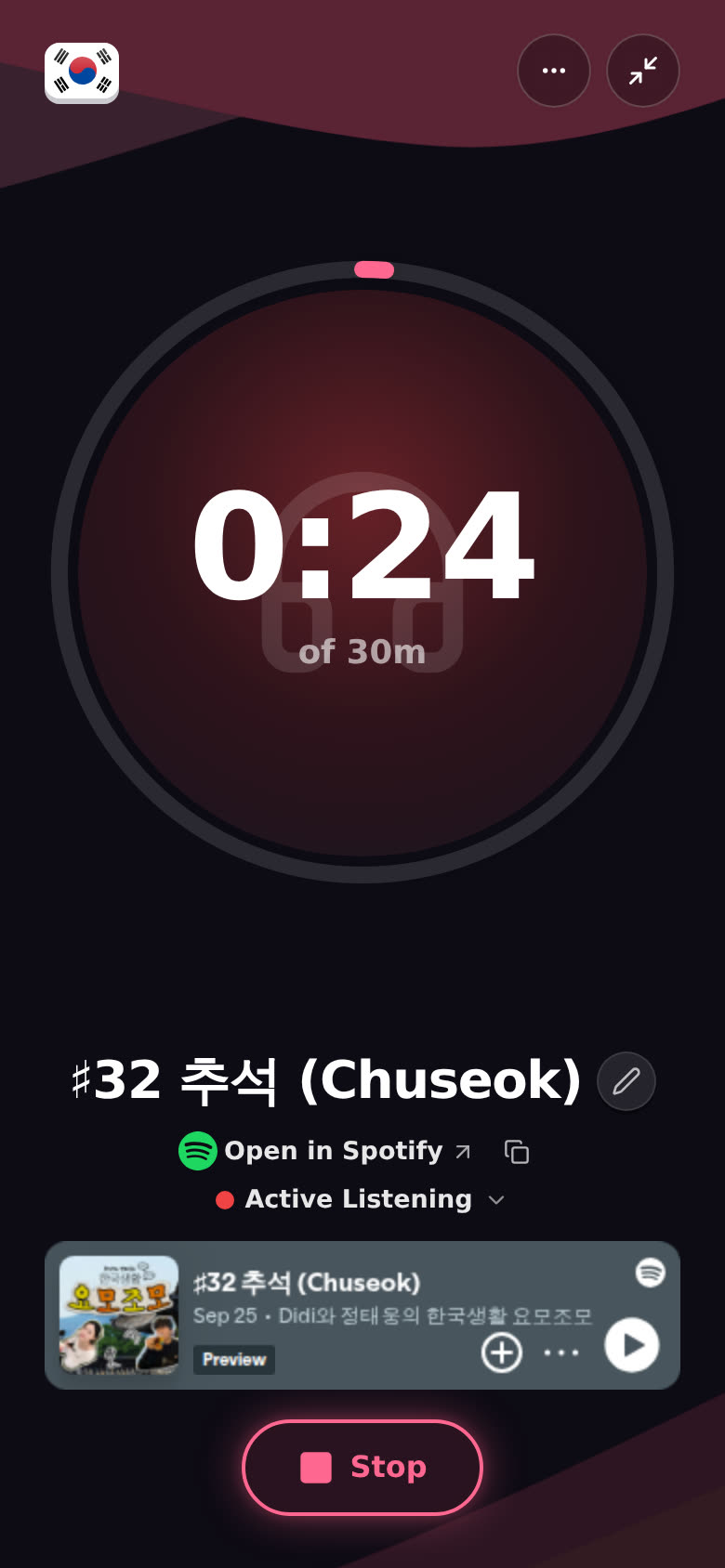
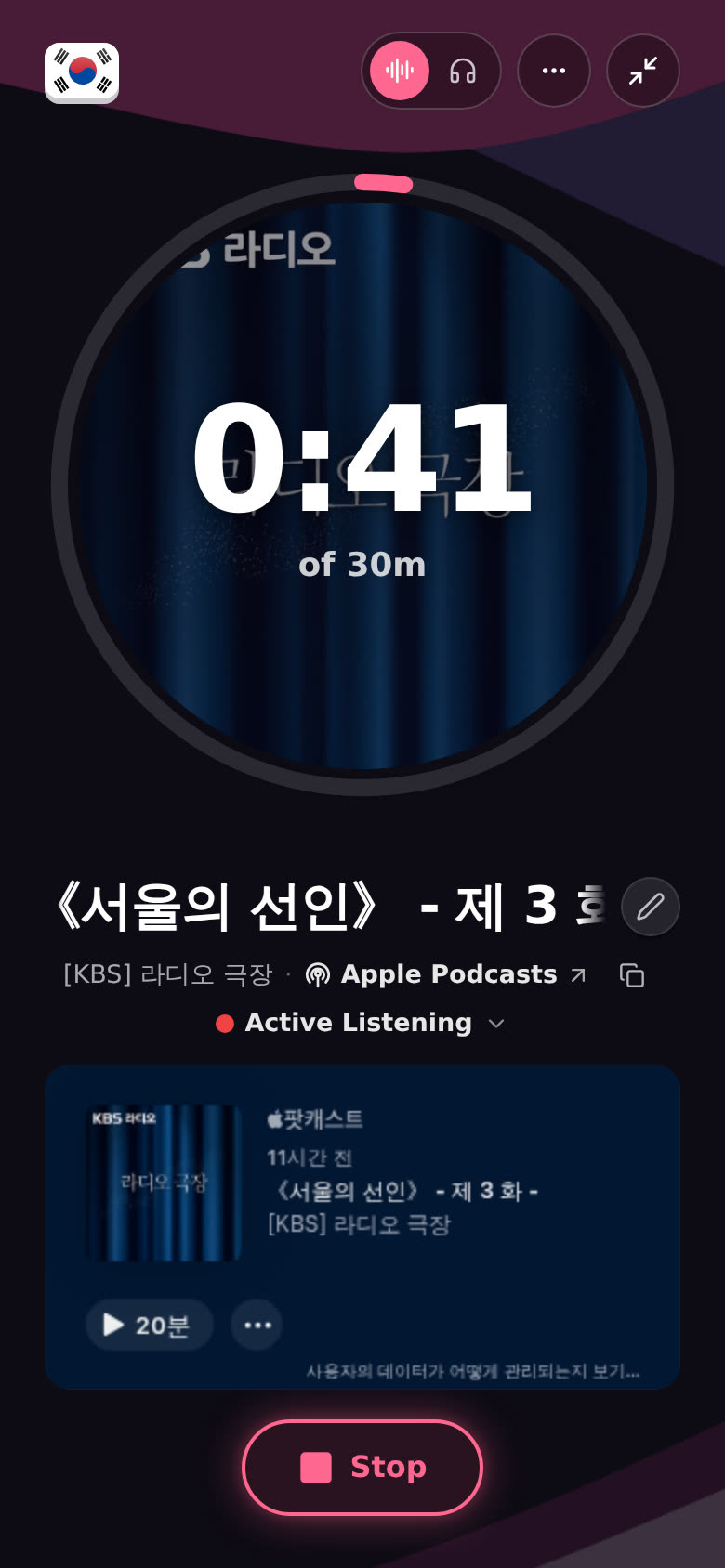
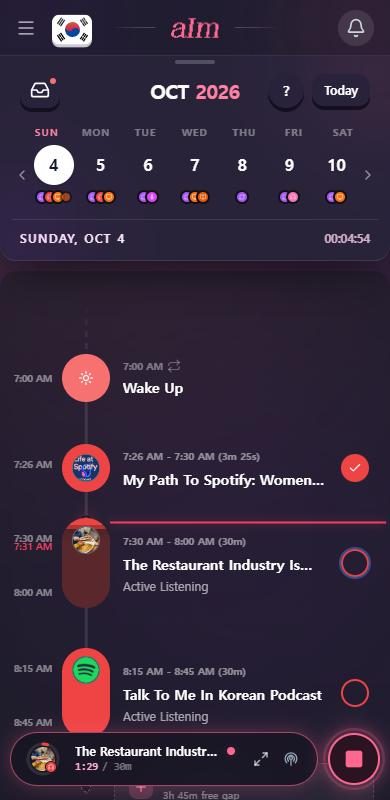
Give me a second. The session gets the episode's title, the show, the cover art, and the activity Active Listening.
-
The official player appears under the title. Press play in it.
Spotify:
Apple Podcasts:
-
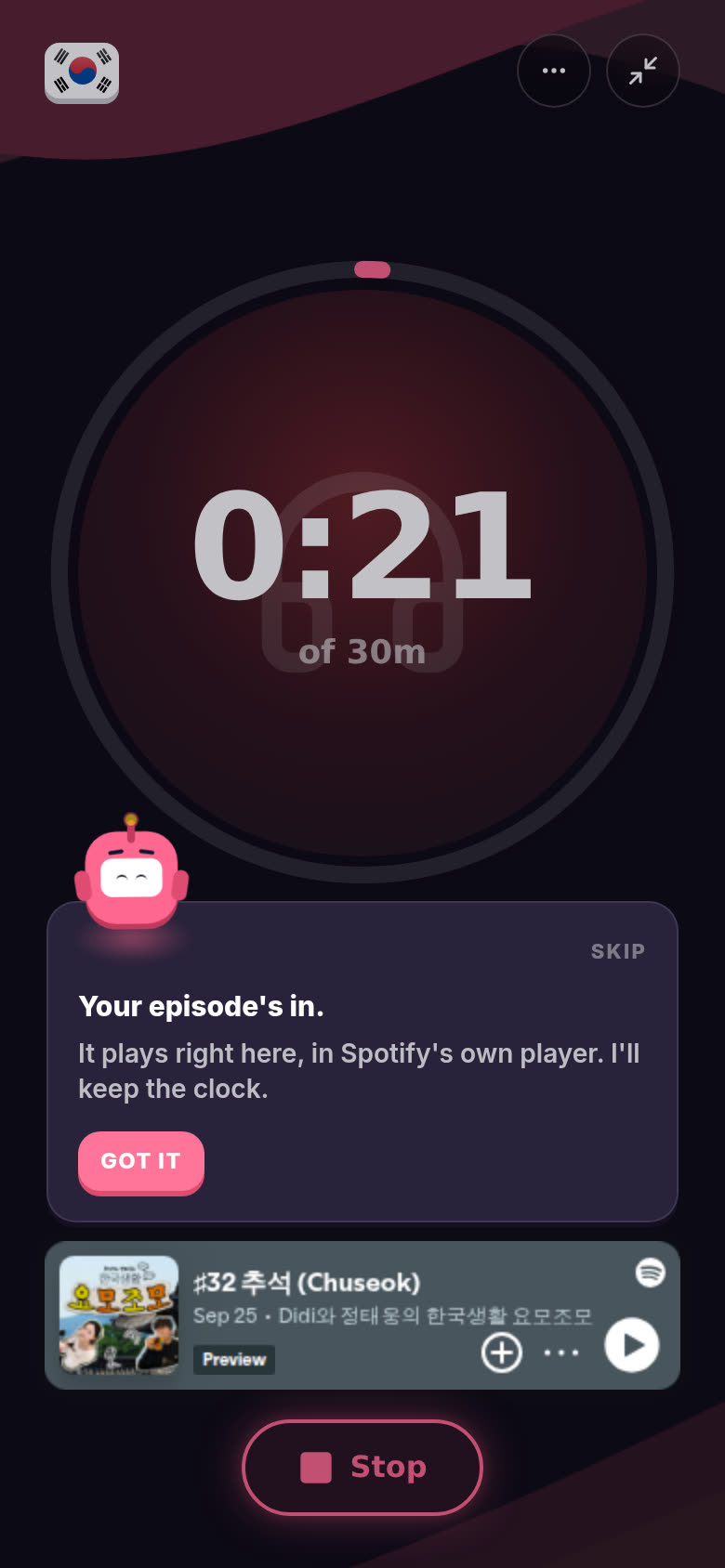
The first time an episode comes in, I pop up and say "Your episode's in."
-
Tap Stop when you're done, same as any session.
Why isn't the Spotify cover in the ring?
Spotify asks apps to show its cover art whole, never cropped, with nothing on top. A round ring with a clock on it breaks both rules. So with a Spotify link, the ring keeps your activity's color, the waves around it pick up the cover's colors, and the cover itself shows whole in Spotify's player just below. Apple Podcasts covers do fill the ring.
In the Now playing layout (More, then Layout), the Spotify cover is the big square, uncropped. Tap it to open the episode in Spotify.
What are the limits?
The players are Spotify's and Apple's own. I only host them, so they behave the way each service decides.
- Spotify plays 30-second previews unless you're logged in to Spotify in that browser. Songs, albums and playlists are the usual ones. Some episodes can be too. If I notice previews, a line under the player says "30-second previews here. Log in to Spotify in this browser for the full thing." Log in to Spotify in the same browser (open.spotify.com) and it plays the whole thing.
- Spotify's player always shows. That's Spotify's rule too, so there's no listen only for Spotify.
- Apple's player has no in-app controls from me. It's a plain player. Use its own play button. I can't play or pause it for you.
- Neither has a mute button in Aim. Use your device volume or the player's own controls.
Can I put the screen off and just listen?
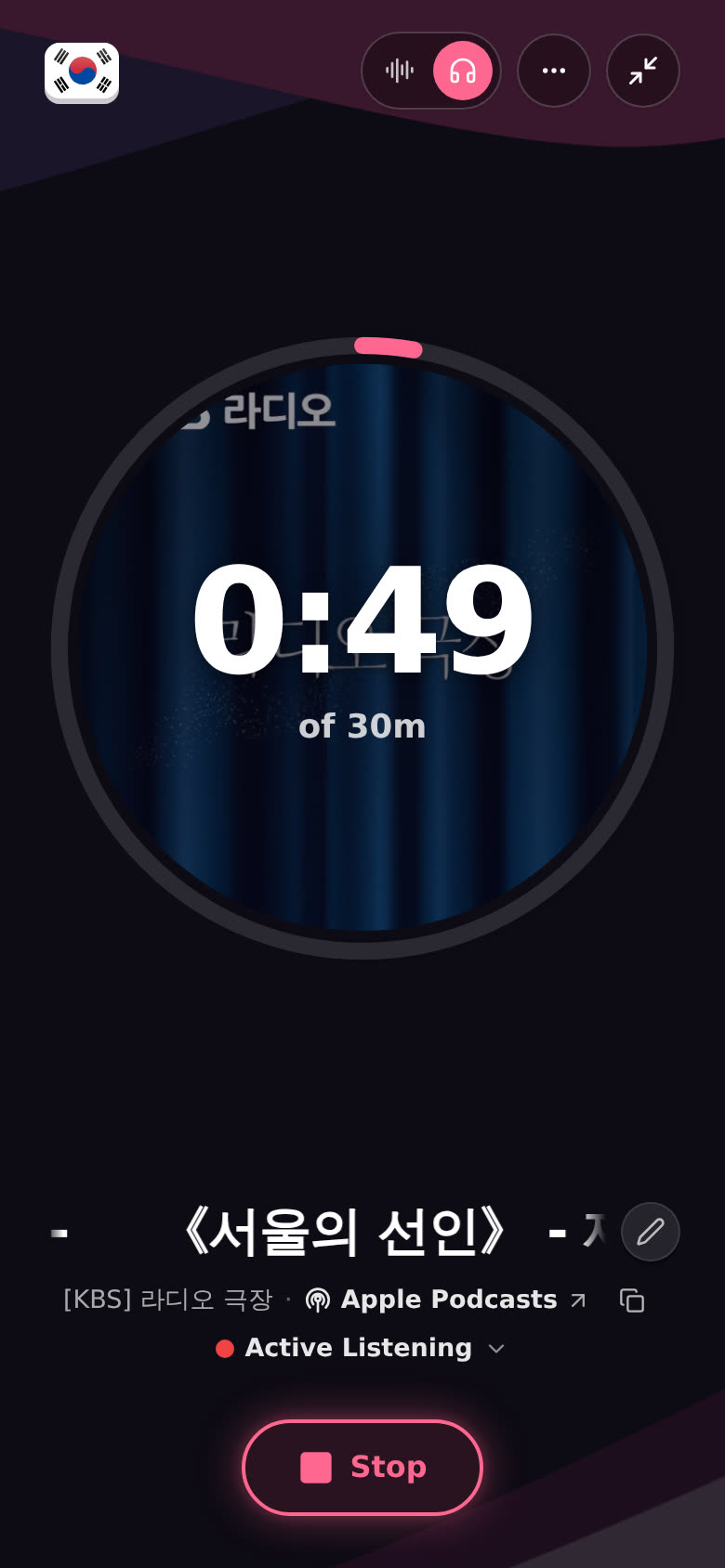
With Apple Podcasts, yes. In the row at the top, tap the headphones (Listen only). The player tucks away and the sound keeps going. The cover stays in the ring and the line under the title shows the show. Tap the sound-wave icon (Show the player) next to the headphones to bring the player back.
Spotify's player can't be tucked away. That's Spotify's rule.
How do I open it in the Spotify or Apple Podcasts app instead?
Tap Open in Spotify (with the Spotify logo) or Apple Podcasts ↗ on the line under the title. It's also at the top of the More menu. It opens your original link in a new tab. For Spotify I pause the player in Aim first, so it doesn't play twice. For Apple Podcasts I can't pause it, so press pause in its player before you switch. The same open button is in the phone's session bar when the session is shrunk down.
Why does it say "won't play in Aim for this one"?
Some episodes can't be embedded. The show may have turned it off, or it may be blocked in your country. If the player doesn't come up within about 12 seconds, I say "won't play in Aim for this one" and point you to the line above, where the open link is. The timer runs the whole time, so you don't lose a minute. Open the episode there and listen as usual.
Why do I only get 30 seconds of the song?
You're not logged in to Spotify in this browser. See the first limit above. It's Spotify's rule, not mine.
Good to know
- Episodes, shows, songs, albums and playlists all work as links. Songs, albums and playlists are the ones most likely to be previews.
- Apple Podcasts links with
?i=open that exact episode. Without it you get the show. - Only Spotify and Apple Podcasts play in Aim for audio. Other podcast apps and sites get the title, picture and activity, plus the open link under the title.
- No Watch view for audio. That's for YouTube videos.
- Not on this device. In the More menu (three dots), Not on this device turns the player off for this session and keeps just the timer.
- Phone and desktop work the same.