Why did my task's name change back to the old activity?

That was a bug, and it's fixed. A task's activity (like Active Listening) and its title (your own words) are separate things now. Changing the activity only changes the activity.
What the bug looked like
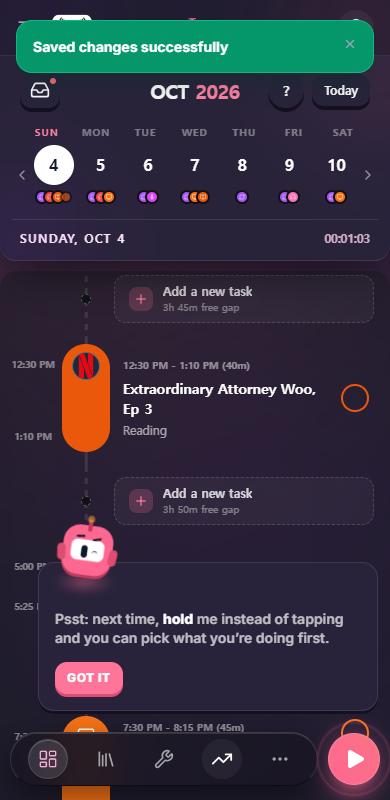
You'd change a task's activity, say from Active Subtitles to Reading. The block would flash the new color, then snap back to the old activity and color. The session bar kept the old name too.
The cause: when you opened a task, the title box was pre-filled with the activity's name. Saving wrote "Active Listening" in as your title. The next time you saved, Aim saw an activity name in the title and used it to override the activity you had just picked.
How it works now
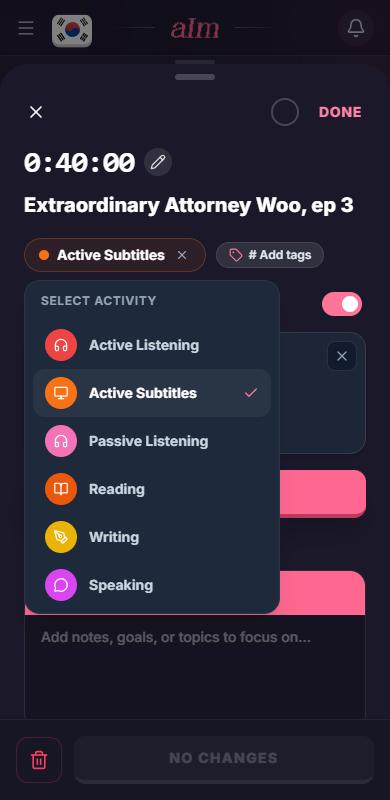
- Activity is how you're immersing: Active Listening, Active Subtitles, Passive Listening, Reading, Writing, Speaking. It sets the color and the icon.
- Title is anything you type: the show, the book, the podcast episode.
- The title box only ever holds what you typed. An activity's name never counts as a title, and neither does "No activity".
- With no title, the timeline and the session bar show the current activity in its place. If you change the activity later, the name changes with it.
- If an older task has a stored title that is only an activity's name, Aim clears it the next time you save that task.
- If you type an activity's name into the title box (like "Reading"), Aim takes that as you picking the activity. It only does that when you typed it, never for a title you didn't touch.
How do I change a task's activity?
-
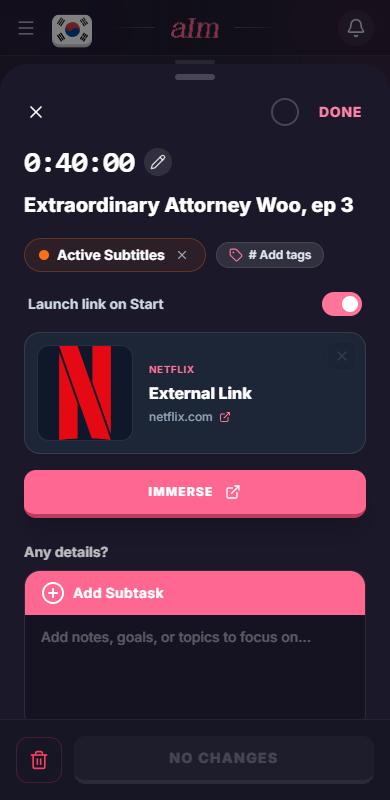
Tap the task on your timeline to open it.
-
Tap the colored activity chip under the title.
-
Pick one, like Reading.
-
Tap Save changes. The block on your timeline changes color and shows the new activity under the same title.
What is "No activity"?
It's what you get when you start a session with Just start, decide later. The timer runs, and you pick an activity when you know it. "No activity" is a mode, never a title, so it won't show up as a name on your timeline.
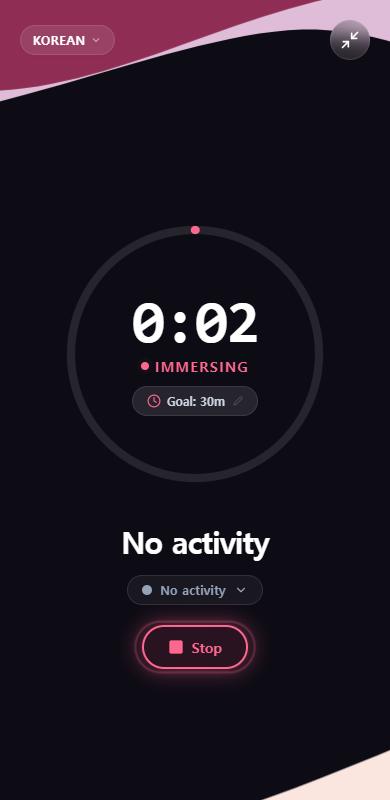
To pick the activity while it's running, tap the chip under the title.
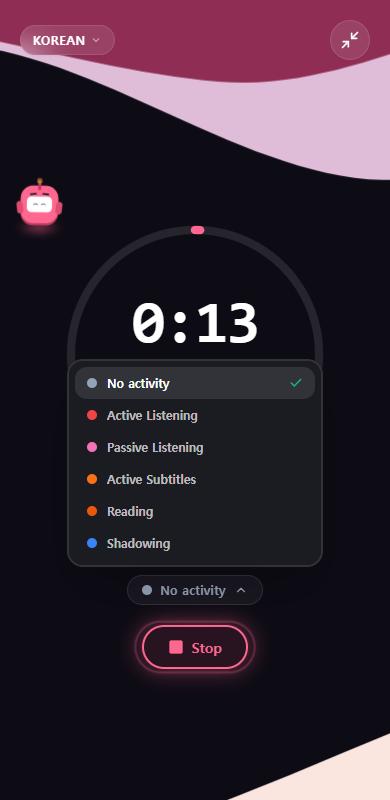
Until you add a title, the session shows the activity in its place.
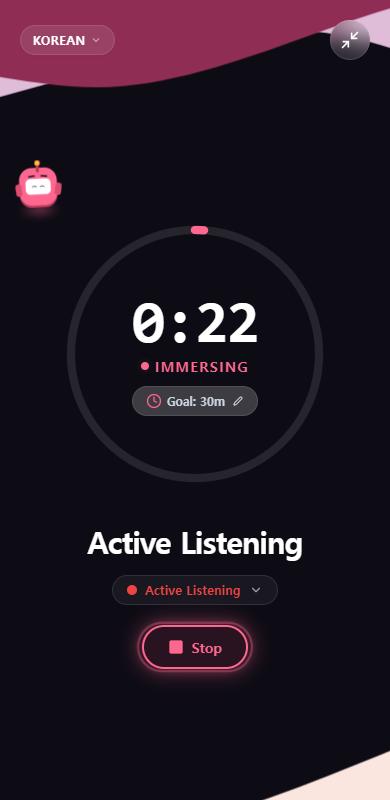
Good to know
- Fixed on Oct 4, 2026. If you still see an activity name stuck as a title on an old task, open it and save once. Aim clears it.
- Tapping the title on a "No activity" session opens an empty box. It used to be pre-filled with the words "No activity".
- The activity list is slightly different in a running session (it has Shadowing) than in task details (it has Writing and Speaking).